EN 13
• If RoboVac gets stuck in any space, tap Find My Robot in the
app to find the device.
Restore Factory Settings
Press and hold on RoboVac for 10 seconds to restore factory settings if
necessary.
You will hear a voice prompt when the settings have been reset and the
Wi-Fi status light will slowly flash blue.
Start / Pause Cleaning
• Make sure the main power switch at the side of RoboVac is
turned on before use.
• You can also start or pause cleaning via the eufy Clean app.
1
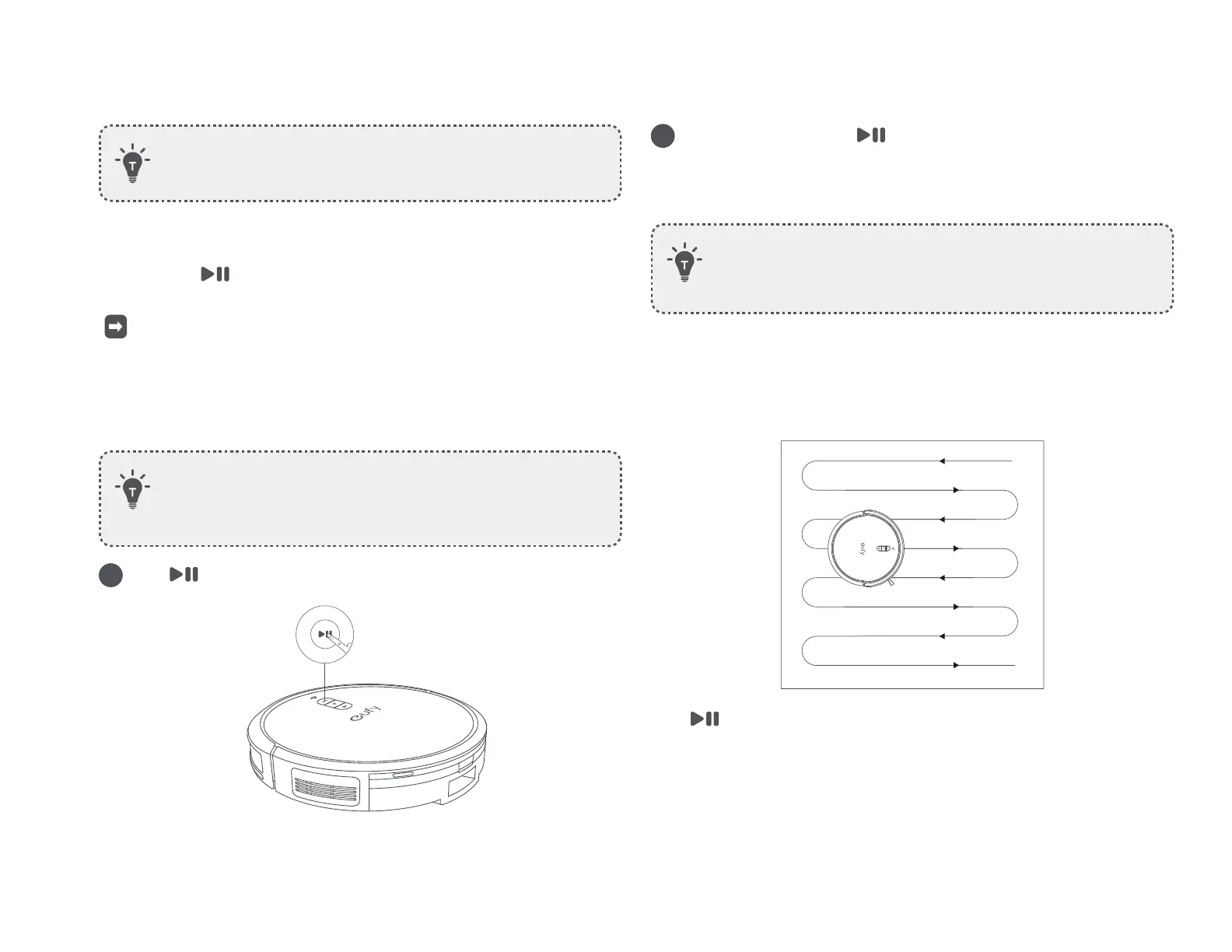
Press on RoboVac to start cleaning in Auto-Cleaning mode.
2
To pause cleaning, press again.
Select a Cleaning Mode
• You can also select the cleaning mode via the eufy Clean app.
• By default, RoboVac starts in Auto-Cleaning mode when it is
turned on.
Auto-Cleaning Mode
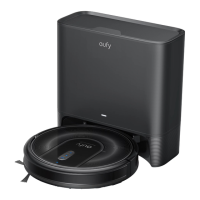
After startup, RoboVac moves from the Self-Empty Station and automatically
determines its cleaning route, following a Z-shaped cleaning path. When the
cleaning is finished, RoboVac automatically returns to the Self-Empty Station.
Press to start cleaning in Auto-Cleaning mode.










 To Next Page