12 EN
• Turn off the main power switch if RoboVac will not be used
for a long period of time. To preserve the battery's lifespan,
recharge at least once every 6 months.
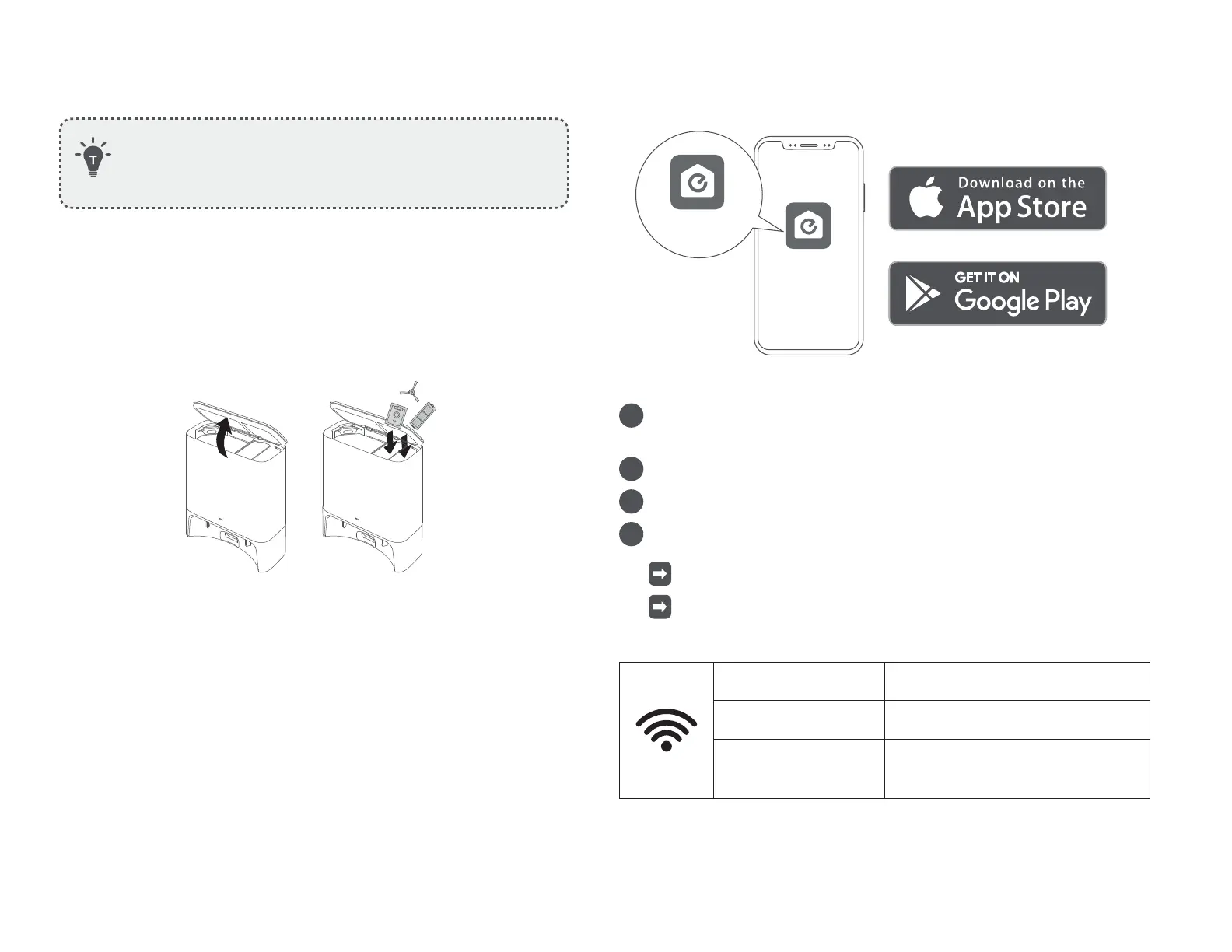
Store Accessories
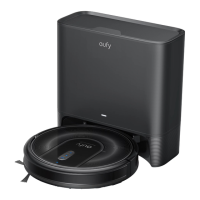
Store your frequently-used accessories in the storage compartment
of the Self-Empty Station, such as the filter, side brush, dust bag, and
cleaning tools. To prevent any damage or unpleasant smells, things that
are damp should not be stored inside the Self-Empty Station.
Use Your RoboVac with the eufy Clean App
To enjoy all the available features, it is recommended to control your
RoboVac via the eufy Clean app.
Before you start, make sure that:
• Your smartphone or tablet is running iOS 10.0 (or above) or Android 5.0
(or above).
• The 2.4GHz band wireless signal is enabled on your wireless router.
• RoboVac is attached to the Self-Empty Station to ensure it has enough
power during setup.
eufy Clean
eufy Clean
1
Download the eufy Clean app from the App Store (iOS devices) or
Google Play (Android devices).
2
Open the app and create a user account.
3
Tap the “+” icon to add RoboVac to your eufy Clean account.
4
Follow the instructions in the app to set up the Wi-Fi connection.
After connecting successfully, you can control RoboVac via the app.
With the app, you can select a cleaning mode, set the time, schedule
a cleaning, adjust suction power, view system status, receive
notifications, and access additional features.
Slowly flashing blue Waiting for connection
Rapidly flashing blue
Connecting with your wireless router
Steady blue
Connected with your wireless router










 To Next Page