67
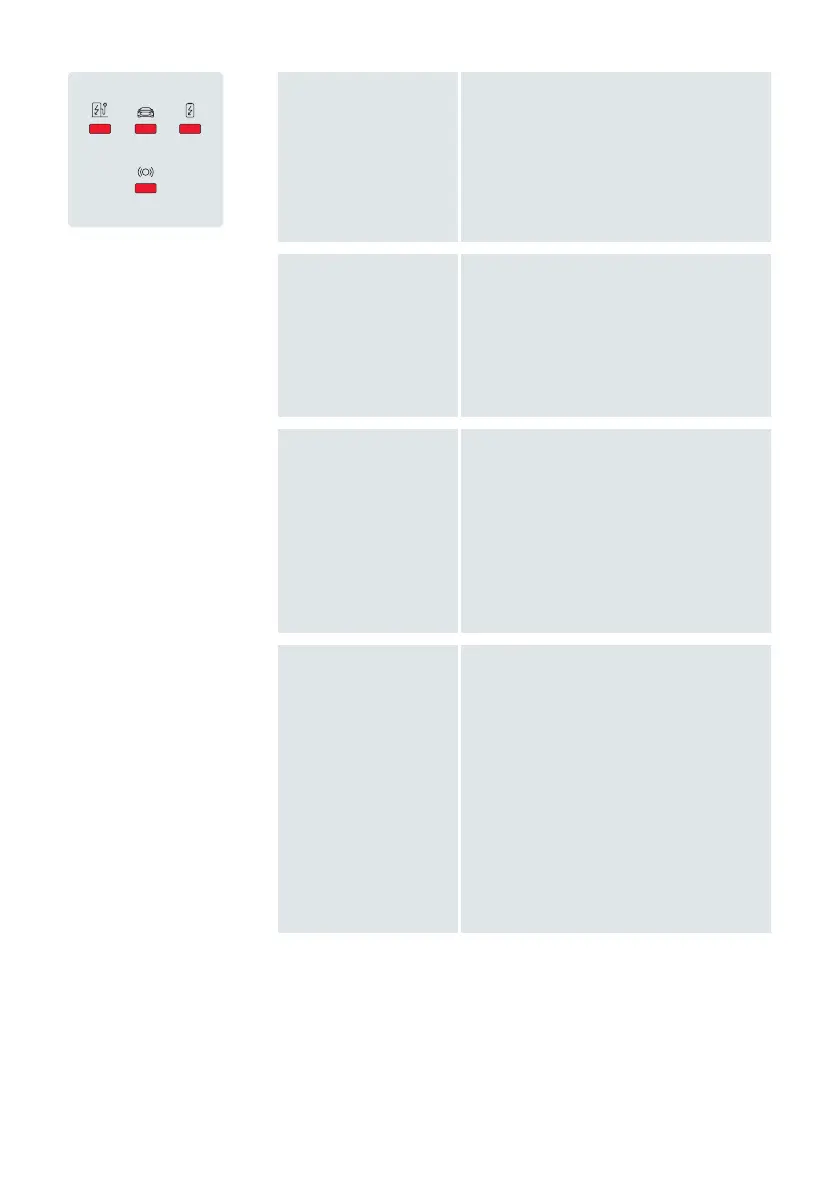
Wallbox is remotely
set to inoperable*
Charging not possible
›
If the error remains, contact the Audi
customer support via audi-support@
elli.eco in order to have your settings
checked.
Software update
Charging not possible
› Once the update is downloaded and
installed all other functions resume.
Communication board
cannot be found*
Charging not possible
› Have the wallbox switched off at the
power supply cabinet. Have the wall-
box switched on again for a reboot.
› Have the wallbox checked for a proper
connection between the power board
and the communication board.
Wallbox is inoperable
due to unexpected/
internal error
Charging not possible
› If the vehicle is connected to the
wallbox, disconnect it. Wait until the
wallbox is idle before reconnecting
the vehicle.
› If the vehicle is not connected to the
wallbox, have the wallbox switched
off at the power supply cabinet. Have
the wallbox switched on again for a
reboot.
›
If the error remains, contact the Audi
customer support via audi-support@
elli.eco


 To Next Page