EDN228
16
6. Playback
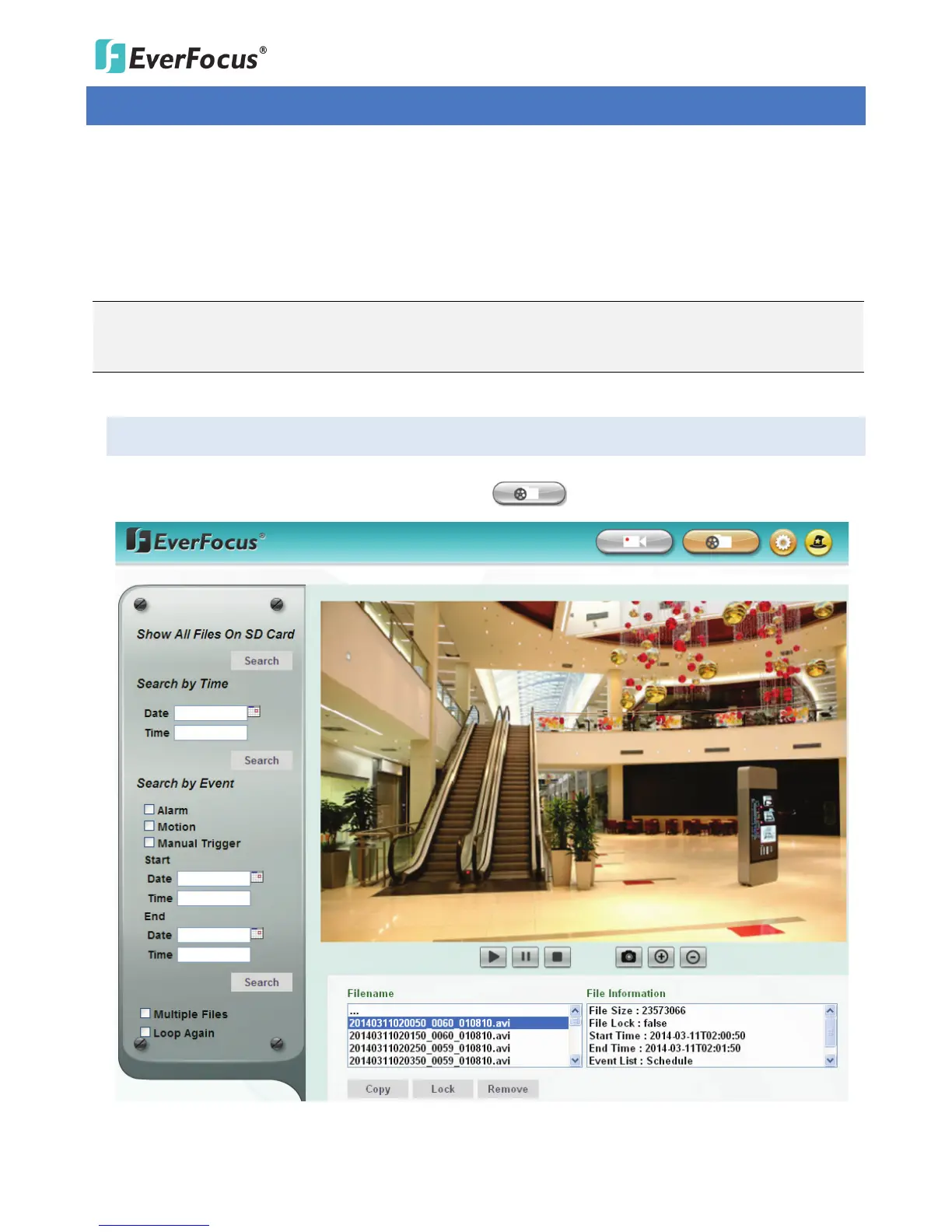
You can remotely play back the recordings stored in the on-camera micro SD card on the Web interface, or
play back the recordings stored in the computer using the ARV Viewer included in the software CD.
Playback is designed as a quick way to check recent recordings that were triggered by Events that were
configured to “Record to micro SD Card” in the Event Management (see 7.3.2 Event).
Note: The Playback page is only accessible once the on-camera micro SD card is inserted and active.
Please refer to Appendix A for the tested card brands.
6.1 Remote Playback Using Playback Page
On the Live View Window, click the Playback button to open the Playback page.



 To Next Page