EDN228
20
6.2.2 Testing the Playback Function
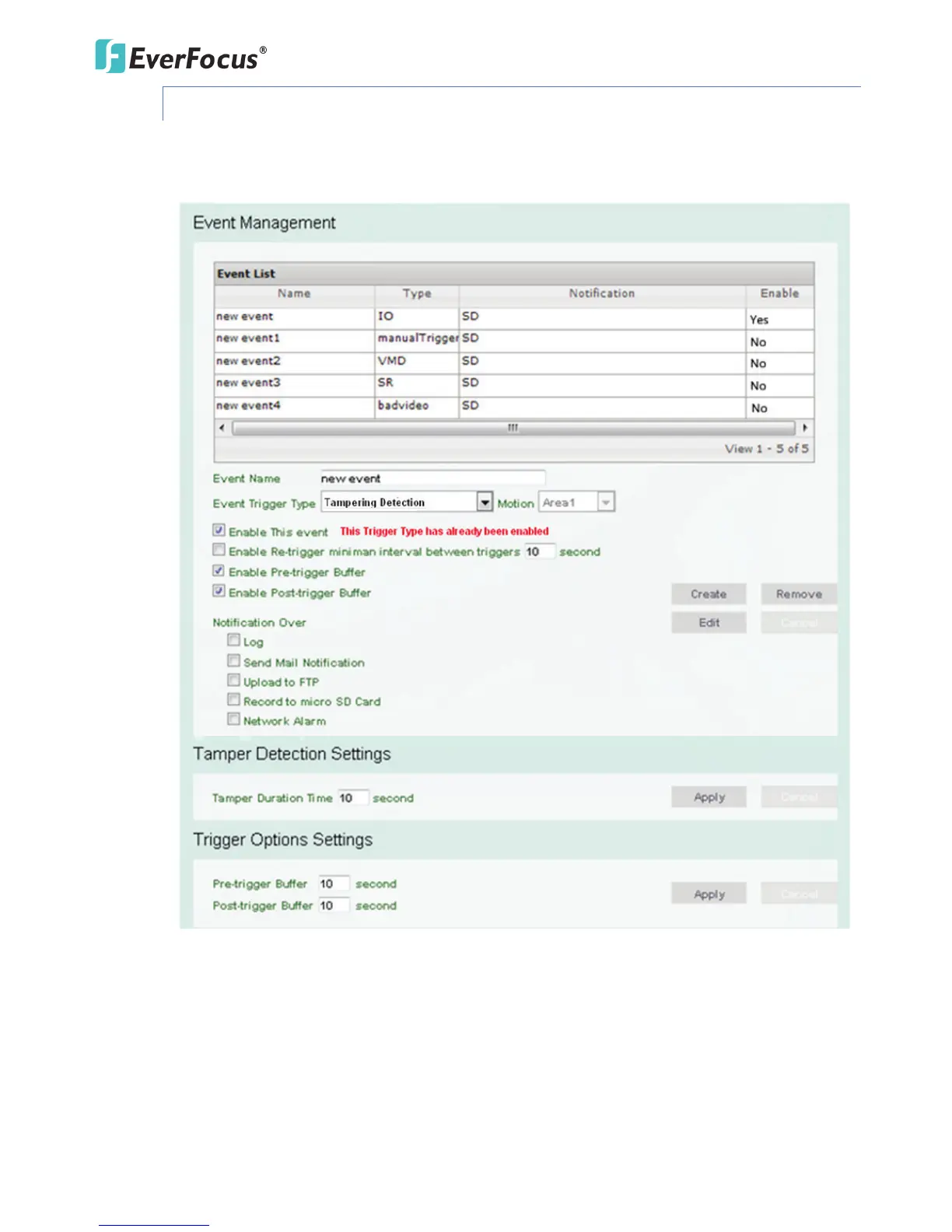
1. To test the Playback function (this is not required), set up a “Manual Trigger” Recording
Event by clicking Event Settings > Event.
2. Give the event a name, like “1”.
3. In the “Event Triggered Type” field, click on Manual Trigger.
4. Below this, check “Enable This Event”, “Enable Post-trigger Buffer”, and “Record to micro SD
Card”. For Alarm Input, Manual Trigger, and Tampering Detection trigger types, multiple
events can be created on the Event List but only one event can be enabled. For example, if
you create three Alarm Input trigger events, only one event under this trigger type can be
enabled. The option of Enable This Event for the rest of two Alarm Input events will be
grayed out and display ‘’This Trigger Type has already been enabled.’’ To enable another



 To Next Page