EDN228
49
7.2.3 Camera
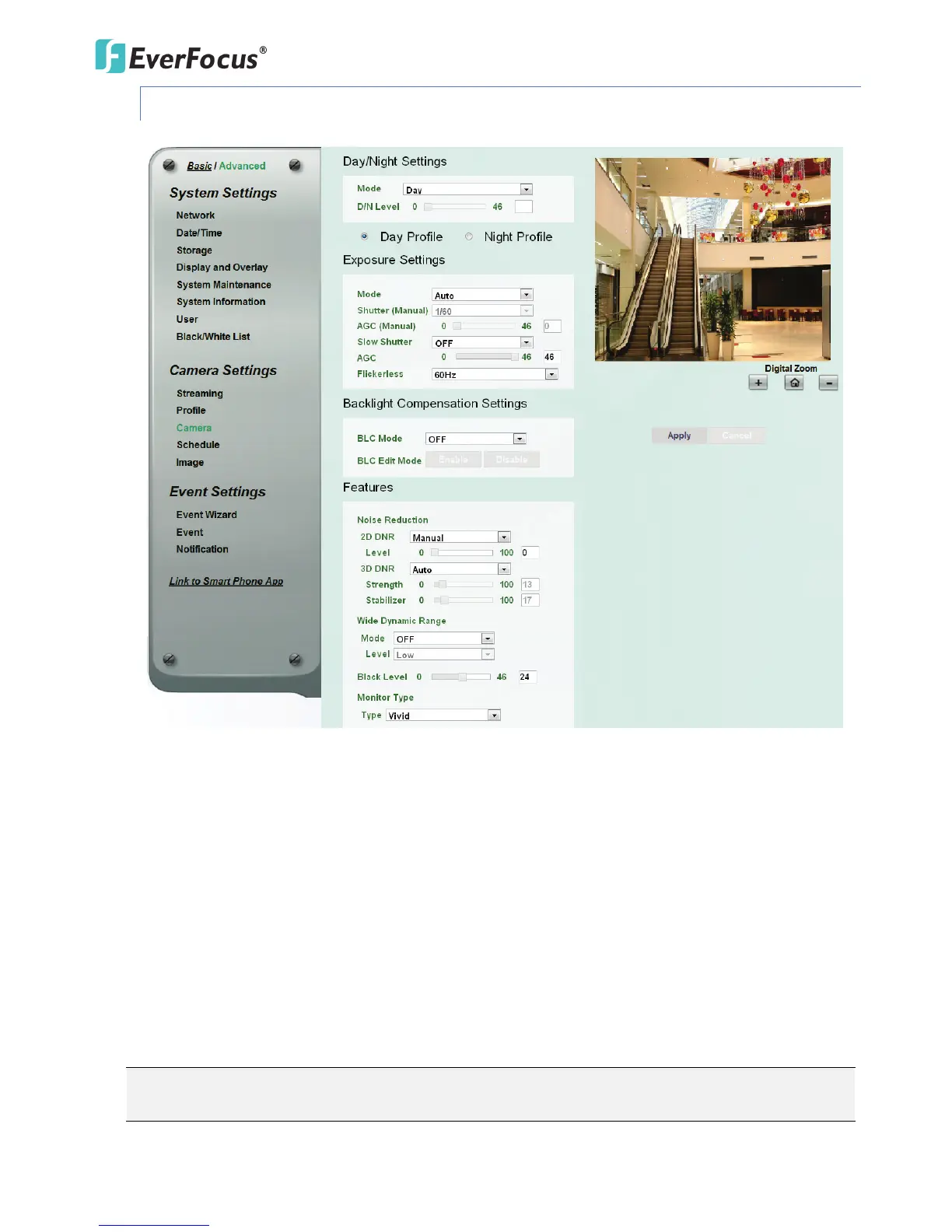
【Day/Night Settings】
Mode: Select a mode from the drop-down list.
• Auto: Select to let the camera automatically switch to Night mode when the light levels fall
to a specified level, and back to Day mode when the light levels rise to a specified level.
• Day: Select to keep the camera in Day mode, even in nighttime.
• Night: Select to keep the camera in Night mode, even in daytime.
• Schedule: Select to let the camera to switch to Day mode or Night mode based on the day
and night schedule settings (see 7.2.4 Schedule).
Day Profile/ Night Profile: Select Day Profile to configure the following settings for daytime and select
Night Profile to configure the following settings for nighttime. Click the Apply button to save the
settings.
Note: Some settings in the Exposure Settings / Features may be grayed-out. To configure all the
settings, select User Define from the Day Mode / Night Mode drop-down list (see 6.2.2 Profile).



 To Next Page