EDN228
34
【Secure Digital Card】
Notification: Select the percentage of storage space that should be left on the card before the
camera notifies you of the impending storage shortage or overwrite.
Event Recording: Select the location where you want the camera to send the impending
storage shortage text notification to.
• FTP Back Up Only: Select to send the impending storage shortage text notification to the FTP
server entered in the FTP Repository Settings (see 7.3.3 Notification).
• Event Recording: Select to send the impending storage shortage text notification to the
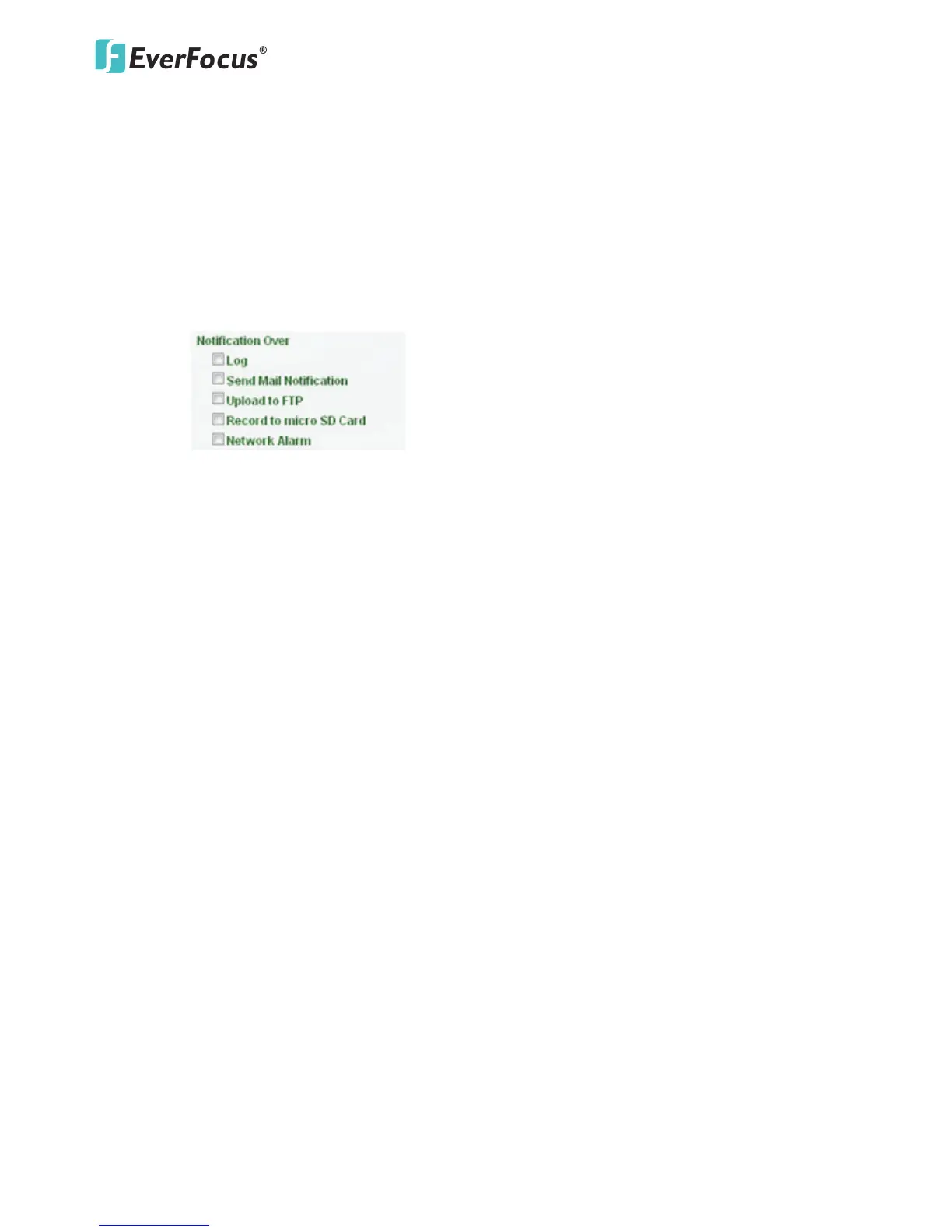
checked locations in the Event Management (see 7.3.2 Event).
• Both: Select to send the impending storage shortage text notification to the FTP or the
selected locations in the Event Management (see 7.3.2 Event).
Enable Overwrite: Check the box for overwriting files when the micro SD card is full.
Micro SD Card Information: If a micro SD card has been inserted to the micro SD card slot of
the camera, the micro SD card information will be displayed in this field.
Remove: Click before removing the card from the system (6.2.1 Inserting / Removing the micro
SD Card).
Format: For the first-time user, click to format the card. All data saved on the micro SD card will
be removed if the card is formatted (6.2.1 Inserting / Removing the micro SD Card).
Refresh: Click the button when the micro SD card is not detected.
Click Apply to apply the changes or Cancel to cancel the changes and return to the previous
settings.
【Recording and Snapshot Settings】Select the desired video stream and recording format. The
video stream can be configured in 7.2.1 Streaming. Click Apply to apply the changes or Cancel to
cancel the changes and return to the previous settings.



 To Next Page