EDN228
36
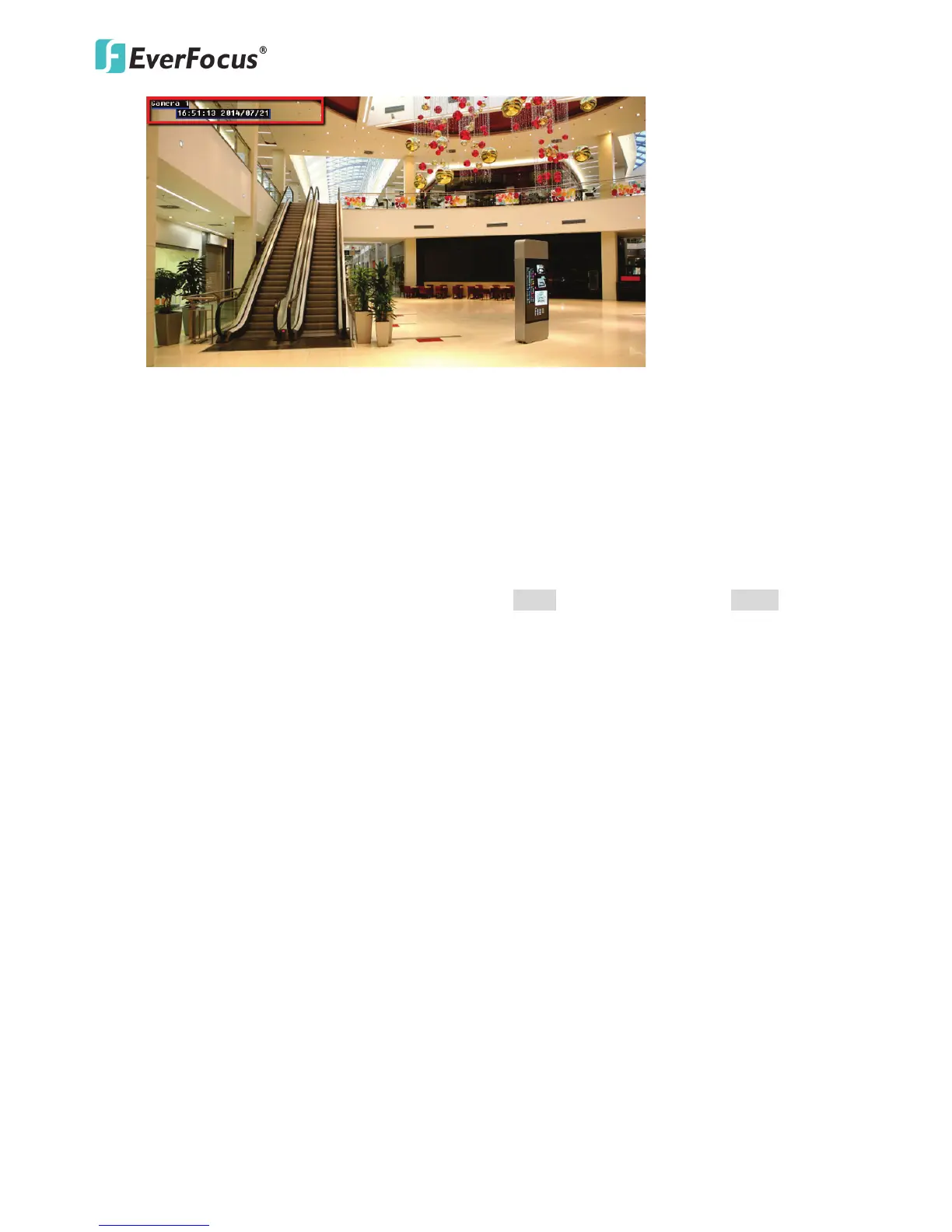
Show video title in video and snapshots: Check the box to enable displaying video title on the
live view video images and snapshots. To change the title, type a name in the Video Title
column.
Enable Video OSD: Check the box to enable displaying date/time information on the live view
video images. Select the desired Date/Time format.
Position: Select a position where you want the video title or date/time information to be
displayed on the live view video images.
【Live View Layout Settings】 Check the box if you want to show One Push button on the Live View
Window. Uncheck this box to hide the buttons. Click Apply to apply the changes or Cancel to cancel
the changes and return to the previous settings.



 To Next Page