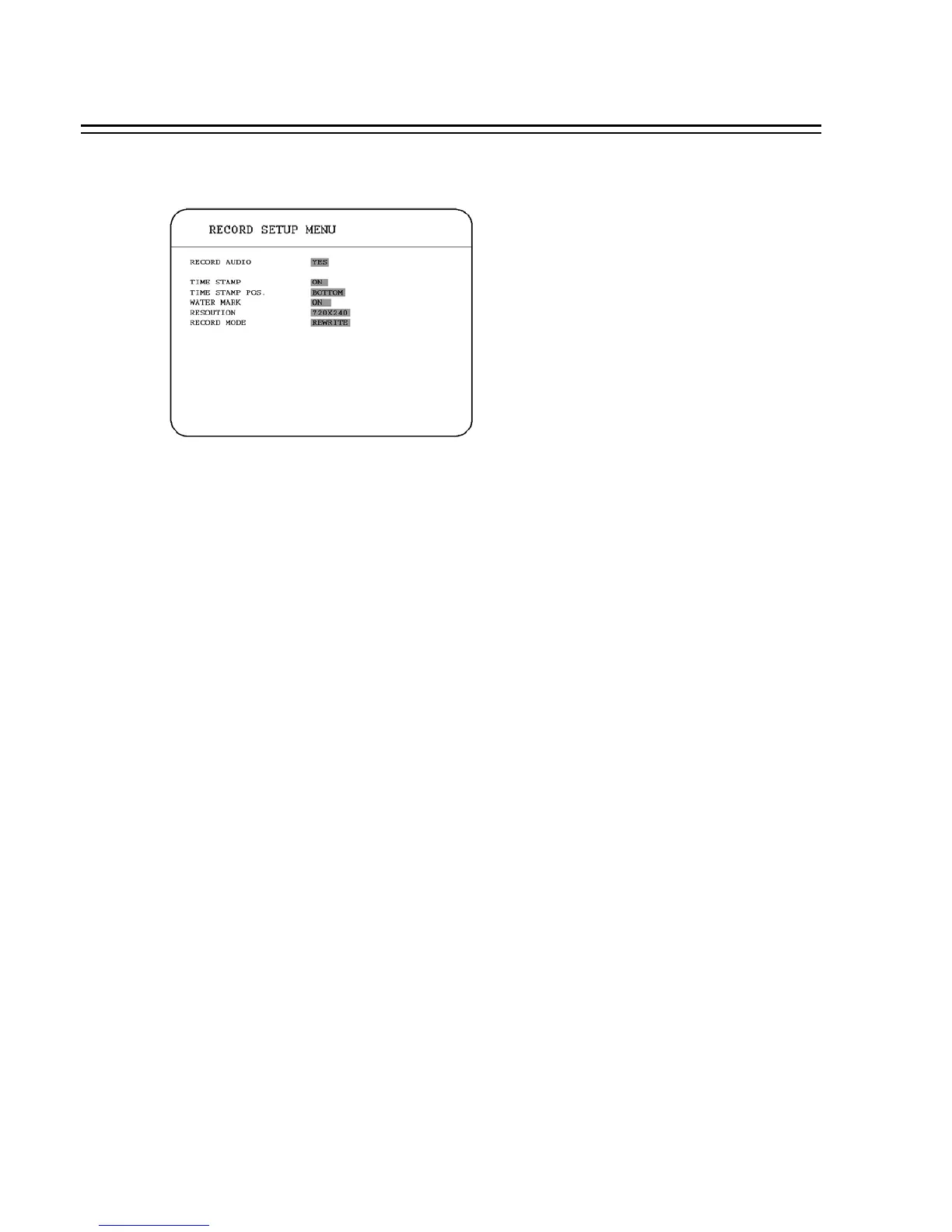
3.3 RECORD SETUP MENU
In the RECORD SETUP MENU, we define :
(1) RECORD AUDIO:
YES: Audio will be recorded when machine is recording.
NO: Audio will not be recorded when machine is recording.
(2) TIME STEMP:
ON: The time stamp will show on the video and picture when recording.
OFF: The time stamp will not show on the video and picture when recording.
(3) TIME STAMP POS. :
BOTTOM: The time stamp will show on the bottom.
TOP: The time stamp will show on the top.
(4) WATER MARK :
ON: Shows a water mark on the picture when copying image to CF card or USB flash memory.
OFF: This erases the water mark on the picture when copying image to CF card or USB flash
memory.
(5) RESOLUTION:
Please select the resolution from 720x480, 720x240 and 360x240. The default value is 720x240.
34














 To Next Page