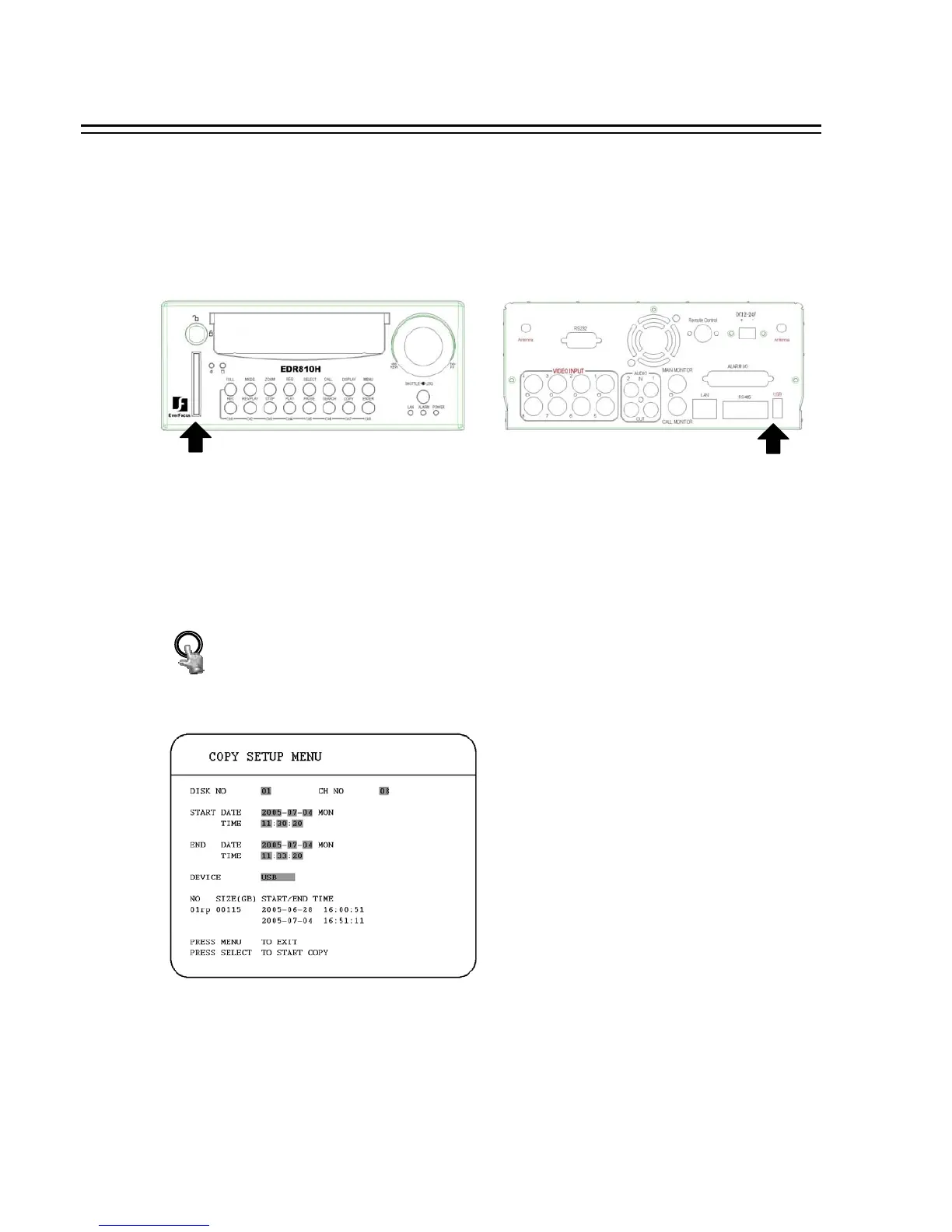
Insert a Compact Flash card into the Compact Flash slot on the front panel, or insert a USB pocket driver
into USB slot on the back panel to copy.
CF CARD SLOT:
USB SLOT:
COPY
Press COPY key and then the copy menu appears.
Digital Video Recorder allows users to select the camera for copying image to movie file. The camera title
will be displaying at the top of the screen.
6. COPY TO A VIDEO FILE
64














 To Next Page