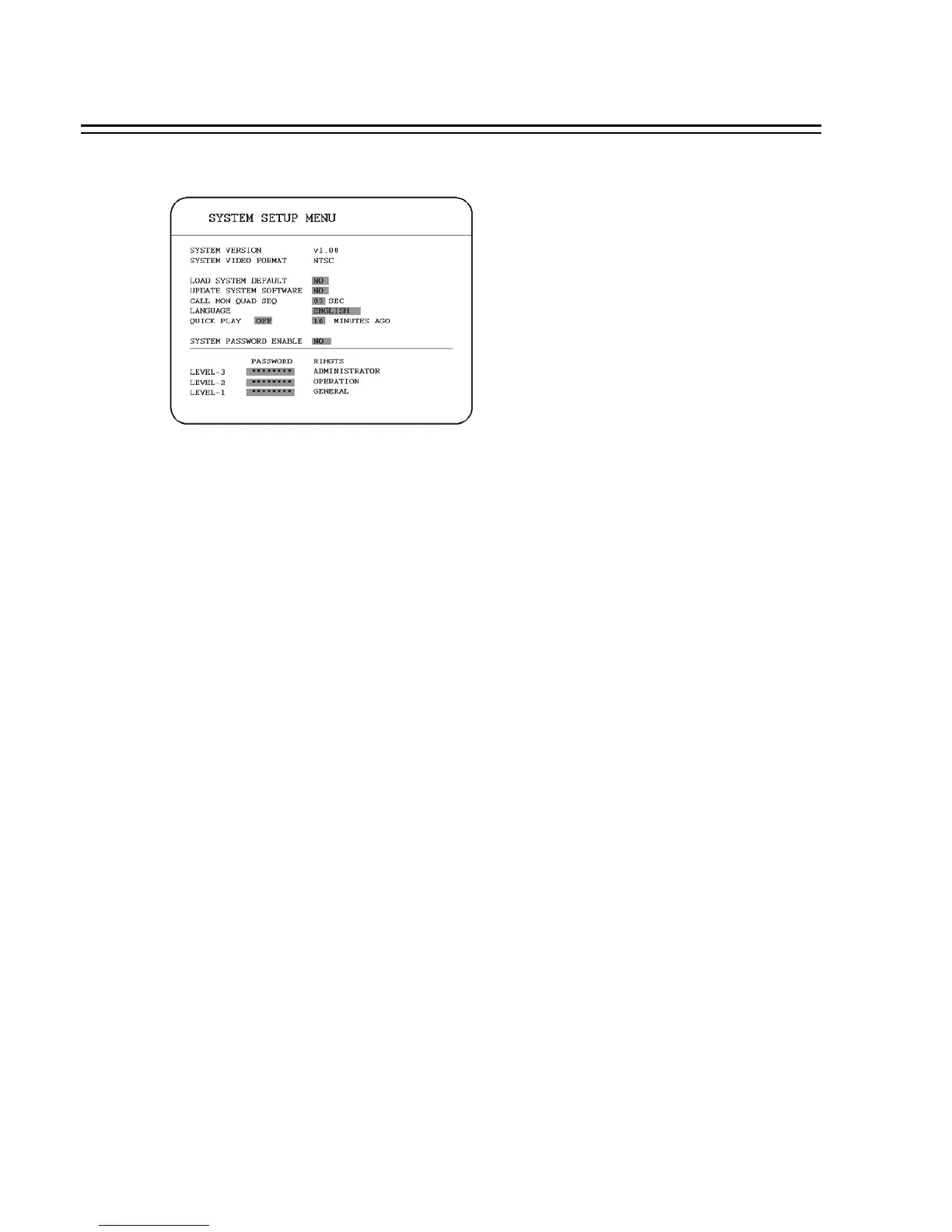
3.12 SYSTEM SETUP MENU
In the SYSTEM SETUP MENU, we define :
(1) SYSTEM VERSION: Current system firmware version.
(2) SYSTEM VIDEO FORMAT: NTSC or PAL System can detect the input signal type
automatically from camera 1 while system is booting up. Users do not need to set it up.
Note: The signal type is detected by the camera 1, so camera 1 input has to be connected.
(3) LOAD SYSTEM DEFAULT:
YES: Select YES to load system default.
NO: Select NO to do nothing.
System will ask you to stop recording if you confirm to load when system is recording.
(4) UPDATE SYSTEM SOFTWARE:
YES: Select YES(CF) or YES(USB) to update system software.
NO: Select NO to do nothing.
System will ask you to stop recording if you confirm to update when system is recording.
(5) CALL MON QUAD SEQ: The retention period of the call monitor quad display in the
sequence mode.
Note: Please refer to CALL setting for an advanced call monitor setting.
54














 To Next Page