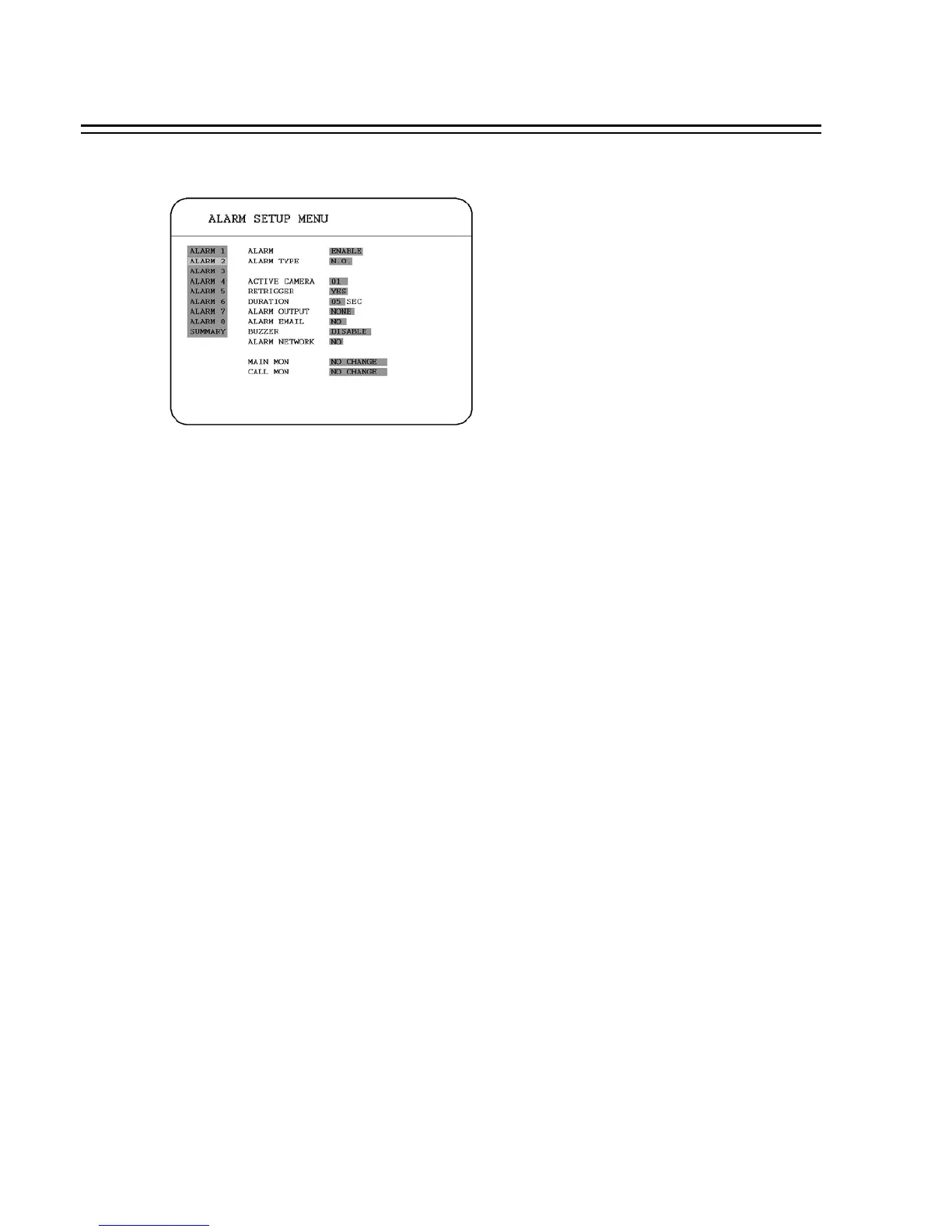
3.4 ALARM SETUP MENU
In the ALARM SETUP MENU, we define :
(1) ALARM:
ENABLE: Enable alarm detection.
DISABLE: Disable alarm detection.
(2) ALARM TYPE:
N. O. : Normal Open alarm.
N. C. : Normal Close alarm.
(3) ACTIVE CAMERA:
Active camera setting, from camera 01~08. You can set the camera which corresponds to the
place where the alarm is located.
Note: The recording camera number in an event depends on the alarm number, and the active camera
images will not be recorded. Example: You assign camera 3 as the active camera to alarm 1.
When the alarm 1 is triggered, camera 3 will be displayed and camera 1 will be recorded.
(4) RETRIGGER: Re-trigger the alarm.
YES : The duration time starts when an alarm is triggered. The duration time restarts from 0 when a
new alarm is triggered during an alarm action.
NO: The alarm signal will not be triggered again during duration time.
36














 To Next Page