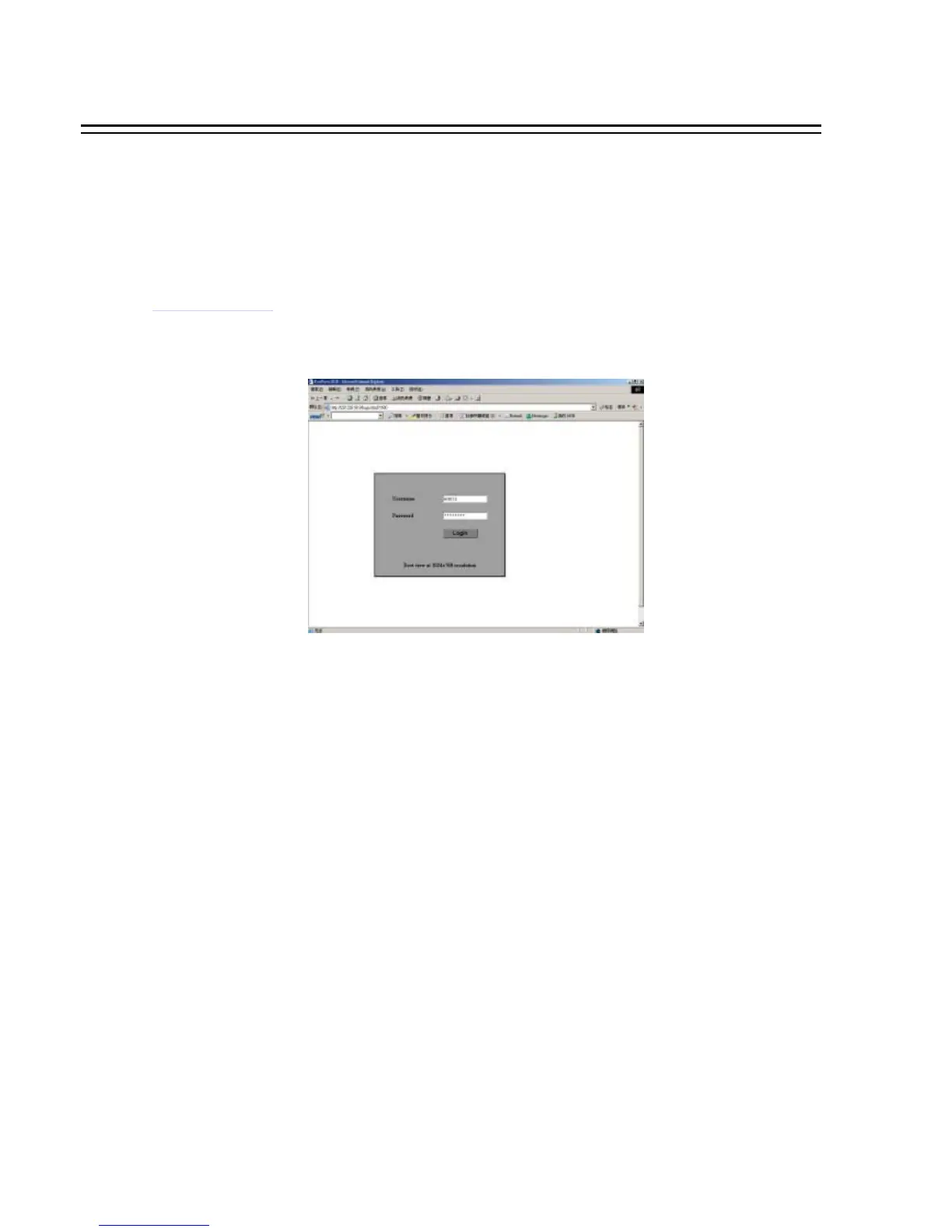
Basic Operations and Login Display:
Go to the Internet Explorer, key in the network IP address, for example,
http://220.228.98.9
(must be the same IP address as the one assigned to the
unit from the Network Setting Menu. please contact your ISP or MIS for the IP assignment)
The LOGIN dialog will be shown on the screen.
User must enter the correct user-name and password defined in the Network Setting menu.
For example:
Enter ADMIN for user name and ADMIN for password and then click on “Login” to enter system.
10. REMOTE VIEWER
70














 To Next Page