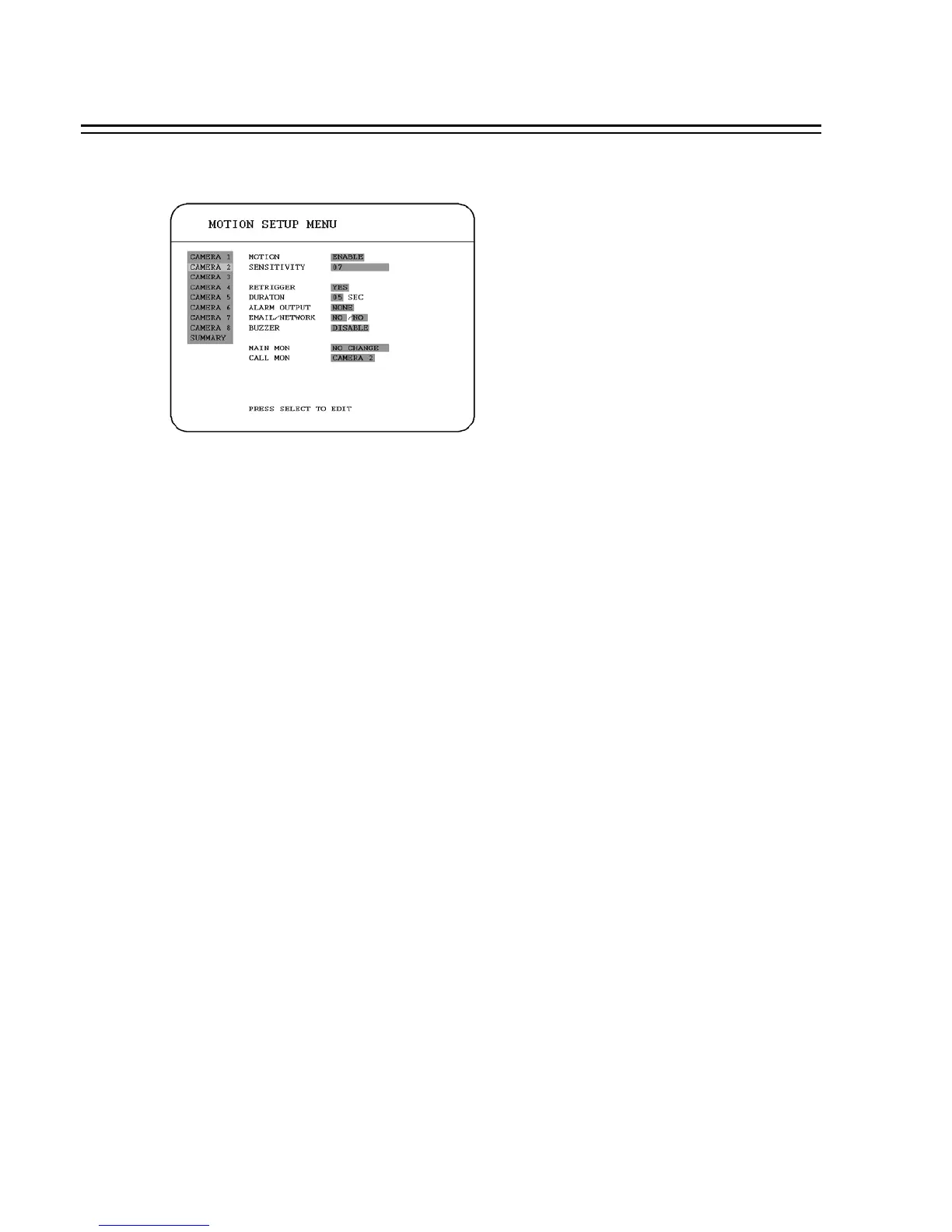
3.5 MOTION SETUP MENU
In the MOTION SETUP MENU, we define :
(1) MOTION:
ENABLE: Enable motion detection.
DISABLE: Disable motion detection.
Note: Motion only works in live and playback modes. It is invalid when you are setting menus.
(2) SENSITIVITY:
The sensitivity allows users to adjust to a suitable motion detection sensitivity. There are 10
sensitivities available; level 1 is the lowest, and level 10 is the highest sensitivity.
(3) RETRIGGER: Re-trigger the alarm.
YES : The duration time starts or restarts when an alarm is triggered. The duration time restarts
from 0 when a new alarm is triggered during an alarm action.
NO: The alarm signal will not be triggered again during duration time.
(4) DURATION:
Buzzer noise and event record duration of an alarm, from 1 sec to 99 seconds. The default value is
5 seconds.
(5) ALARM OUTPUT:
The setting of alarms which are NONE and 1, where 1 means the alarm is enabled.
38














 To Next Page