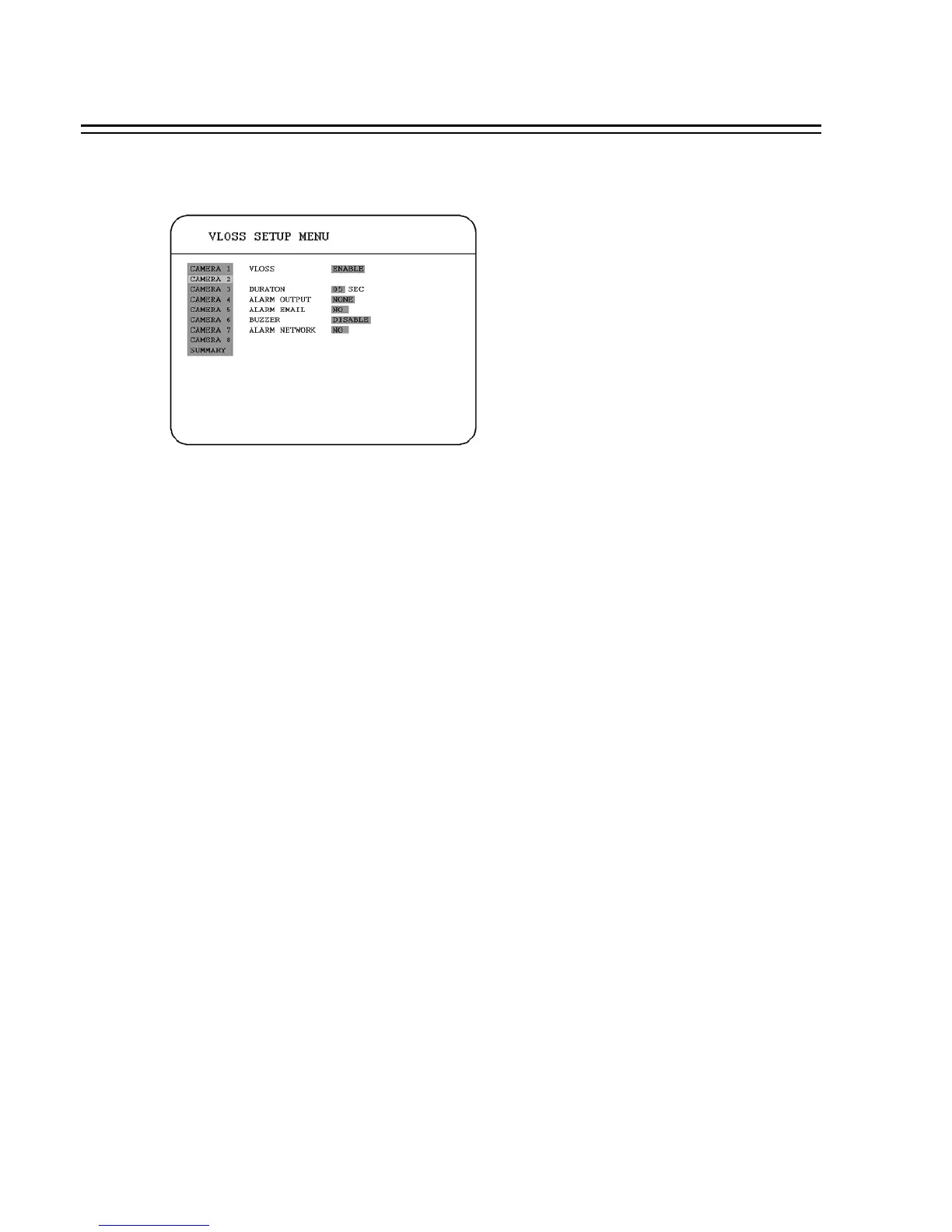
3.6 VLOSS SETUP MENU
In the VLOSS (Video Loss) SETUP MENU, we define :
(1) VLOSS:
ENABLE: Enable video loss detection.
DISABLE: Disable video loss detection.
(2) DURATION:
Buzzer noise and event record duration of an alarm, from 1 sec to 99 seconds. The default value is
5 seconds.
(3) ALARM OUTPUT:
The setting of alarms which are NONE and 1, where 1 means the alarm is enabled.
(4) ALARM EMAIL:
YES: Send an email when video loss occurs. The email address can be set in the NETWORK
SETUP MENU.
NO: Not to send the email when video loss occurs.
(5) BUZZER: Video loss buzzer.
ENABLE: To enable a video loss buzzer.
DISABLE: To disable a video loss buzzer.
41














 To Next Page