EasyManua.ls Logo

EverFocus EPA6220 - User Manual

EverFocus EPA6220
28 pages
Print Icon
To Next Page IconTo Next Page
Loading...
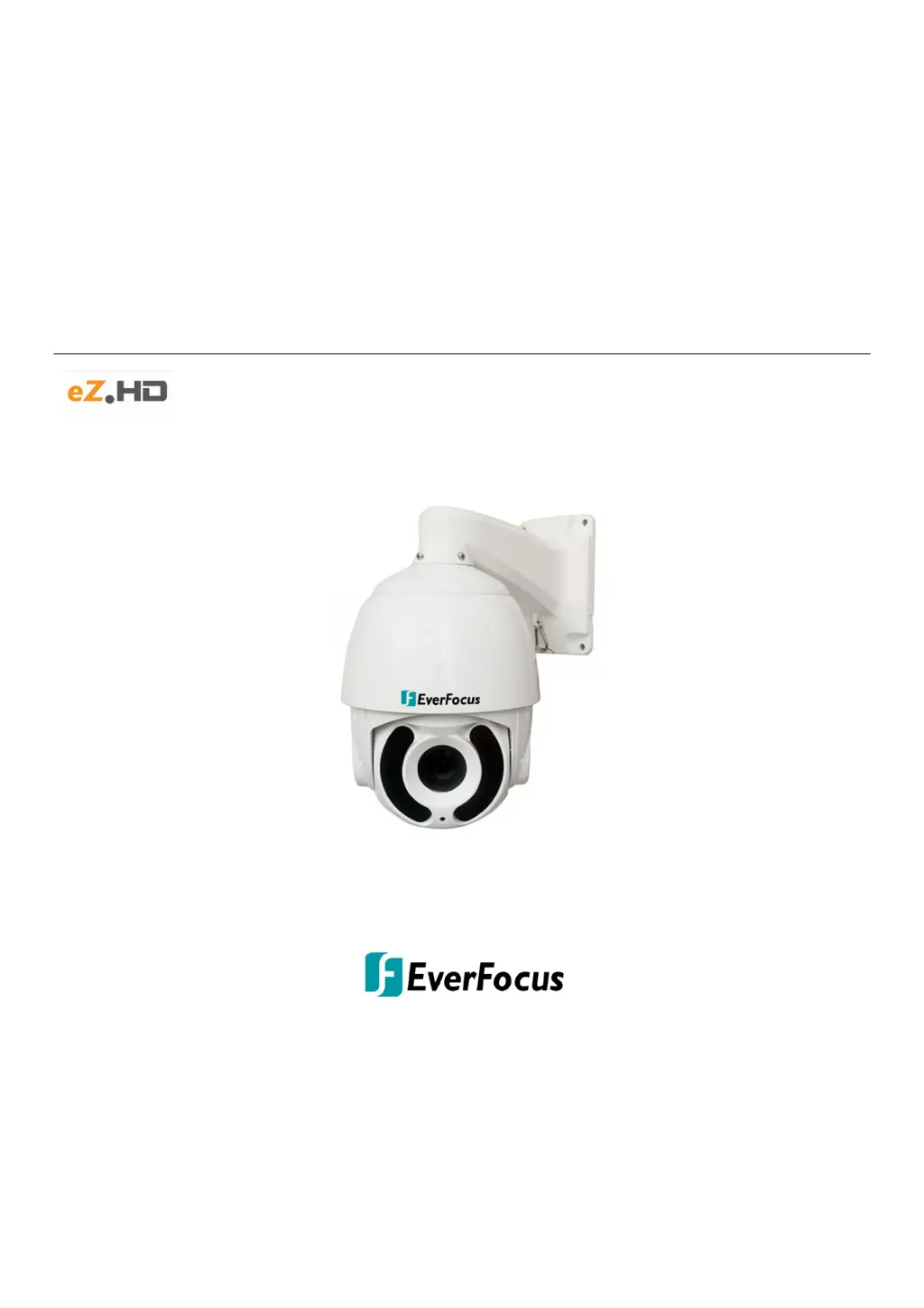
EPA6220 / EPA6236
AHD 1080p IR / IP66 Outdoor Speed Dome
True Day/Night and WDR (20x / 36x Optical Zoom)
User’s Manual
Copyright © EverFocus Electronics Corp.
Release Date: July, 2019

Other manuals for EverFocus EPA6220

Questions and Answers

  • A
    Albert FullerAug 9, 2025
    What to do if the image on my EverFocus EPA6220 is not stable?
    • G
      Gabriela AndrewsAug 9, 2025
      If the EverFocus Security Camera image is not stable, check the power supply and ensure the power input is correct. Also, verify the contact of the video cable.
  • L
    Lindsey ToddAug 13, 2025
    Why is the image on my EverFocus EPA6220 Security Camera blurring?
    • D
      Diana CollinsAug 13, 2025
      If the EverFocus Security Camera image is blurring, try switching to auto focus. If the issue persists, clean the lens.
  • T
    Tony RobinsonAug 19, 2025
    How to fix unsmooth control of the EverFocus Security Camera dome?
    • D
      Dean NguyenAug 19, 2025
      If you can't smoothly control the dome on your EverFocus Security Camera, ensure the DC 12V power supply is adequate. Check that the communication distance is within the allowed range. Also, verify the RS485 cable connection and confirm that the number of connected domes is within the allowed limit.
  • S
    Steven HernandezAug 25, 2025
    What to do if my EverFocus Security Camera has noise after self-testing?
    • A
      Amy WilliamsAug 25, 2025
      If your EverFocus Security Camera has noise after self-testing, check for any mechanical obstructions and correct them. Also, inspect the camera module installation and change the power supply to the correct one.
  • J
    Jonathan SullivanAug 28, 2025
    Why can't I control the EverFocus EPA6220 Security Camera dome after a normal self-test?
    • M
      Maureen CollinsAug 28, 2025
      If the EverFocus Security Camera dome cannot be controlled after a normal self-test, check the communication settings to ensure the correct protocol, baud rate, and dome address are set. Also, verify the polarity of the RS485 connection as per the instruction manual.
  • A
    Anna JohnsSep 2, 2025
    How to troubleshoot no motion and no video image on EverFocus EPA6220 Security Camera?
    • A
      Ashley BlairSep 3, 2025
      If there is no motion (self-test) and no video image after applying power to your EverFocus Security Camera, verify the orientation of the connector input. Check that the input power voltage is adequate. If not, replace the power supply.

EverFocus EPA6220 Specifications

General IconGeneral
BrandEverFocus
ModelEPA6220
CategorySecurity Camera
LanguageEnglish

Related product manuals