EPA6220 / EPA6236
14
4.2.6 PATTERN
MAIN MENU
< SYSTEM >
< DOME >
< CAMERA >
< DISPLAY >
< LANGUAGE >
< TIMING TASK >
< ALARM >
< RESET >
EXIT
DOME
< COMM >
< IR DISPLAY >
< GUARD TOURS >
< A-B SCAN >
< PAN SCAN >
< PATTERN >
< PARK ACTION >
< PRIVACY ZONE >
< ADVANCED >
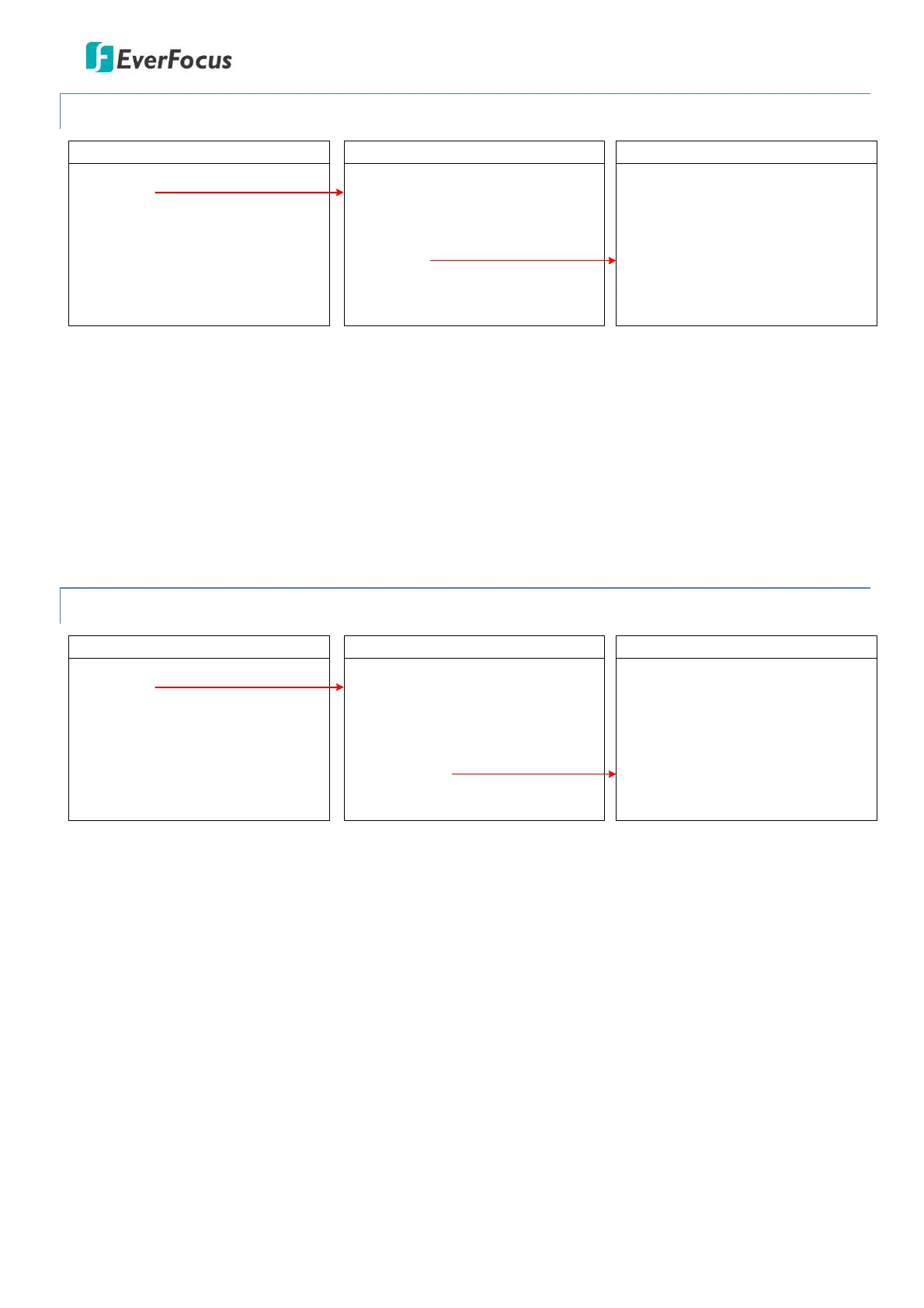
PATTERN
PATTERN NO
SETTING
RUNNING
DELETE
EXIT
01
PATTERN NO: Select a number to start setting the Pattern function. Up to 4 patterns can be set up.
SETTING: Enter to set up the pattern function.
RUNNING: Enter to activate the pattern function.
DELETE: Enter to delete the setting of this pattern.
EXIT: Exit the current menu.
4.2.7 PARK ACTION
MAIN MENU
< SYSTEM >
< DOME >
< CAMERA >
< DISPLAY >
< LANGUAGE >
< TIMING TASK >
< ALARM >
< RESET >
EXIT
DOME
< COMM >
< IR DISPLAY >
< GUARD TOURS >
< A-B SCAN >
< PAN SCAN >
< PATTERN >
< PARK ACTION >
< PRIVACY ZONE >
< ADVANCED >
PARK ACTION
PARK MODE
PARK TIME
SETTING
CALL
DELETE
EXIT
OFF
01M
PARK MODE: Select a park mode. Options include Off, A-B Scan, 360, Home, Tour1 and Pattern1.
PARK TIME: Select a park time from 1~60 mins.
SETTING: Move to the desired position and save the settings.
CALL: Enter to activate the park function.
DELETE: Delete the settings.
EXIT: Exit the current menu.









 To Next Page