EPA6220 / EPA6236
15
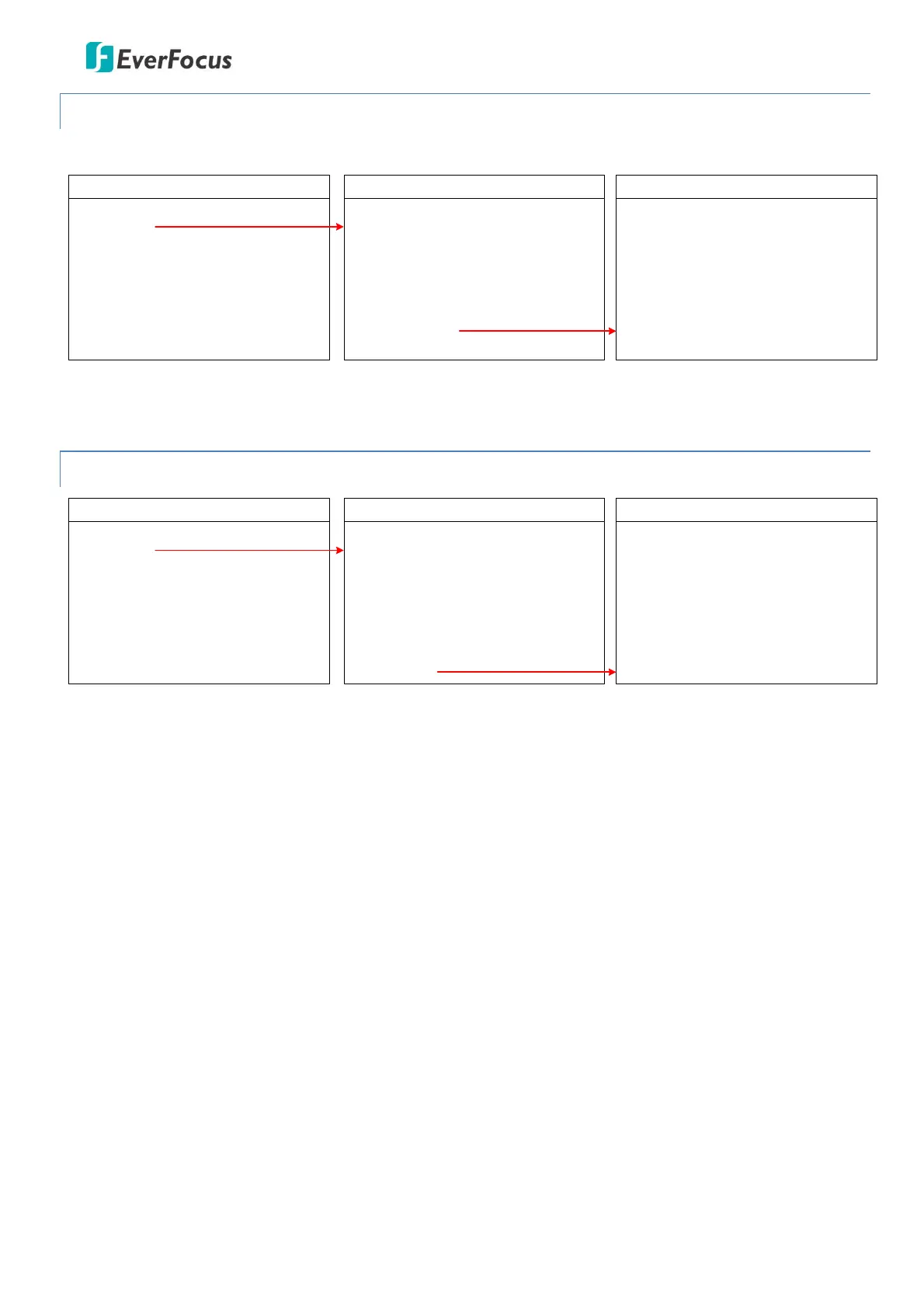
4.2.8 PRIVACY ZONE
This speed dome camera does not support the Privacy Zone function.
MAIN MENU
< SYSTEM >
< DOME >
< CAMERA >
< DISPLAY >
< LANGUAGE >
< TIMING TASK >
< ALARM >
< RESET >
EXIT
DOME
< COMM >
< IR DISPLAY >
< GUARD TOURS >
< A-B SCAN >
< PAN SCAN >
< PATTERN >
< PARK ACTION >
< PRIVACY ZONE >
< ADVANCED >
PRIVACY ZONE
MASK NO.
MASK
SETTING
EXIT
01
OFF
4.2.9 ADVANCED
MAIN MENU
< SYSTEM >
< DOME >
< CAMERA >
< DISPLAY >
< LANGUAGE >
< TIMING TASK >
< ALARM >
< RESET >
EXIT
DOME
< COMM >
< IR DISPLAY >
< GUARD TOURS >
< A-B SCAN >
< PAN SCAN >
< PATTERN >
< PARK ACTION >
< PRIVACY ZONE >
< ADVANCED >
ADVANCED
PWR ON ACT
RATIO SPEED
AUTO FLIP
OTHERS
EXIT
ACTION
ON
ON
PWR ON ACTION: Power on action can be set as Action (memory), Off, A-B Scan, 360, Home, Tour1 and
Pattern1. When power-on the dome, the dome will activate the selected action.
RATIO SPEED: Ratio speed can be set up as ON or OFF. Intelligent pan and tilt speed is variable based on
the zoom factor. When zooming in, the speed will become slower and when zooming out, the speed will
become faster.
AUTO FLIP: Auto flip can be set up as ON or OFF status.
OTHERS: This speed dome camera does not support this function.
EXIT: Exit the current menu.









 To Next Page