EPA6220 / EPA6236
18
4.7 Alarm
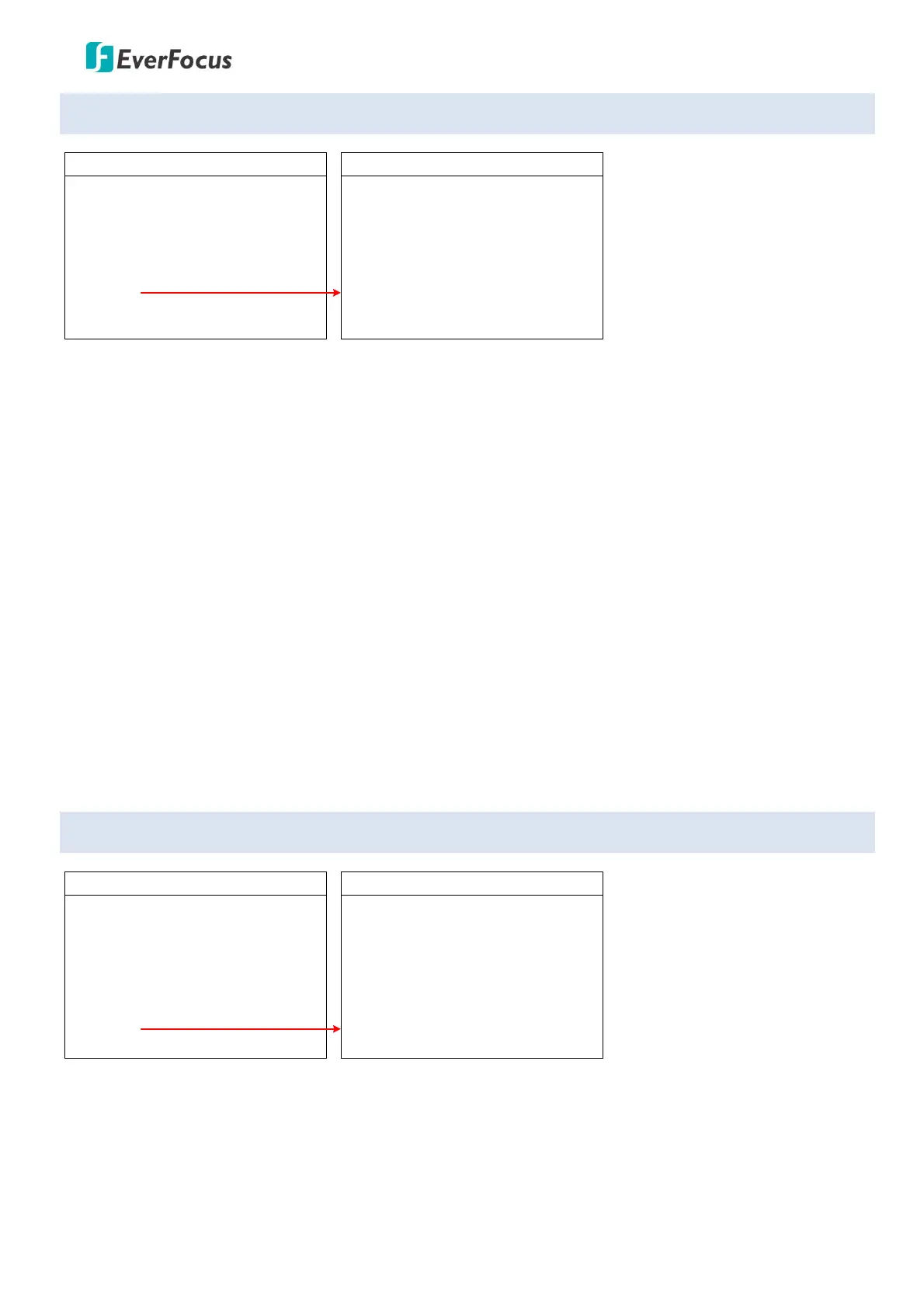
MAIN MENU
< SYSTEM >
< DOME >
< CAMERA >
< DISPLAY >
< LANGUAGE >
< TIMING TASK >
< ALARM >
< RESET >
EXIT
ALARM
ALARM
PATROL TIME
ALARM LINKAGE
ALARM 1
ALARM 2
ALARM 3
ALARM 4
RELEASE TIME
EXIT
OFF
06S
OFF
01
02
03
04
OFF
ALARM: Turn on or off the Alarm function.
PATROL TIME: Patrol time can be set up from 2~60s.
ALARM LINKAGE: Turn on or off the Alarm Linkage function. If On is selected, you can further set up an
alarm linkage preset point in the below field.
ALARM 1: To run alarm 1, presets 1-64 are available.
ALARM 2: To run alarm 2, presets 1-64 are available.
ALARM 3: To run alarm 3, presets 1-64 are available.
ALARM 4: To run alarm 4, presets 1-64 are available.
RELEASE TIME: You can set up the alarming release time from 2-60s; or select Off to turn off the release
time.
EXIT: Exit the current menu.
4.8 Reset
MAIN MENU
< SYSTEM >
< DOME >
< CAMERA >
< DISPLAY >
< LANGUAGE >
< TIMING TASK >
< ALARM >
< RESET >
EXIT
RESET
DOME RESTART
SYS DATA
CAM DATA
PRESET
EXIT
DOME RESTART: Enter to restart the speed dome camera.
SYS DATA: Enter to restore the system data to factory default.
CAM DATA: Enter to restore the dome data to factory default.
PRESET: Enter to delete the setup preset points.
EXIT: Exit the current menu.









 To Next Page