99
Alerts
Alert Descriptions and Actions (continued)
App DisplayDescription
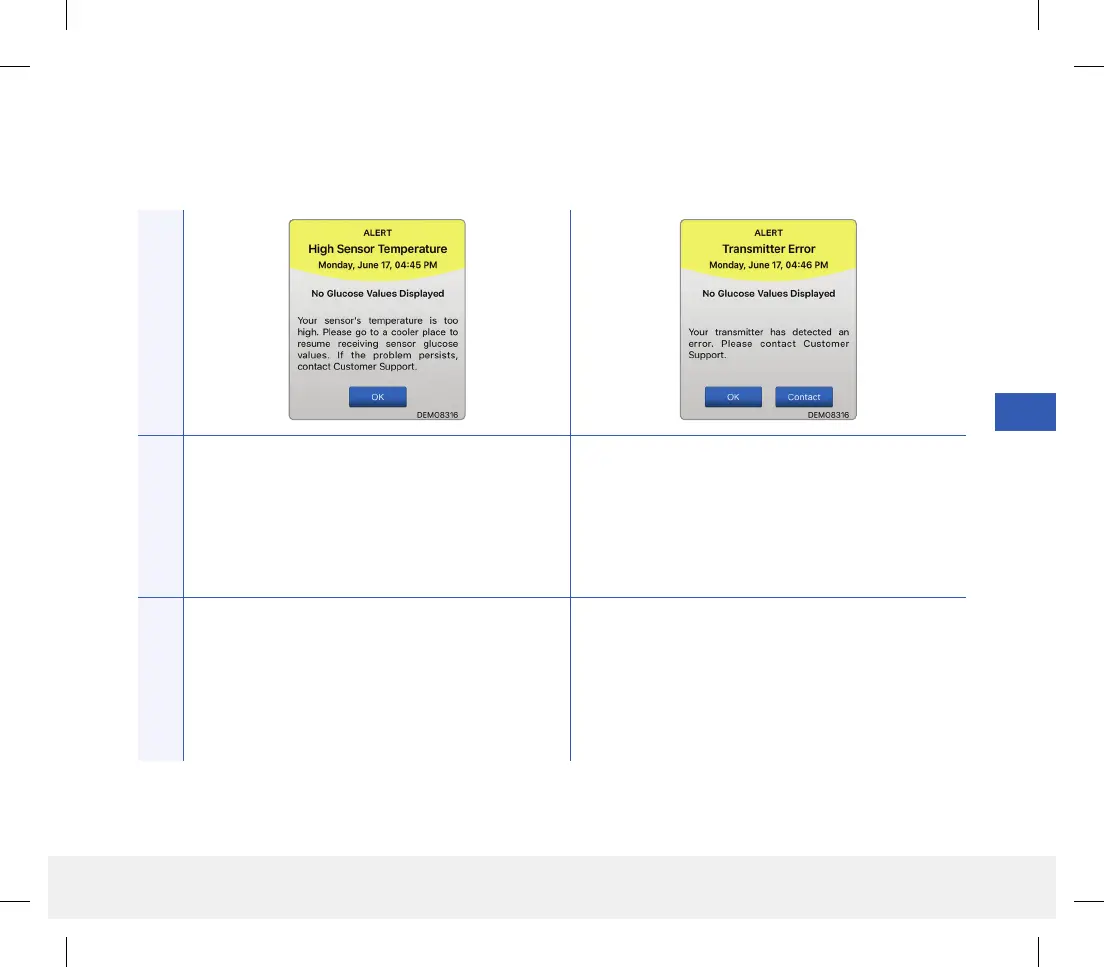
High Sensor Temperature*
Appears every 20 minutes when the sensor
temperature is too high. No glucose reading is
displayed until the sensor temperature is within
normal operating conditions.
Smart Transmitter Error*
Appears when the system’s internal checks detect a
smart transmitter error.
No glucose reading is displayed until the error is
corrected.
Actions
Go to a cooler environment to reduce the sensor
temperature. Briefly remove the smart transmitter
while the sensor temperature cools to between
26 - 40 °C (81 - 104 °F). Then put the smart
transmitter back on to start receiving glucose values
again from the sensor.
Follow the steps shown in the Troubleshooting
section to reset your smart transmitter. If you are
unable to complete the reset, contact Customer
Support.
LBL-1602-01-001 Rev N_Eversense User Guide_mgdL_R1.indd 99LBL-1602-01-001 Rev N_Eversense User Guide_mgdL_R1.indd 99 2/26/20 12:59 PM2/26/20 12:59 PM



 To Next Page