100
Alert Descriptions and Actions (continued)
Alerts
App DisplayDescription
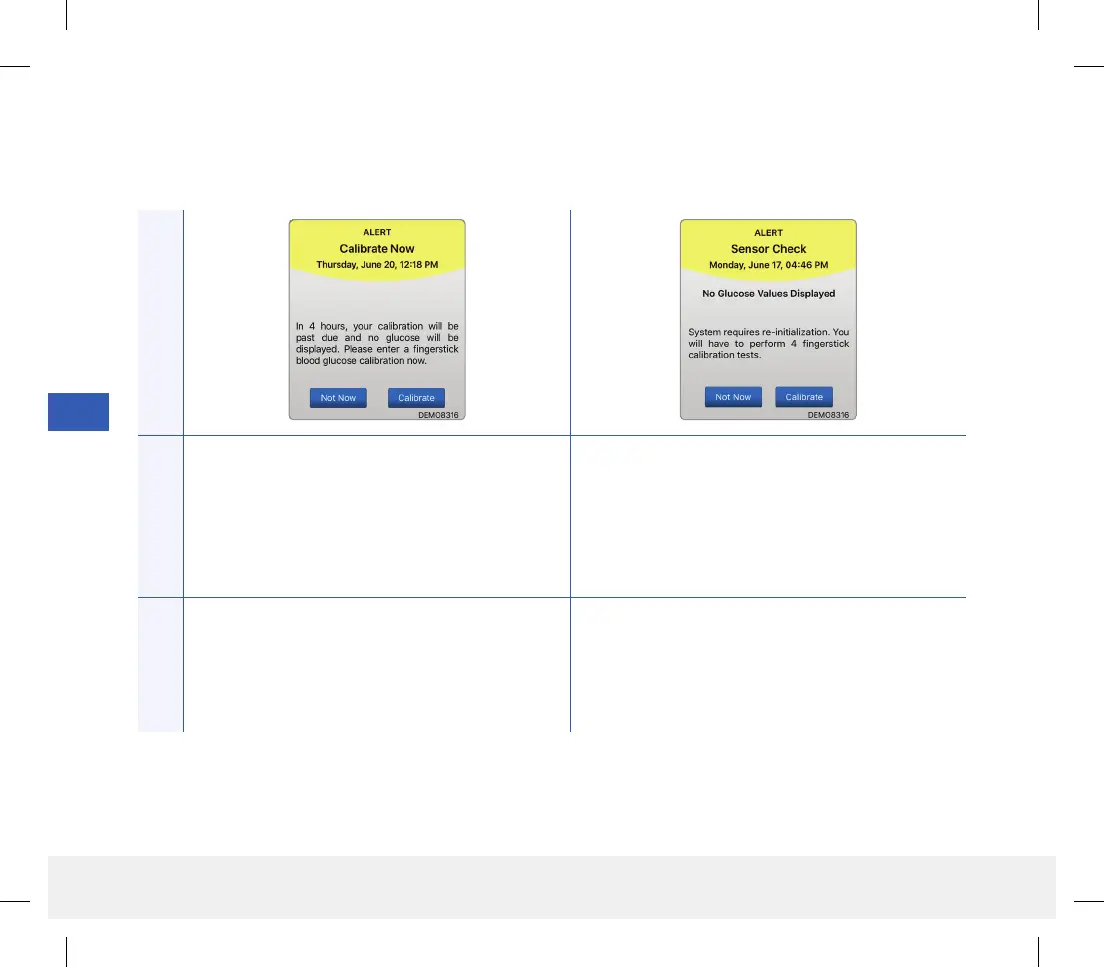
Calibrate Now
Appears to alert you that your calibration is due.
If you do not calibrate within 4 hours, glucose values
will no longer be displayed.
Sensor Check
Appears once when the system’s internal checks
detect instability with the sensor which requires a
return to calibration Initialization Phase.
Actions
Tap Calibrate to enter a calibration value. In the Initialization Phase, you must perform
4 fingerstick calibration tests spaced 2 - 12 hours
apart. Display of glucose readings will resume after
the 2nd successful fingerstick calibration test.
LBL-1602-01-001 Rev N_Eversense User Guide_mgdL_R1.indd 100LBL-1602-01-001 Rev N_Eversense User Guide_mgdL_R1.indd 100 2/26/20 12:59 PM2/26/20 12:59 PM



 To Next Page