107
Alert Descriptions and Actions (continued)
Notifications
App DisplayDescription
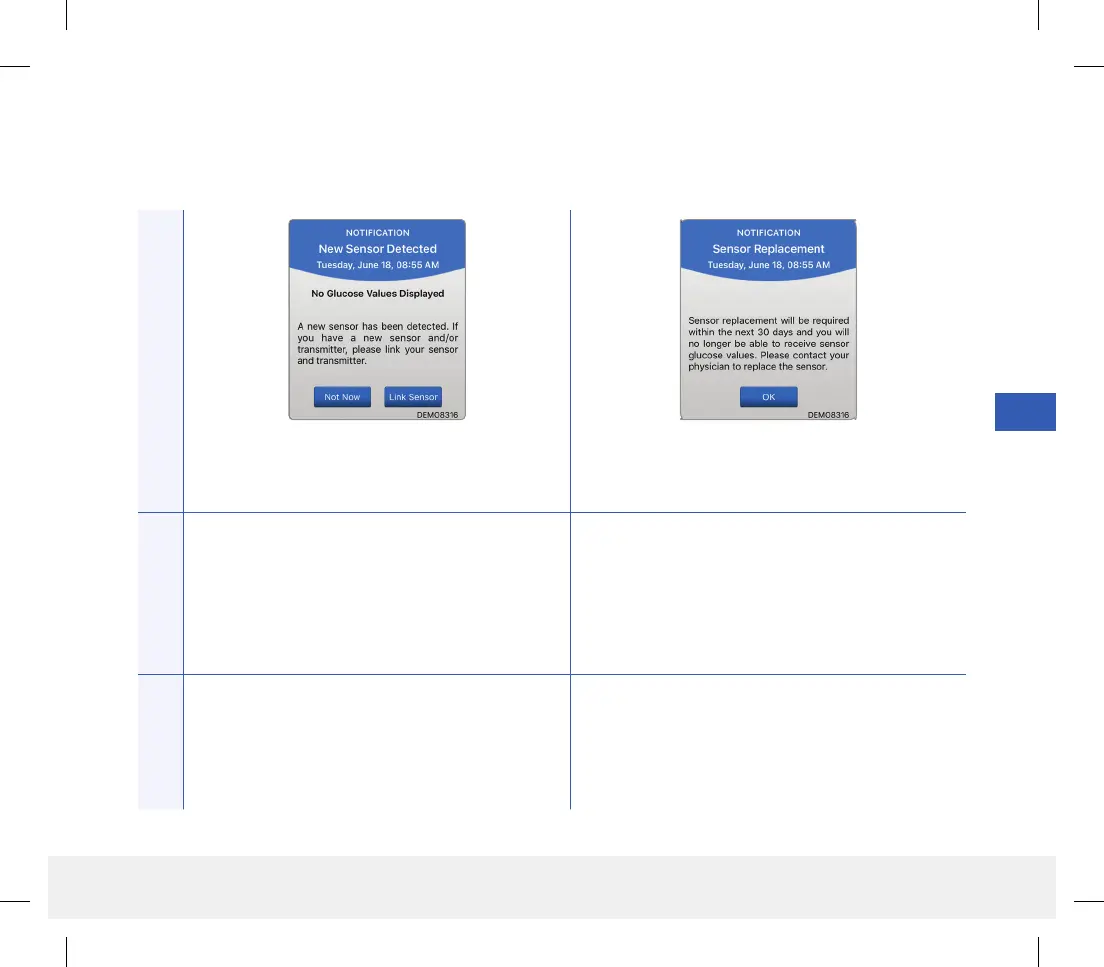
New Sensor Detected
Appears when the smart transmitter detects a
new sensor. The inserted sensor and the smart
transmitter must be linked to begin communication.
Sensor Replacement
Appears 30, 14, 7, 3, 2, and 1 day before your sensor
has completed its 90-day wear period as a reminder
to replace your sensor.
Actions
Tap Link Sensor to complete the linking process
and begin the 24-hour Warm-Up Phase. You do not
need to wear your smart transmitter over the sensor
until the Warm-Up Phase is complete.
Contact your health care provider to schedule the
removal and replacement of your sensor.
LBL-1602-01-001 Rev N_Eversense User Guide_mgdL_R1.indd 107LBL-1602-01-001 Rev N_Eversense User Guide_mgdL_R1.indd 107 2/26/20 12:59 PM2/26/20 12:59 PM



 To Next Page