132
Alerts and Notifications Displayed on the Apple Watch (continued)
Apple Watch
Display
Description
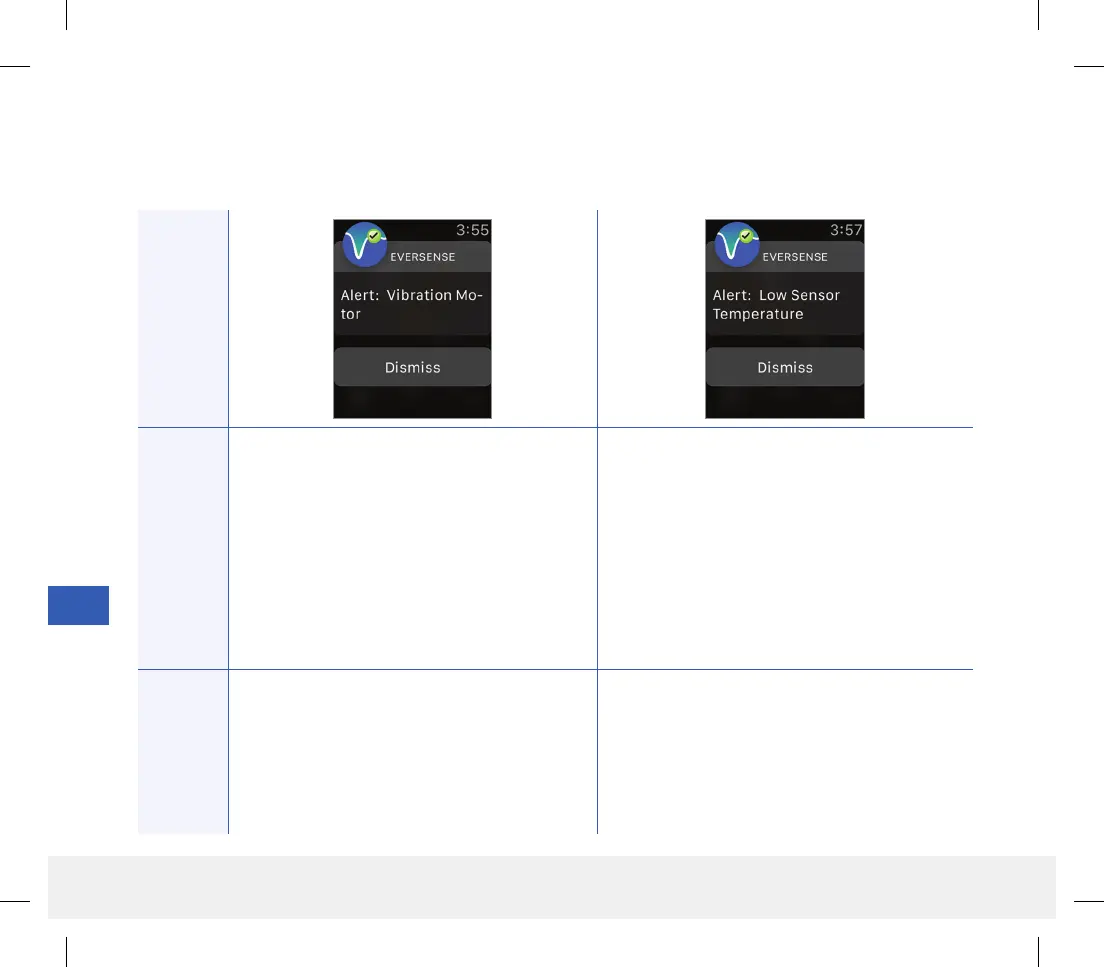
Vibration Motor
Appears every 60 minutes when the vibration
motor on your smart transmitter can no longer
provide on-body vibe alerts. You will continue
to get glucose readings up to 72 hours after
receiving the alert message. After 72 hours,
you will receive a Transmitter Error Alert every
20 minutes until you replace the smart
transmitter.
Low Sensor Temperature
Appears every 20 minutes when the sensor
temperature is too low.
No glucose reading is displayed until the sensor
temperature is within normal operating conditions.
Actions
Confirm the alert on your Eversense CGM
Mobile App. Contact Customer Support to have
your smart transmitter replaced immediately.
Confirm the alert on your Eversense CGM Mobile
App. Go to a warmer environment to increase the
sensor temperature. Keep your smart transmitter
turned on so you will start receiving glucose values
when the sensor temperature is between
26 - 40 °C (81 - 104 °F).
Alerts
LBL-1602-01-001 Rev N_Eversense User Guide_mgdL_R1.indd 132LBL-1602-01-001 Rev N_Eversense User Guide_mgdL_R1.indd 132 2/26/20 12:59 PM2/26/20 12:59 PM



 To Next Page