135
Alerts and Notifications Displayed on the Apple Watch (continued)
Apple Watch
Display
Description
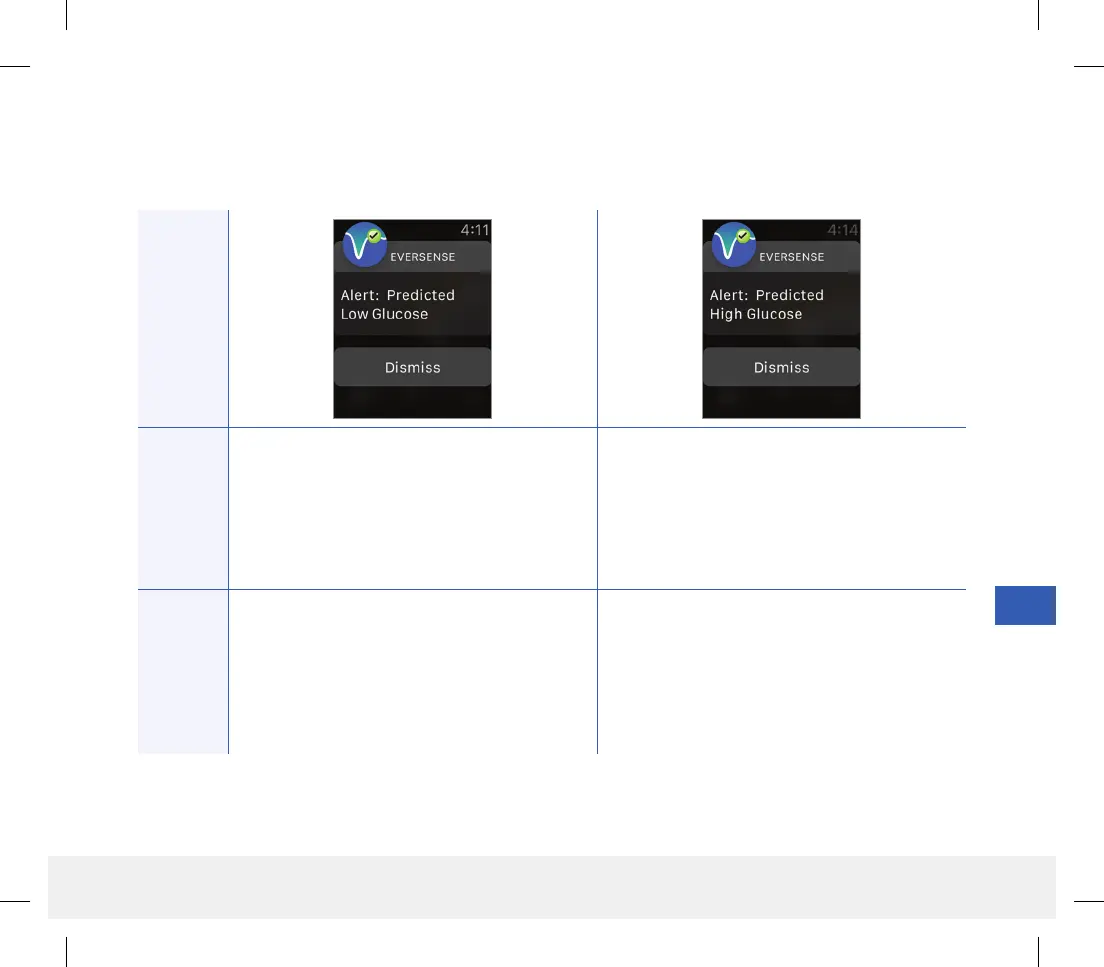
Predicted Low Glucose
Appears every 60 minutes when your glucose
values are trending low and will reach your
Low Glucose Alert level within the time you
entered in Settings.
Predicted High Glucose
Appears every 60 minutes when your glucose
values are trending high and will reach your
High Glucose Alert level within the time you
entered in Settings.
Actions
Confirm the alert on your Eversense CGM
Mobile App. Pay close attention to your glucose
values, symptoms, and trends. If symptoms do
not match the sensor glucose value, confirm your
glucose value with a blood glucose meter before
making a treatment decision.
Confirm the alert on your Eversense CGM
Mobile App. Pay close attention to your glucose
values, symptoms, and trends. If symptoms do
not match the sensor glucose value, confirm your
glucose value with a blood glucose meter before
making a treatment decision.
Alerts
LBL-1602-01-001 Rev N_Eversense User Guide_mgdL_R1.indd 135LBL-1602-01-001 Rev N_Eversense User Guide_mgdL_R1.indd 135 2/26/20 12:59 PM2/26/20 12:59 PM



 To Next Page