137
Alerts and Notifications Displayed on the Apple Watch (continued)
Apple Watch
Display
Description
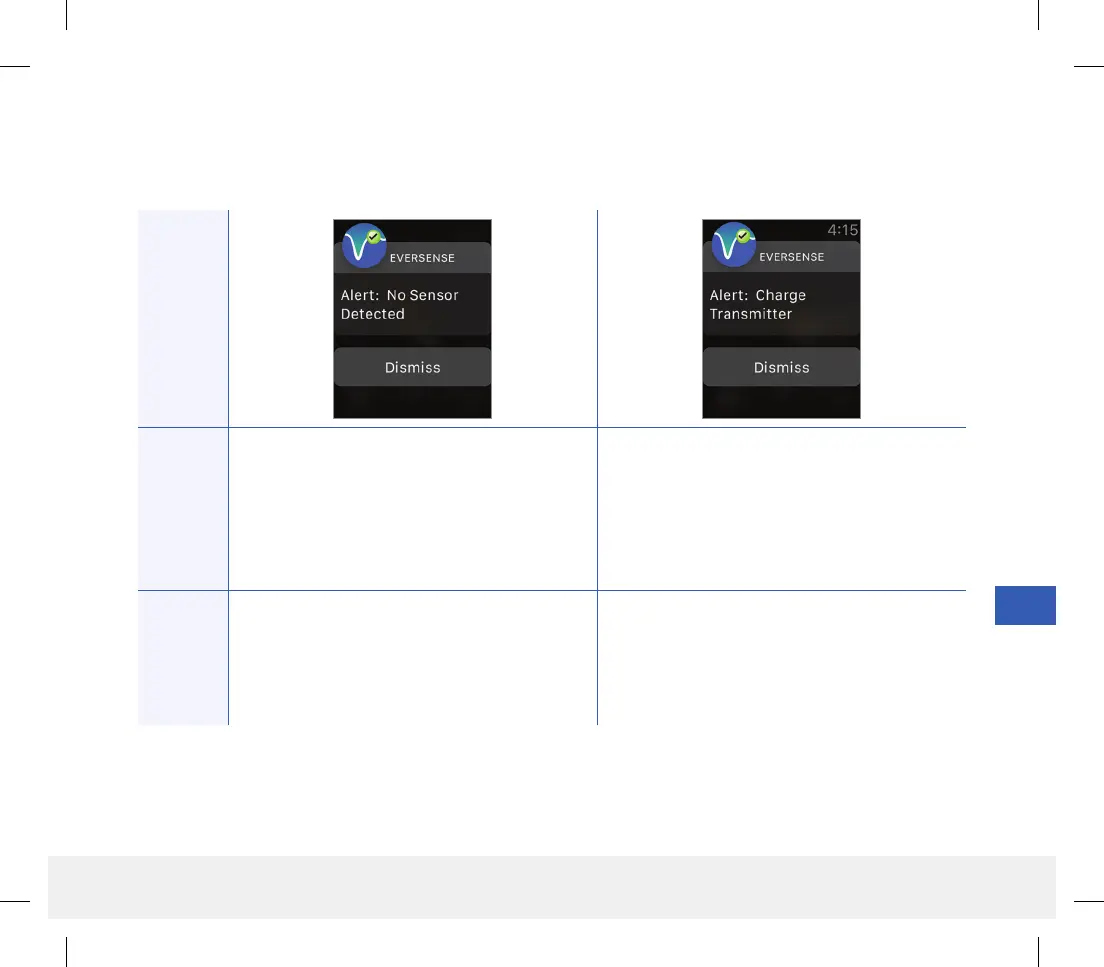
No Sensor Detected
Appears when the connection between your
sensor and transmitter is lost. No glucose data is
available until the connection is restored.
Charge Transmitter
Appears when smart transmitter battery power
is very low and you need to charge your battery
very soon.
Actions
Confirm the alert on your Eversense CGM
Mobile App. Using the Placement Guide for
reference, place the smart transmitter over the
sensor until it shows there is a connection.
Confirm the alert on your Eversense CGM
Mobile App. Charge your smart transmitter as
soon as possible.
Alerts
LBL-1602-01-001 Rev N_Eversense User Guide_mgdL_R1.indd 137LBL-1602-01-001 Rev N_Eversense User Guide_mgdL_R1.indd 137 2/26/20 12:59 PM2/26/20 12:59 PM



 To Next Page