140
Alerts and Notifications Displayed on the Apple Watch (continued)
Apple Watch
Display
Description
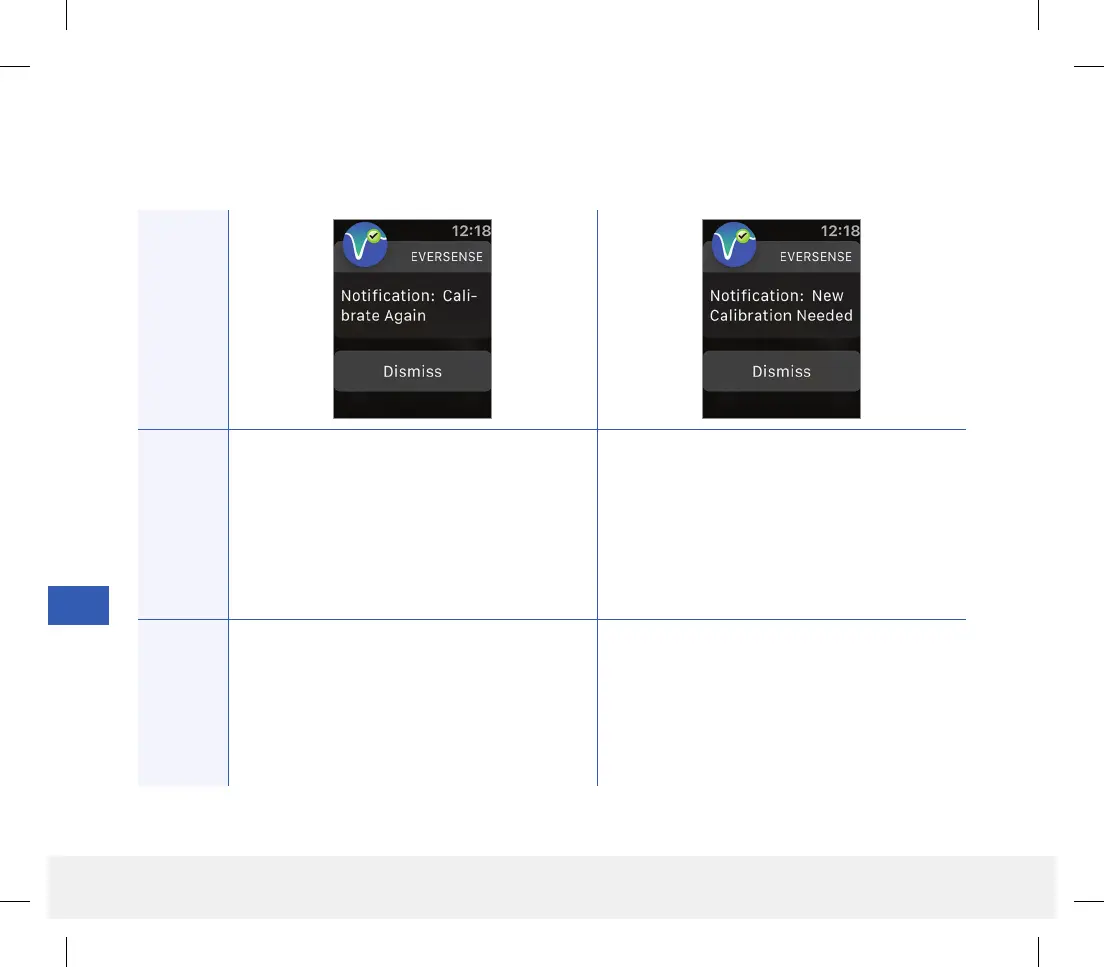
Calibrate Again
Appears when not enough data has been
collected during calibration.
New Calibration Needed notification
Appears if the calibration value entered is very
dierent from the sensor glucose value. After
60 minutes, you will receive a Calibrate Now
notification.
Actions
Confirm the alert on your Eversense CGM
Mobile App. Tap Calibrate on your mobile
device to enter a new calibration value.
Confirm the alert on your Eversense CGM
Mobile App. Enter a new calibration value when
prompted.
Notifications
14
LBL-1602-01-001 Rev N_Eversense User Guide_mgdL_R1.indd 140LBL-1602-01-001 Rev N_Eversense User Guide_mgdL_R1.indd 140 2/26/20 12:59 PM2/26/20 12:59 PM



 To Next Page