139
Alerts and Notifications Displayed on the Apple Watch (continued)
Apple Watch
Display
Description
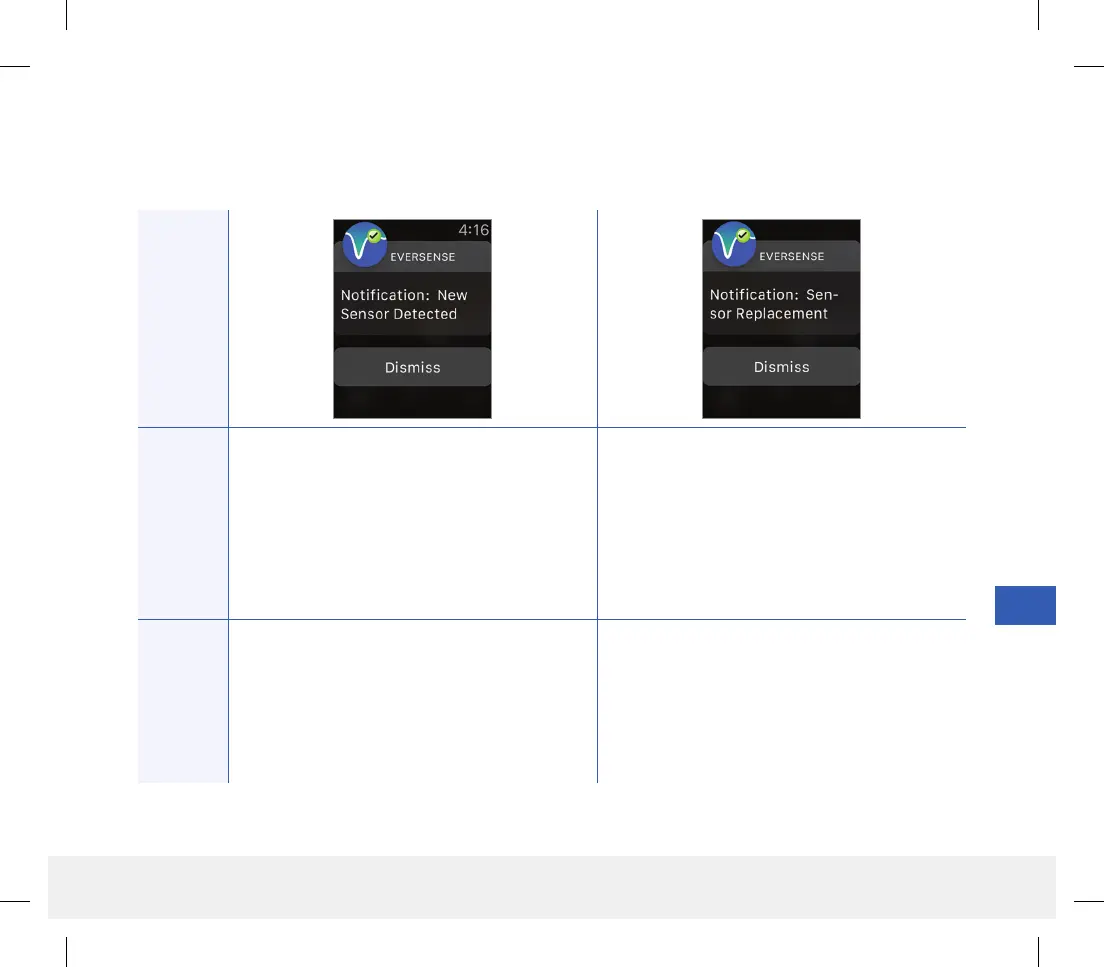
New Sensor Detected
Appears when the smart transmitter detects
a new sensor. The inserted sensor and the
smart transmitter must be linked to begin
communication.
Sensor Replacement
Appears 30, 14, 7, 3, 2, and 1 day before your
sensor has completed its 90-day wear period as a
reminder to replace your sensor.
Actions
Confirm the alert on your Eversense CGM Mobile
App. In your mobile app, tap Link Sensor to
complete the linking process and begin the
24-hour Warm-Up Phase. You do not need to
wear your smart transmitter over the sensor until
the Warm-Up Phase is complete.
Confirm the alert on your Eversense CGM
Mobile App. Contact your health care provider
to schedule the removal and replacement of your
sensor.
Notifications
LBL-1602-01-001 Rev N_Eversense User Guide_mgdL_R1.indd 139LBL-1602-01-001 Rev N_Eversense User Guide_mgdL_R1.indd 139 2/26/20 12:59 PM2/26/20 12:59 PM



 To Next Page