26
Note: If you have not received the confirmation
email with the link to complete your registration
within a few minutes, check your spam folder.
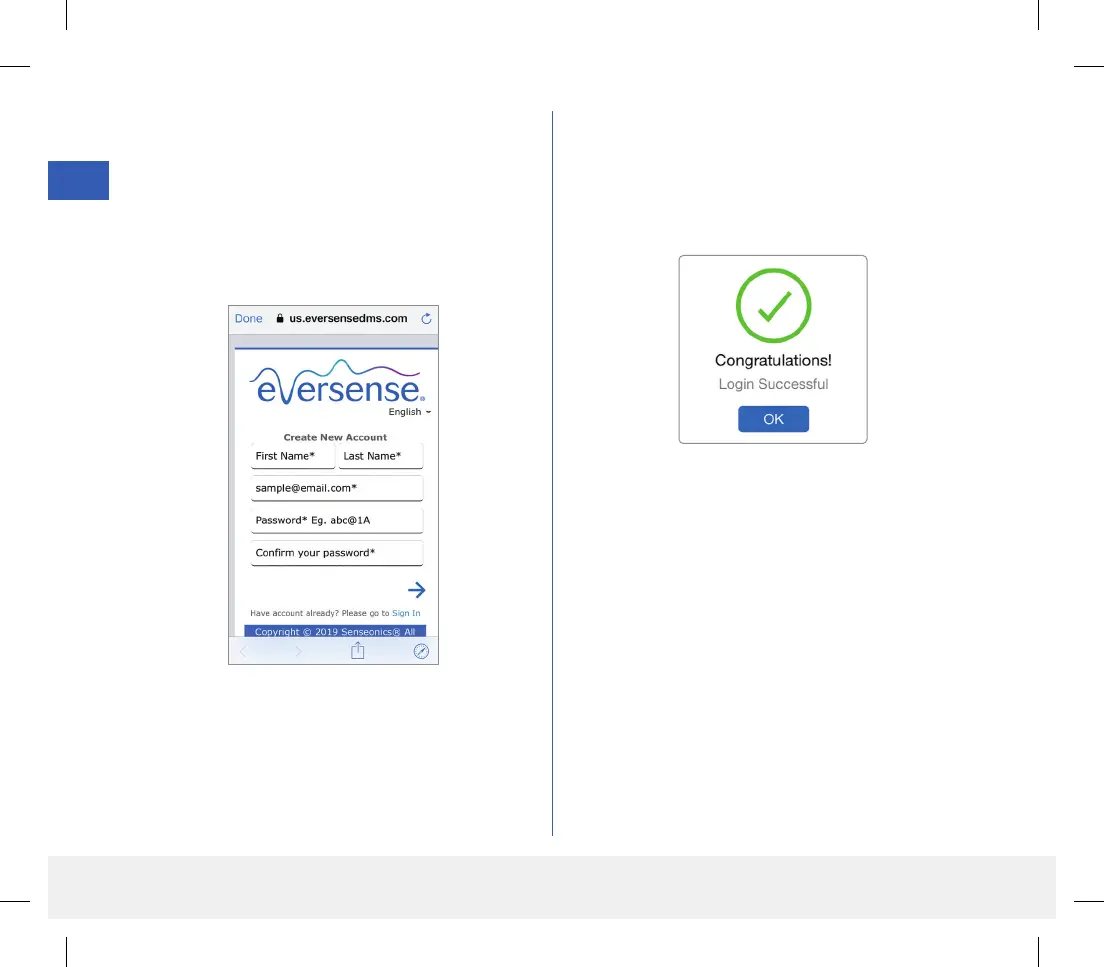
3. Enter your account information and then tap
Register.
To complete registration check the email address
you provided and click the link in the email.
• Tap Done to return to the Eversense LOGIN
screen.
4. Enter your email address and password and tap
LOG IN. You will see a confirmation screen.
Tap OK.
Note: The password is case sensitive.
LBL-1602-01-001 Rev N_Eversense User Guide_mgdL_R1.indd 26LBL-1602-01-001 Rev N_Eversense User Guide_mgdL_R1.indd 26 2/26/20 12:58 PM2/26/20 12:58 PM



 To Next Page