27
5. When you complete
registration and log in,
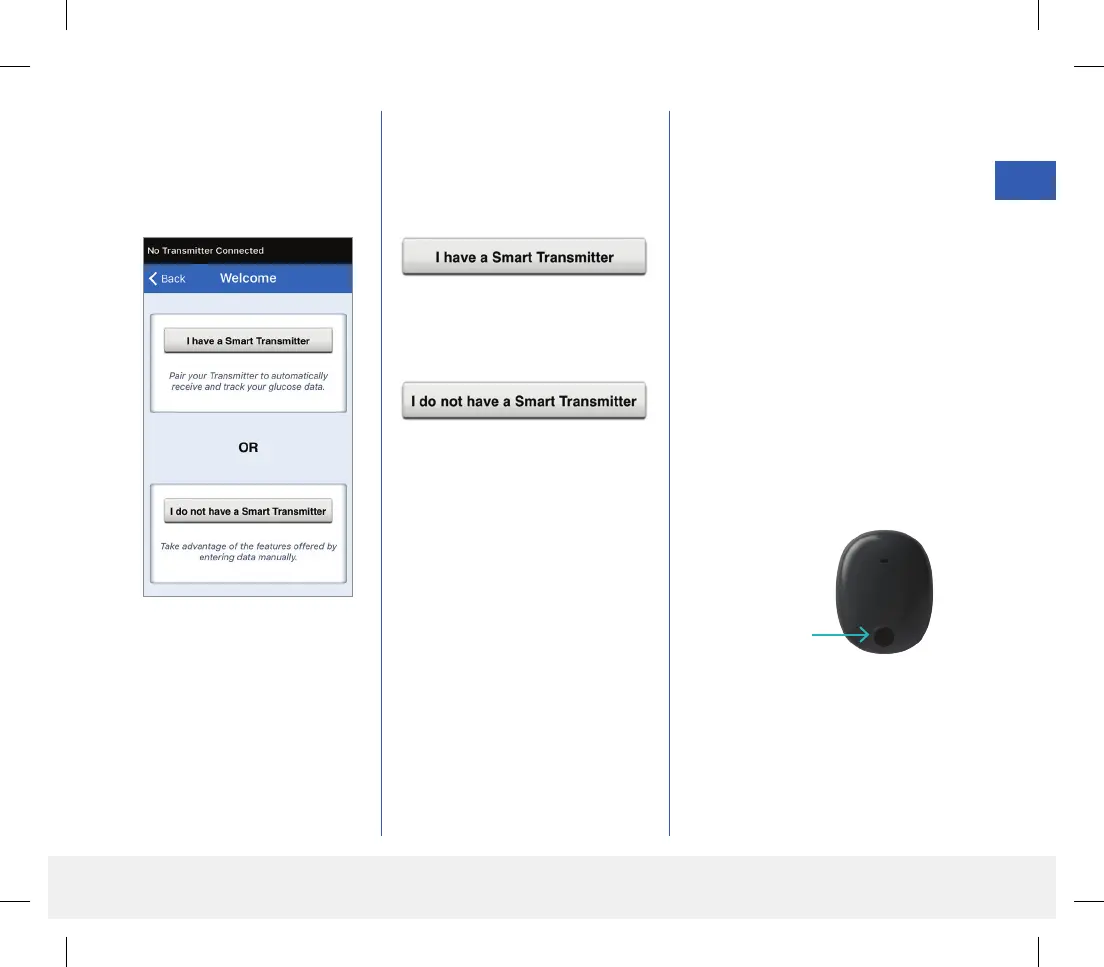
a WELCOME screen
appears.
6. Choose one of the two options
depending on whether you
already have your smart
transmitter or not:
(skip to step 7).
(skip to step 12).
7. With the smart transmitter turned
on, and when the PAIR YOUR
TRANSMITTER screen appears
on your mobile device, set your
smart transmitter to “Discoverable”
mode for the mobile device to find
the smart transmitter:
• Press the smart transmitter power
button three times. Make sure
your smart transmitter is not
plugged into the power supply.
• The LED will blink green and
orange to indicate the smart
transmitter is in Discoverable
mode.
Power button
Note: If you press the power
button on the smart transmitter
and no LED appears, press and
hold the power button for about
5 seconds to turn it on.
LBL-1602-01-001 Rev N_Eversense User Guide_mgdL_R1.indd 27LBL-1602-01-001 Rev N_Eversense User Guide_mgdL_R1.indd 27 2/26/20 12:58 PM2/26/20 12:58 PM



 To Next Page