95
Alert Descriptions and Actions (continued)
Alerts
App DisplayDescription
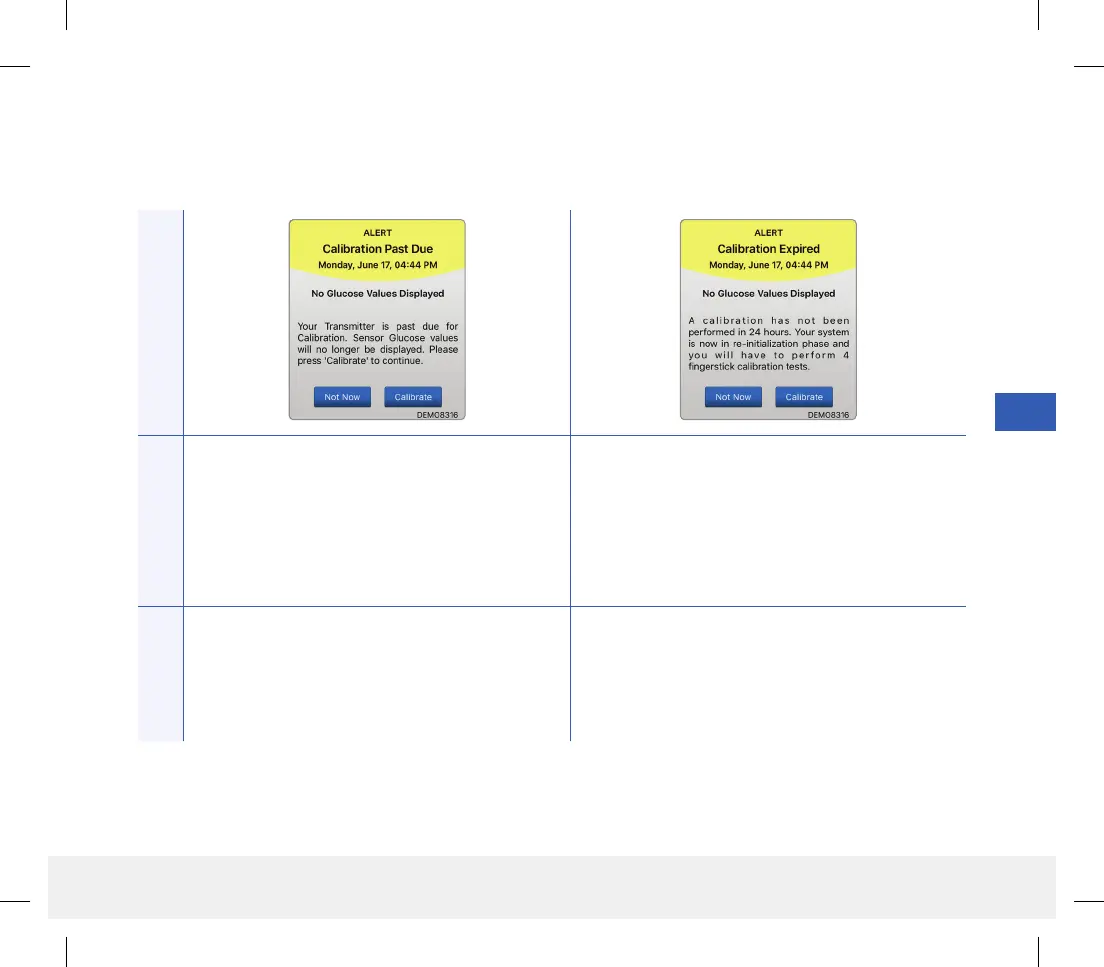
Calibration Past Due
Appears when your system is past due for
calibration.
No glucose readings can be displayed until
calibration is performed.
Calibration Expired
Appears when a calibration has not been performed
in 24 hours. The system returns to the Initialization
Phase.
No glucose reading is displayed until calibration is
performed.
Actions
Perform a fingerstick calibration in order to resume
displaying glucose values.
In the Initialization Phase, you must perform
4 fingerstick calibration tests spaced 2 - 12 hours
apart. Display of glucose readings will resume after
the 2nd successful fingerstick calibration test.
LBL-1602-01-001 Rev N_Eversense User Guide_mgdL_R1.indd 95LBL-1602-01-001 Rev N_Eversense User Guide_mgdL_R1.indd 95 2/26/20 12:59 PM2/26/20 12:59 PM



 To Next Page