96
Alert Descriptions and Actions (continued)
Alerts
App DisplayDescription
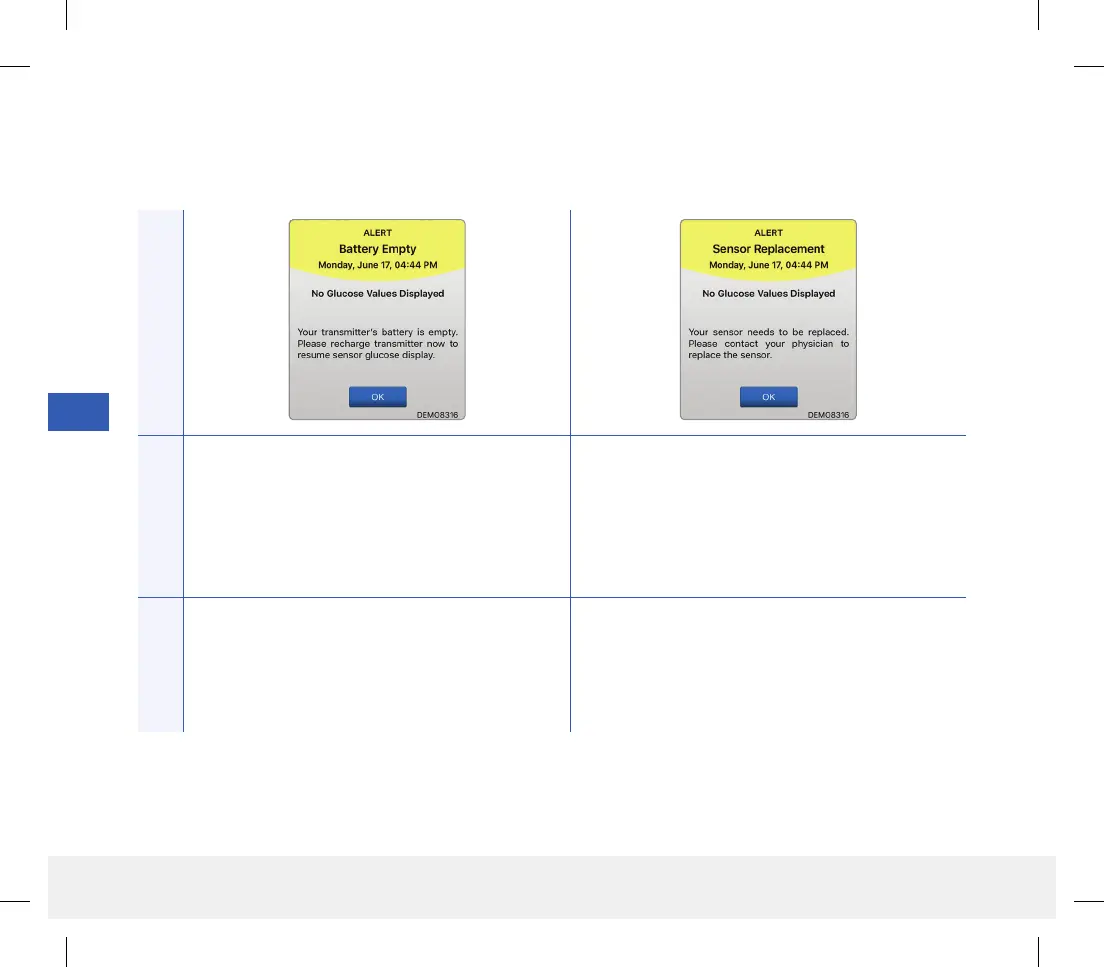
Battery Empty*
Appears once when your smart transmitter battery
is empty and needs to be charged.
No glucose reading can be displayed until the smart
transmitter is charged.
Sensor Replacement*
Appears once when your sensor needs to be
replaced.
No glucose reading can be displayed until the sensor
is replaced.
Actions
Charge the smart transmitter immediately. Remove
the smart transmitter from your body before
connecting it to the power supply.
Contact your health care provider to have your sensor
replaced.
LBL-1602-01-001 Rev N_Eversense User Guide_mgdL_R1.indd 96LBL-1602-01-001 Rev N_Eversense User Guide_mgdL_R1.indd 96 2/26/20 12:59 PM2/26/20 12:59 PM



 To Next Page