CP-2272E
Page 6 Revision 1.0
4. FRONT PANEL CONTROL
4.1. FRONT CONTROL PANEL
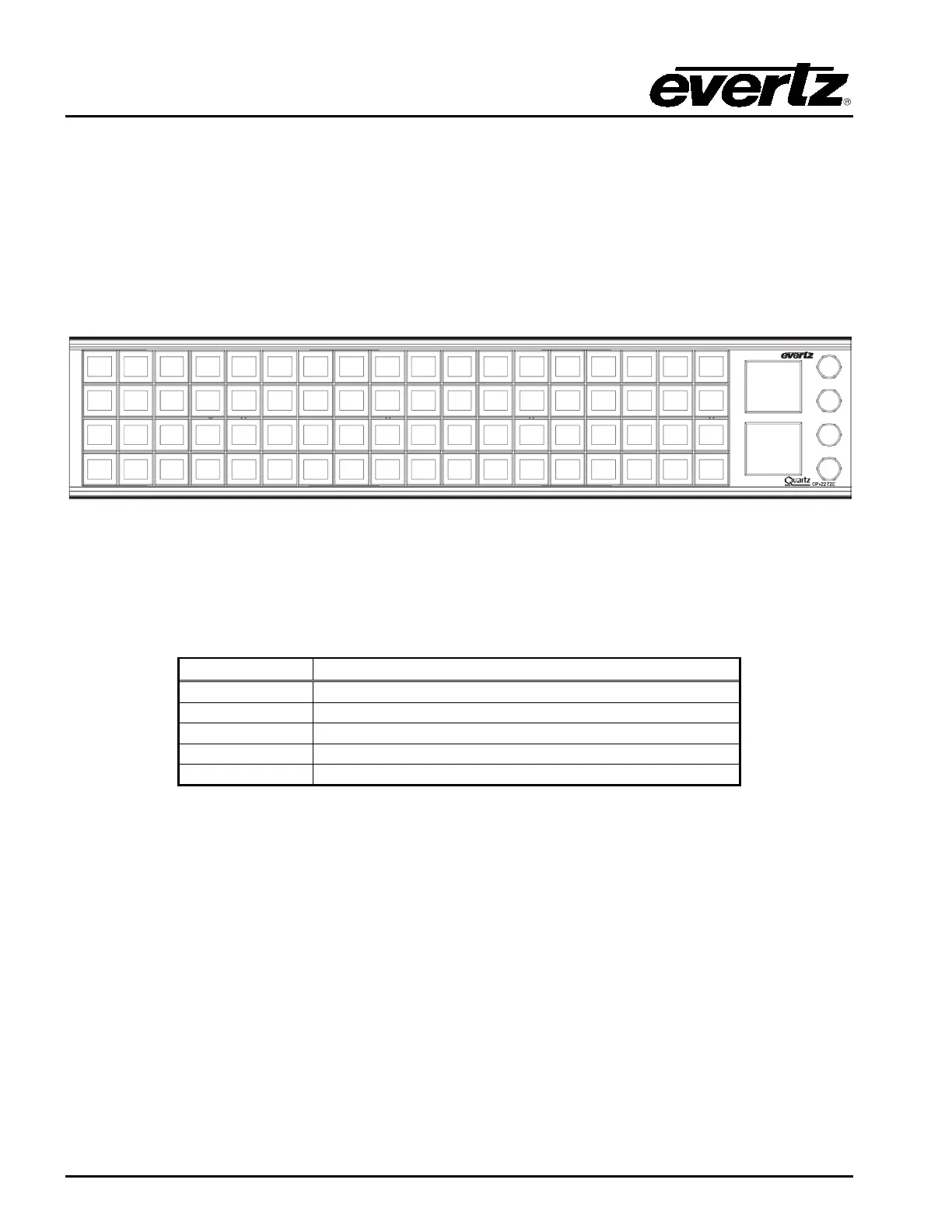
The CP-2272E has both rotary encoders and programmable LED buttons on its front panel. There are
4 rotary shaft encoders and a total of 72 programmable LED buttons. Rotary encoders are used to
access and adjust panel settings. There are two display windows which are used to display source,
destination and level information.
Figure 4-1: CP-2272E Front Control Panel
Please note that the blue labels in Figure 4-1 will NOT be displayed on the front panel of your CP-
2272E device. The labels listed above are for reference purposes only when describing the panel
controls in the following sections of the manual. The following chart describes the label and function of
the associated button.
1 to 72 programmable LED buttons



 To Next Page