CP-2272E
Revision 1.0 Page 17
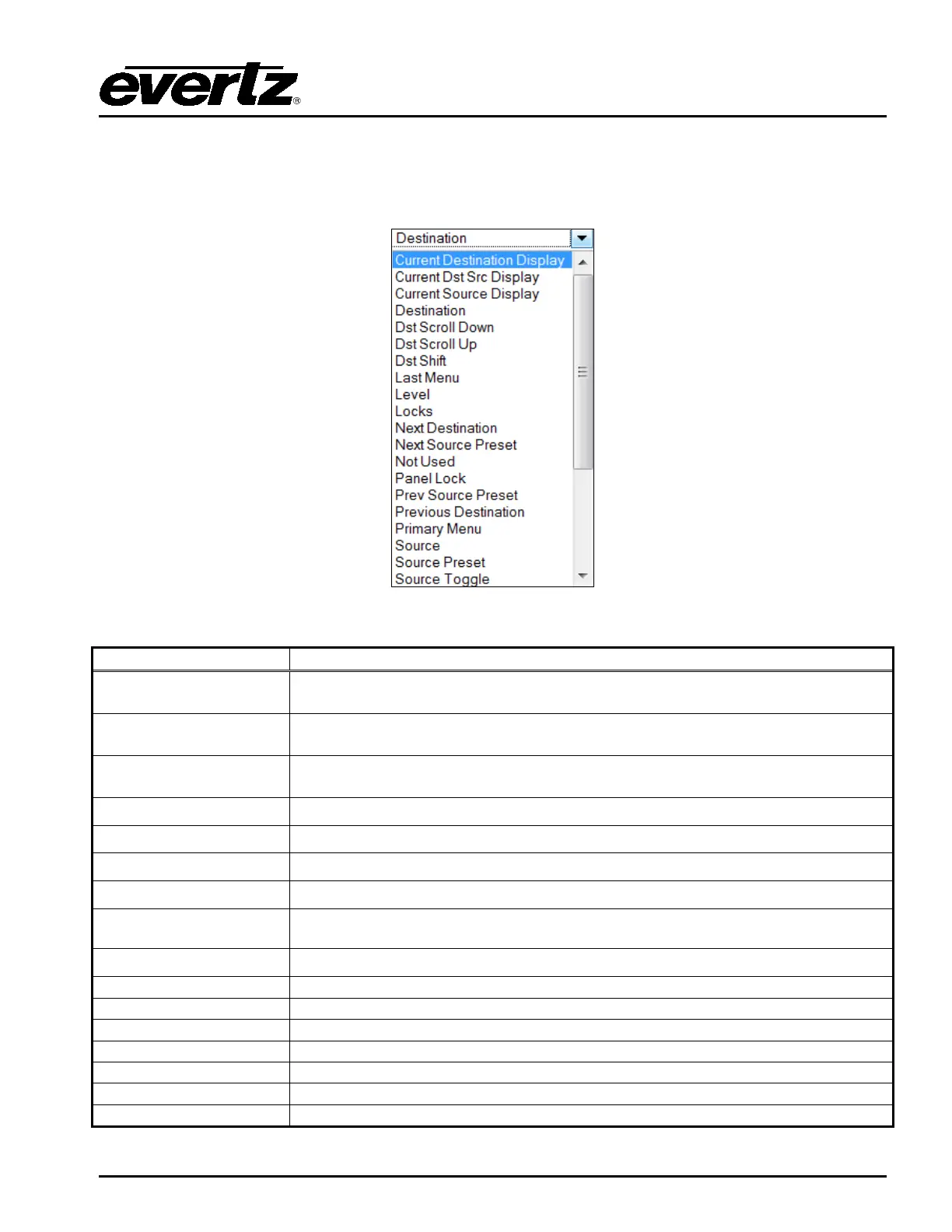
7. The user can assign a function to each button on the control panel by selecting the button on
the interface and then using the Type drop down menu in the Key Settings window to select an
item from the list. The drop down menu provides various functions to choose from as shown in
Figure 5-7 and described in Table 5-1.
Figure 5-7: Type Drop Down Menu
Current Destination
Display
Displays the name of the current destination selected.
Displays the name of the source routed on the current selected destination.
Displays the name of the current source routed on a specific destination. The
specific destination is defined during configuration.
Destination
Destination button.
Scroll down to the next available page of destinations.
Scroll up to the next available page of destinations.
Revert back to last selected menu.
Level
Toggles the level on/off to affect possible breakaways on subsequent takes.
Displays the level name.
Allows access to the locks functionality.
Select the next available destination.
Select the next preset source.
Defines the button as not being used.
Locks the panel from accidental button pushes.
Select the previous preset source.
Select the previous preset destination.
Allow creation of menus for source or destination groupings.



 To Next Page