CP-2272E
Revision 1.0 Page 15
5.1.4. Navigating to the Panel Configuration Page
The user can configure the CP-2272E using the EQX Server / MAGNUM Web Configuration Tool.
The CP2272E will display “No Comms” if the panel cannot connect to the EQX / MAGNUM server.
1. Launch your EQX server / MAGNUM Web Configuration Tool in a web browser and log in to the
server.
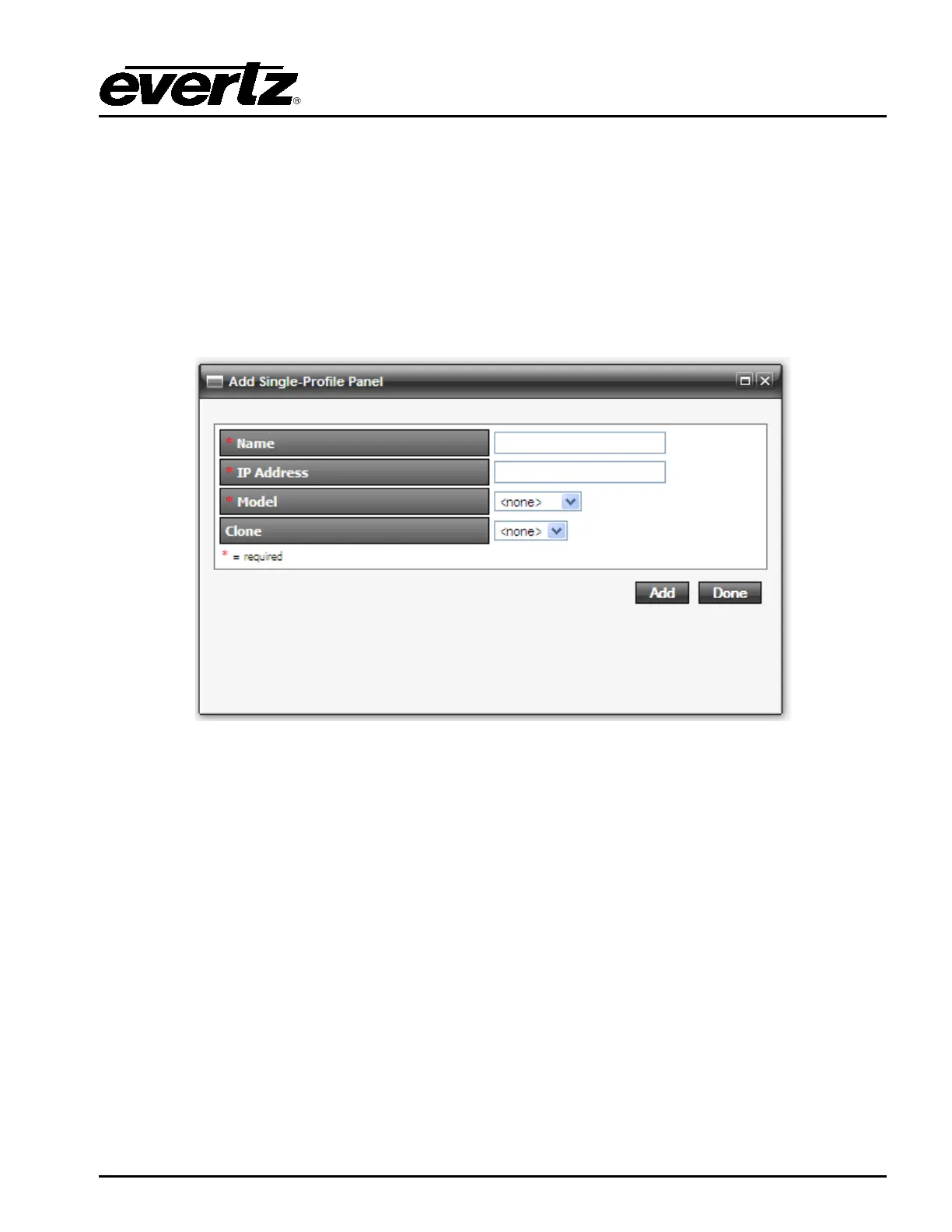
2. Navigate to the Interfaces menu, Single Profile and then select the Add button.
3. Enter the Name and IP address of the panel, select CP2272E as the panel type.
4. Click the Add button to complete the panel addition.
5. Select the newly added CP2272E on the Interface page and click the edit button.
6. An Interface Layout: CP-2272E page will appear enabling the user to apply button key settings
to the panel.



 To Next Page