CP-2272E
Page 14 Revision 1.0
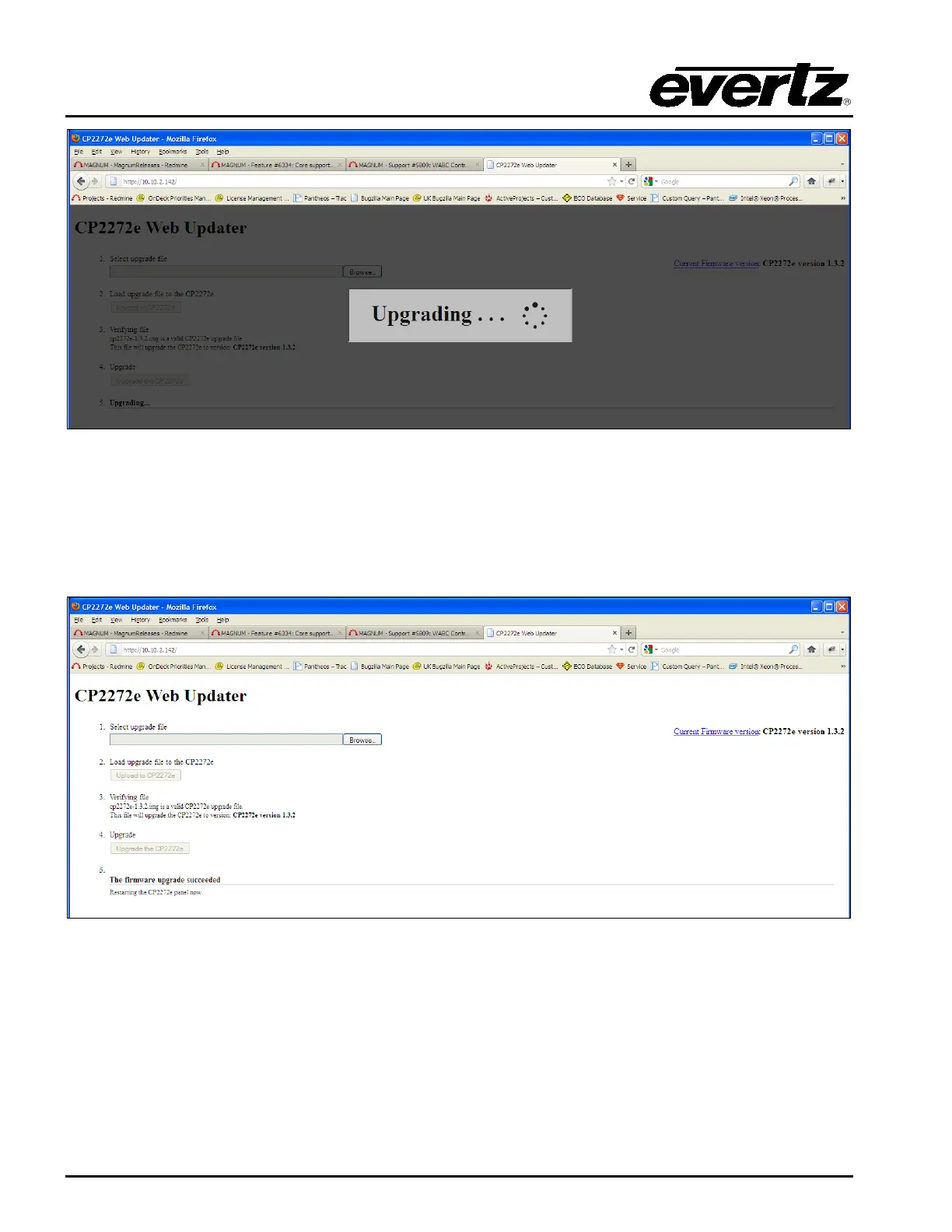
Figure 5-4: Upgrading Progress Window
5. Once the panel has been upgraded a message will be displayed to inform the user of a
successful upgrade, as shown in Figure 5-5.
6. In order for firmware changes to take effect, the user must restart the CP-2272E control panel.
Figure 5-5: Successful Firmware Upgrade



 To Next Page