EVISTR VOICE RECORDER
http://blog.evistr.com support-us@evistr.com
Page - 10 - of -28 -
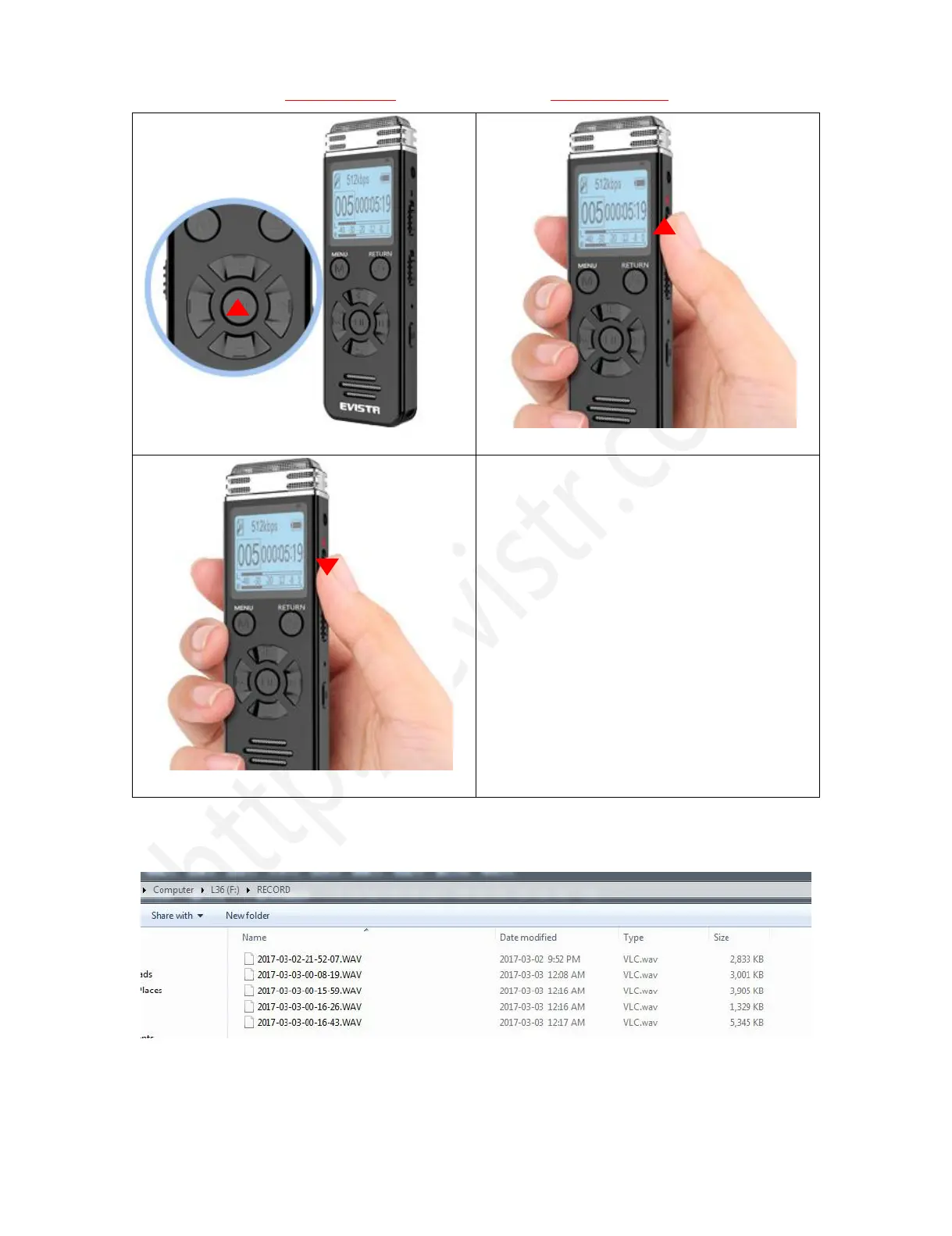
1) Press & hold PLAY to turn ON
2) Push Up REC, to record
3) Push down, save recordings
If, for example, we push up/down REC/SAVE button 3 times, the recorder will create 3 recorded files
corresponding to each time, and they will typically be named



 To Next Page