EVISTR VOICE RECORDER
http://blog.evistr.com support-us@evistr.com
Page - 17 - of -28 -
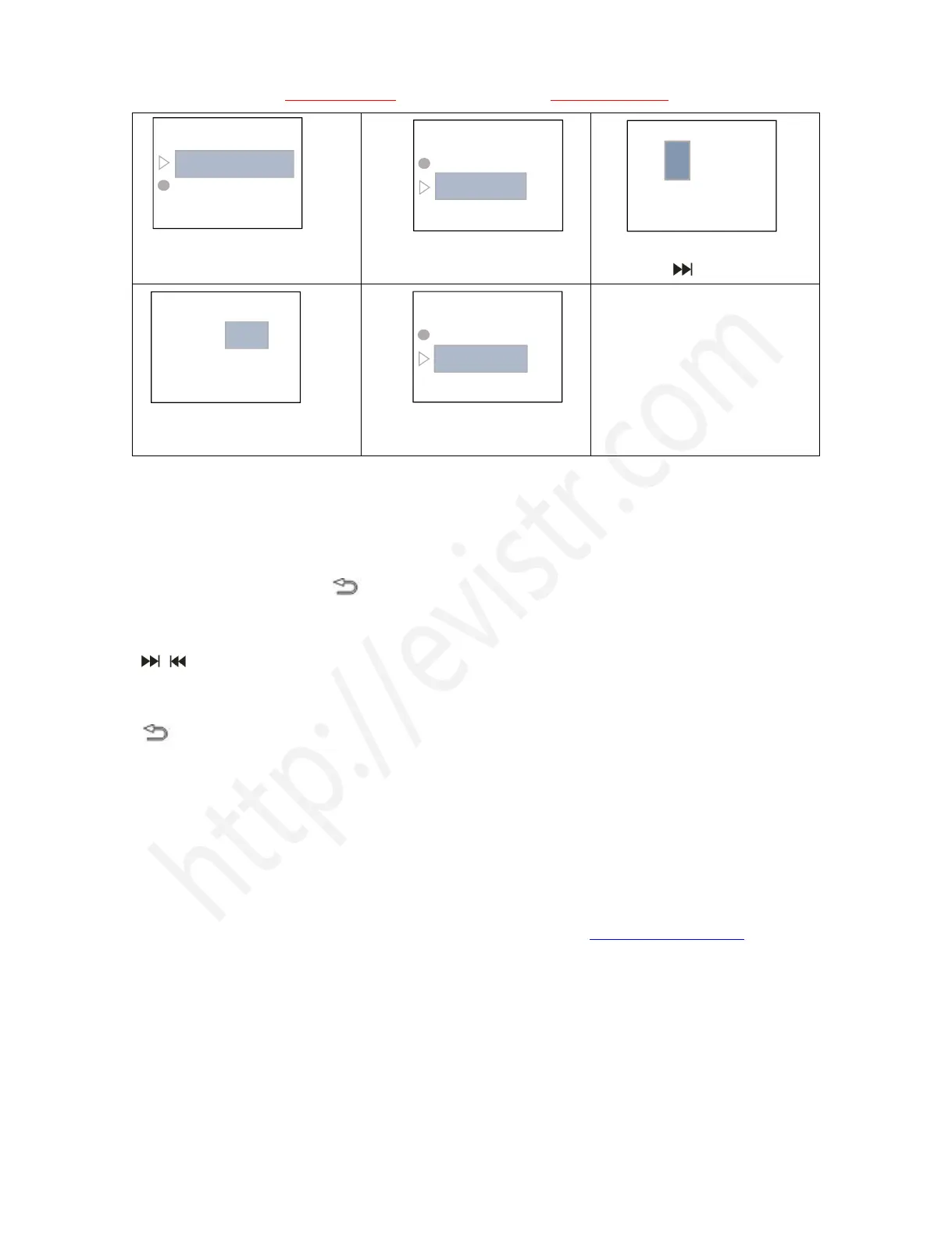
5) Select Set time,press PLAY
enter it
6) Press + /- to adjust hour, and
then, press move to Minute
7) Press + / - to adjust minute
8) Press PLAY to confirm
setting
Now we had successfully set time and date for the recorder
16) Go to Setting (Menu Options)
Turn on the device, we press , enter menu options
The buttons will performs like this
: for right/left selection (or move to next position)
+, -: for up/down selection
PLAY: for confirm selections
: return back
If we have met some issues with my voice recorder, don’t worry, don’t give up just yet and assume
that it is defective
At Chapter Four, we offered some very common trouble shooting, just have a quick view, based on
our customer feedback, mostly complaints could be solved from below
If we still cannot get the issue fixed, don’t be hesitate to contact support-us@evistr.com with your
order, so we could help to solve the question more effectively. All items come with 1 year warranty,
and customer satisfaction was guaranteed.
Time settings
Set time format
Set time
Time settings
Set time format
Set time
Time settings
Set time format
Set time



 To Next Page