EVISTR VOICE RECORDER
http://blog.evistr.com support-us@evistr.com
Page - 7 - of -28 -
Power Button: control the battery of the device
Press: it means hit and release the button
Press and Hold: it means press and hold it down 2-3 seconds till you see changes on the screen
display
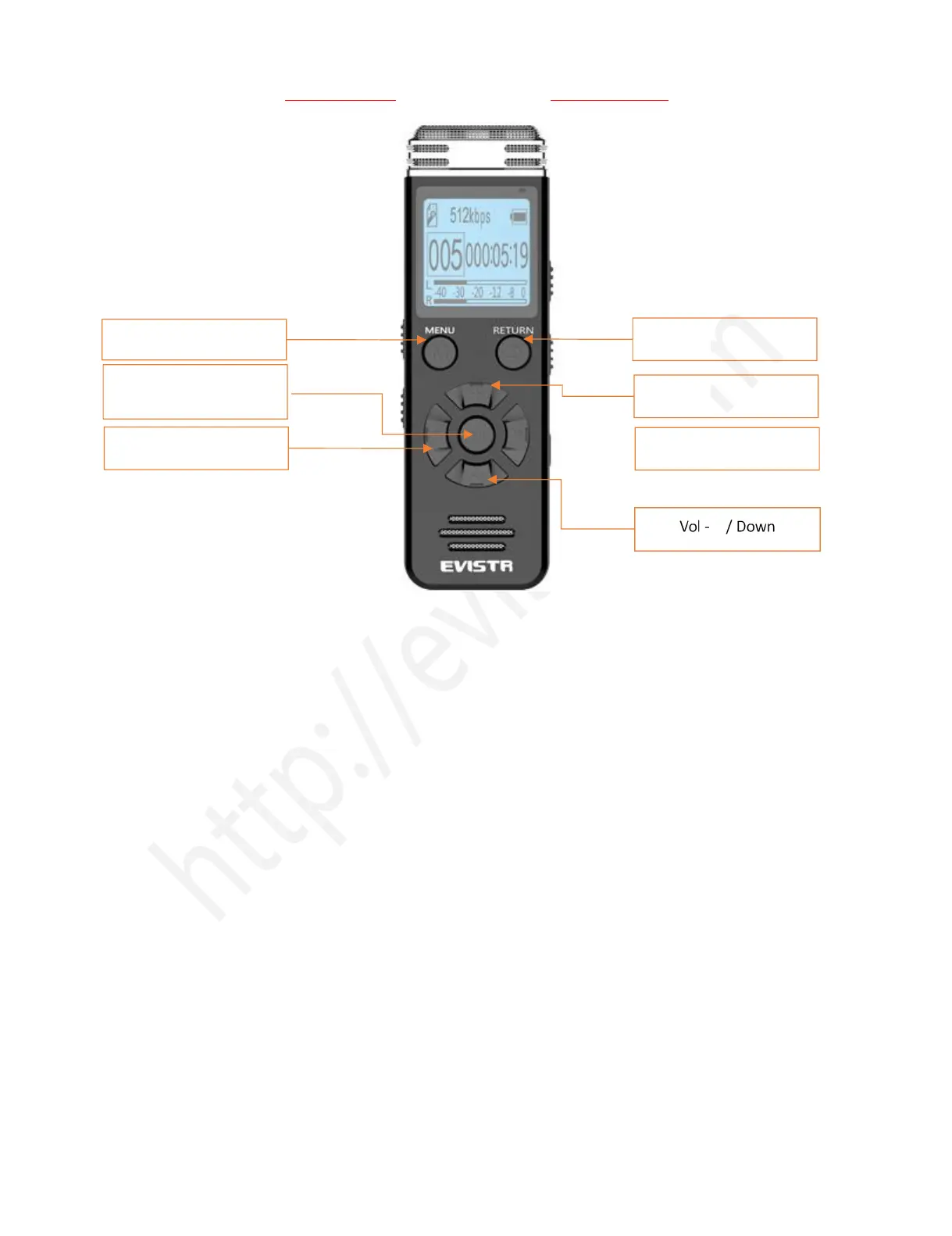
ON/OFF: the middle PLAY button
PLAY: Play / pause / confirm / OK
REC/SAVE: Recording / Save
STOP: Stop play / Cancel /Return/ Save Recording
M: Play setting
REW/FF (Previous / Next): Fast Forward/Rewind, Previous/Next
VOL+/VOL-: Vol Adjust, up/down selection
2) Important Notice Before Using The Device
DOs
Turn ON / OFF the recorder by press and hold PLAY button (when power button at ON position)
Backup data frequently as you could
Charging the device via the enclosed USB cable to computer or wall charger (charger input less
than 5V 1A)
When battery low, save your recordings, and charge it immediately
Device support charging and recording at the same
Play / Pause / Confirm /
OK / Turn ON/OFF



 To Next Page