EVISTR VOICE RECORDER
http://blog.evistr.com support-us@evistr.com
Page - 13 - of -28 -
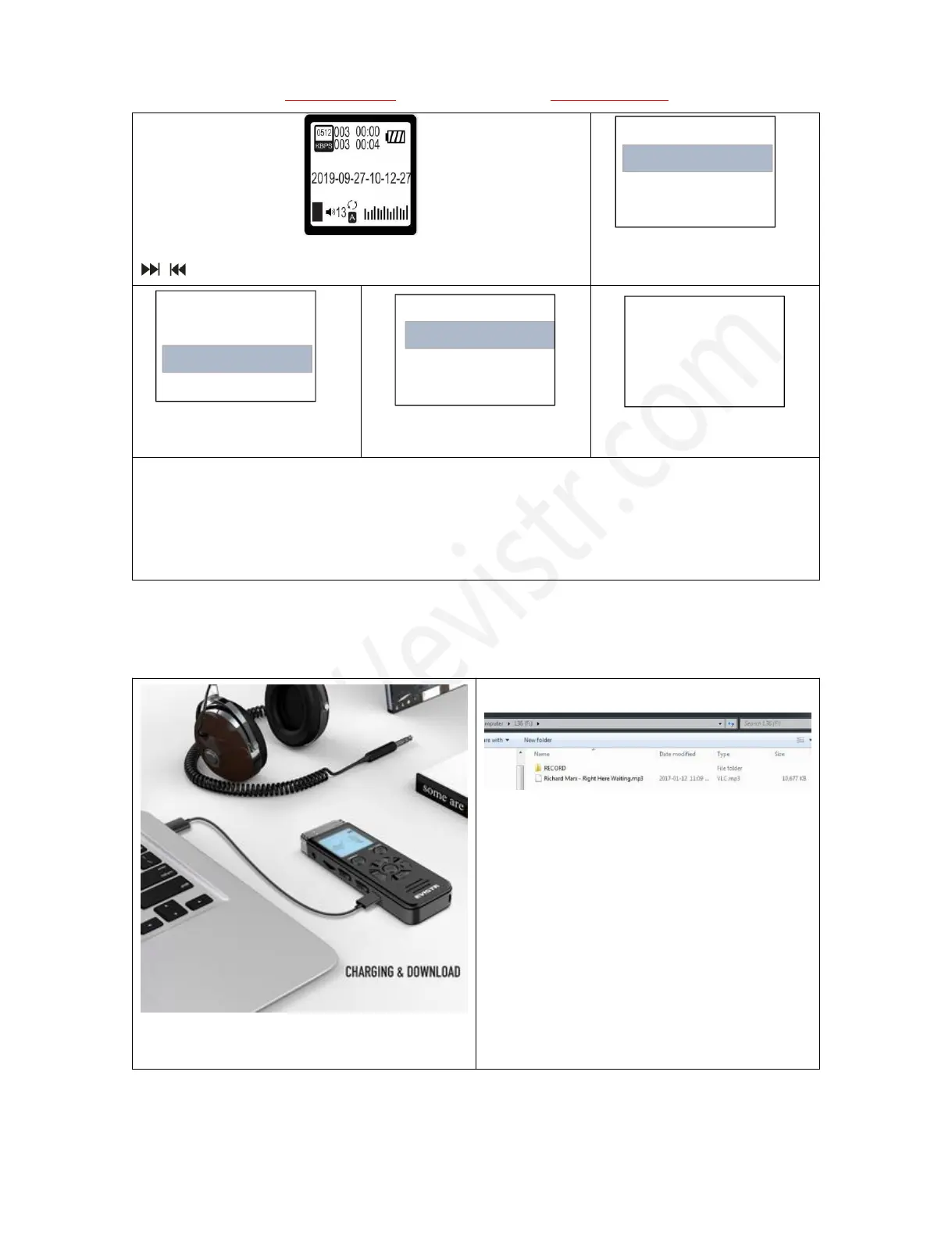
1) Turn on the device, see the recordings (at this status, press
can select recordings)
2) Press DEL go to delete
option
3) Select Delete One, press
PLAY confirm it
5) Press PLAY, confirm and
delete the recording
Notice:
Select delete one, it will delete the file you saw
Select delete all, all recordings will be deleted
Remember to back up all recordings before delete a file
When it reads music folder, press delete, it will delete songs.
9) Download File to Computer
Connect the recorder to computer via USB cable
1) Connect to computer, device show
“connection information”
2) All recordings was inside the folder
“RECORD”, we could copy recordings, and
then paste to computer disk
3) Or copy music from computer to the
V508 Disk
10) How to Play Music



 To Next Page