EVISTR VOICE RECORDER
http://blog.evistr.com support-us@evistr.com
Page - 9 - of -28 -
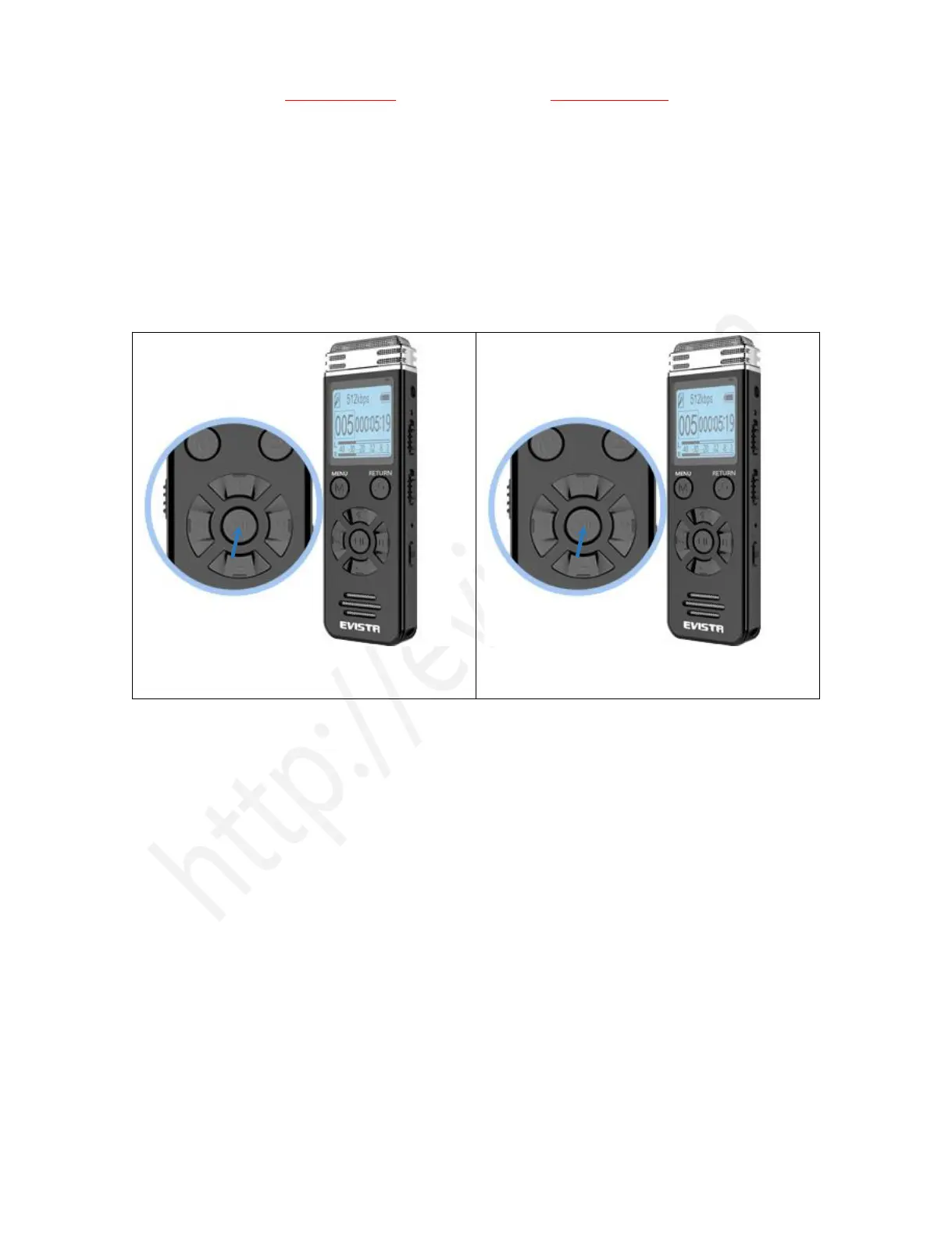
2) Turn On Voice Recorder
Simply press and hold down the PLAY button, the device will turn on, screen light up
Turn off the device by press and hold down PLAY button again
See below picture
ON: Turn on the device by press and hold down
PLAY button
OFF: Turn on the device by press and hold down
PLAY button
3) How to Recording
Press & hold PLAY button power on your voice recorder
Push up REC button, it starts to record (display shows “please wait...”)
Push down REC button, it saves your recordings (display shows “Saved!”)



 To Next Page