7
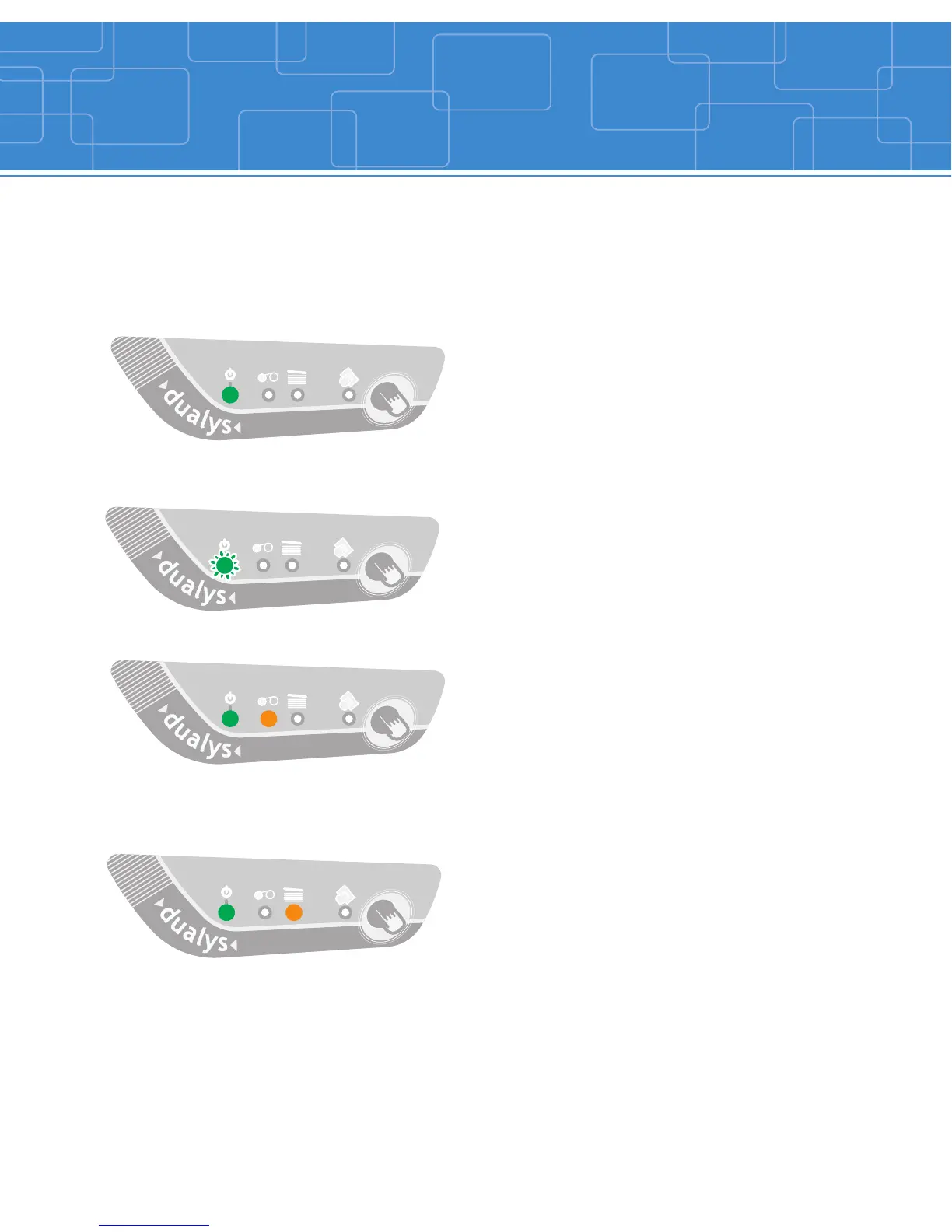
Indicators
PRINTER READY
END OF RIBBON
NO CARD
PROCESSING
The printer is ready to process
The printer is receiving data.
There is no ribbon inside the printer.
The ribbon is finished.
The ribbon has been incorrectly installed.
The ribbon has cut.
Printing will start again after the ribbon has
been checked out.
There is no card in the feeder.
The card thickness is not properly set.
The cards are bulging.
The cards are stuck together.
Press the push button for one second.
Printing will start again after the feeder
has been checked out.
Refer to the following conditions to determine the status or current activity of
your printer.



 To Next Page