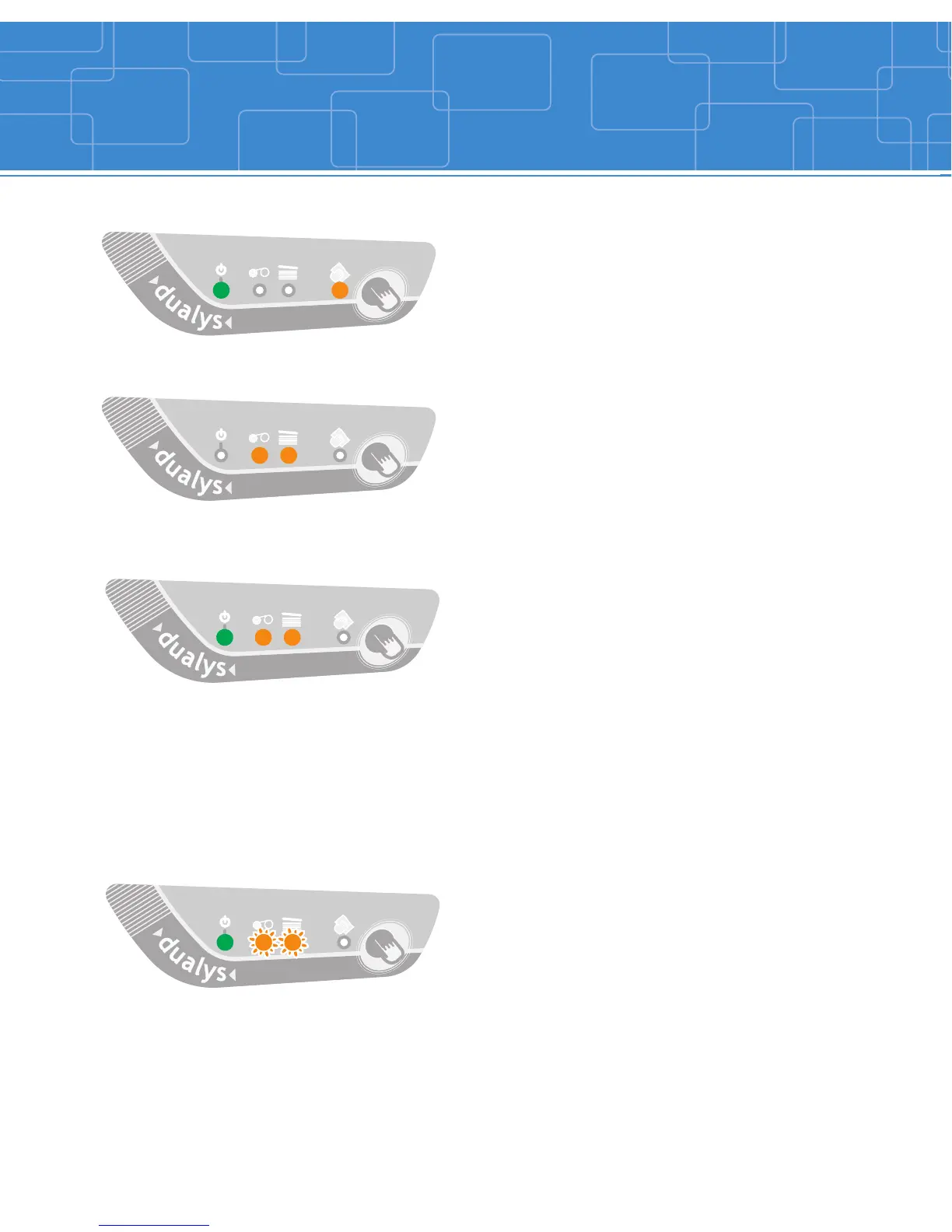
A cleaning cycle is required.
See Cleaning section for more information.
A card is jammed inside the printer.
A mechanical part is defective inside the
printer.
Press one second on the push button. If the problem
still occur, call for technical assistance.
The magnetic stripe card orientation in the
feeder is incorrect.
The type of encoding is incorrectly set
(HICO or LOCO).
The encoding data does not comply with
ISO 7811 Norms.
Press one second on the push button. The current
magnetic encoding job will start again. If the problem
still occur, call for technical assistance.
The printer cover is open.
The print head system is cooling down.
Note: the printer stops. The pending printing job
starts again automatically after a few seconds.
8
COOL DOWN MODE
MECHANICAL PROBLEM
MAGNETIC ENCODING ERROR
OR PRINTER COVER OPEN
Indicators
PRINTER CLEANING ALERT



 To Next Page