39
ä
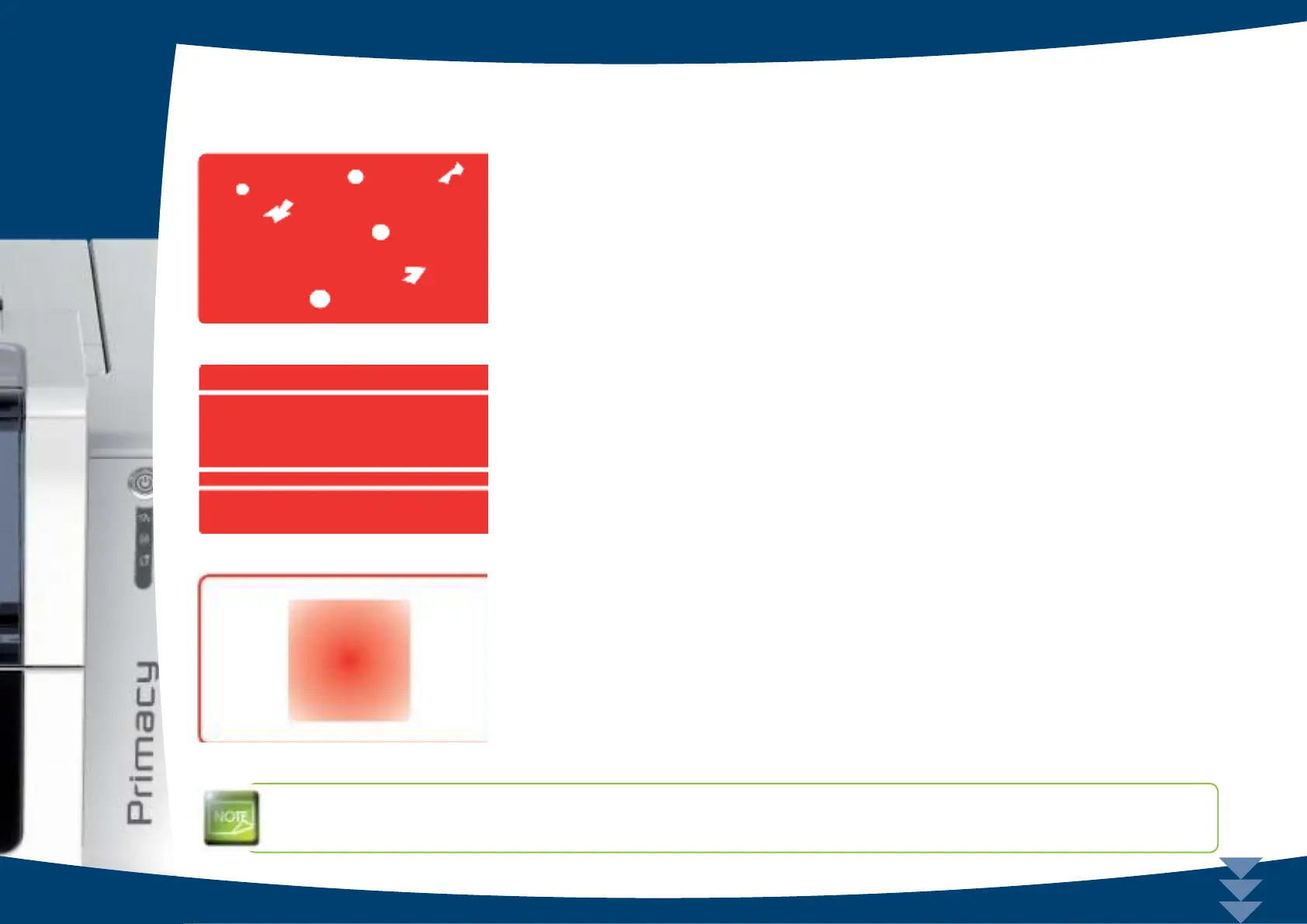
Po o r print q ua lity
Sm a ll b le m ishe s o n the c a rd
n The c a rd surfa c e m a y be dirty.
C he c k tha t yo ur c a rd s a re p e rfe c tly c le a n.
Use ne w c a rd s.
n C le a ning ro lle r o r p rint he a d c lo g g e d .
Run a c le a ning c yc le .
Ho rizo nta l white line s
n The ribbon is not correctly tted.
C he c k tha t the re a re no wrinkle s o n the rib b o n surfa c e .
n Print he a d dirty o r da ma g e d.
C le a n o r re p la c e the p rint he a d .
Blurre d im a g e
n The ribbon is not correctly tted.
C he c k tha t the rib b o n is c o rre c tly p o sitio ne d in the p rinte r.
n Po o r rib b o n sync hro nisa tio n.
O p e n a nd c lo se the p rinte r c o ve r to sync hro nise the rib b o n.
n Dirty printe r or c le a ning ro lle r.
C le a n the p rinte r
n Use o f inc o m pa tib le c a rds.
Check that the cards used match the specications.
We re c o m m e nd that y o u o b tain y o ur c ards fro m an Evo lis de ale r.
Use of cards obtained elsewhere is liable to adversely affect print quality and/or damage the print head.
4



 To Next Page