41
4- 3b FREEING JAMMED C ARDS
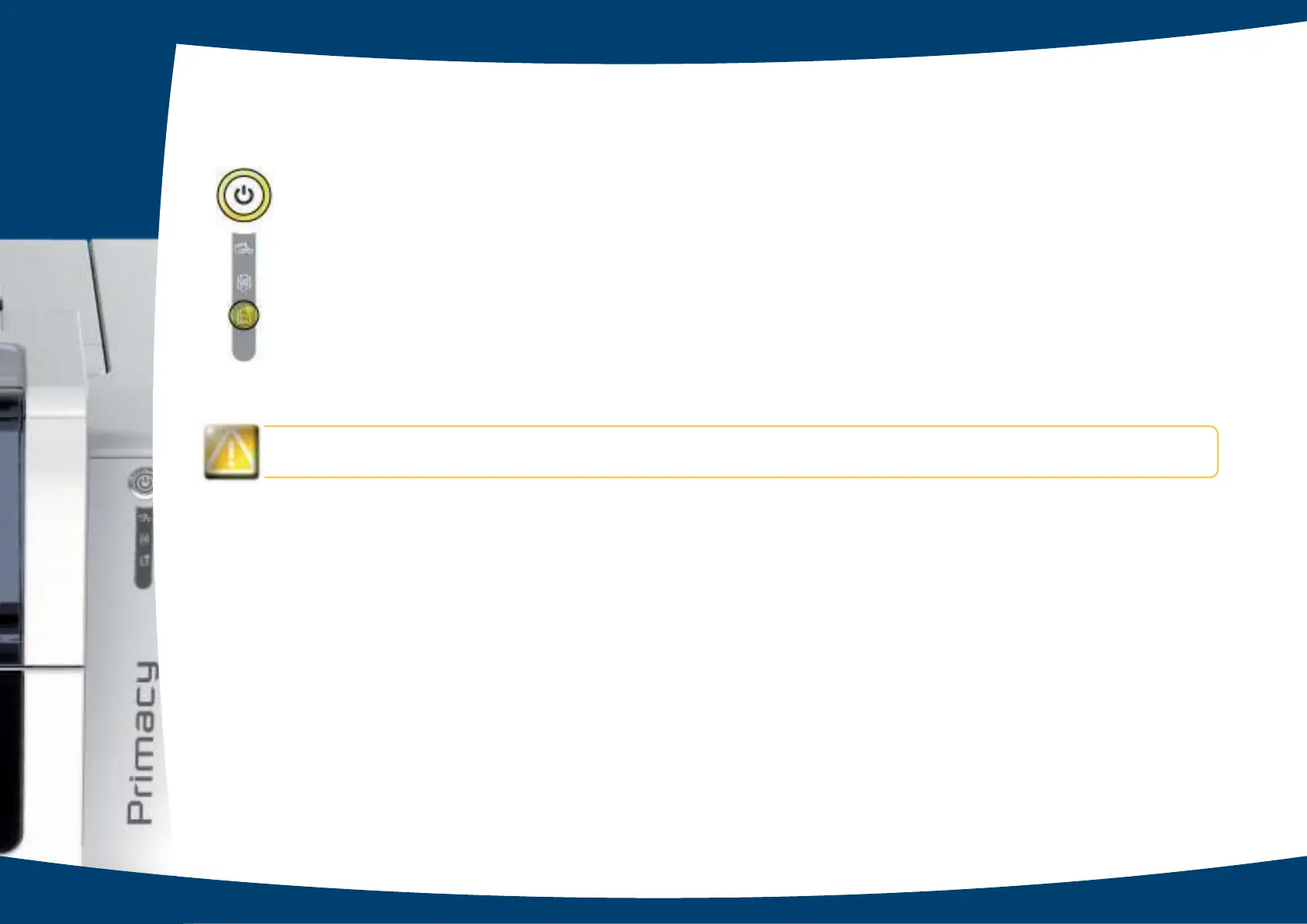
C o ntro l p a ne l d isp la ys:
Do no t turn o ff y o ur printe r as this c anc e ls pe nding print jo b s in the printe r’s me m o ry .
Re mo ve the c a rd a s fo llo ws:
Ê
O p e n the p rinte r c o ve r a nd re mo ve the rib b o n.
Ë
Pre ss the p ushb utto n to turn the c a rd tra nsp o rt ro lle rs. If the c a rd is still stuc k insid e the p rinte r, slid e it ma nua lly to wa rd s
the printer output. If there is more than one card, always push the top one rst.
Ì
Re p la c e the rib b o n, the n c lo se the p rinte r c o ve r.
To pre ve nt c a rd ja m s:
Ê
C he c k tha t the c a rd thic kne ss g a ug e is c o rre c tly a d juste d .
Ë
Check that the thickness of the cards used matches the specications set out in Appendix A “Technical specications”
in this ma nua l.
Ì
Check that the cards are at. Keep them in a horizontal position.
Í
Check that the cards are not stuck together. Shufe the cards before loading them.
4
n C a rd ja mm e d in the p rinte r. Print jo b s a re inte rrup te d .
MEC HA NIC AL ERRO R



 To Next Page