56
ä
Conguring the Evolis Print Center
When rst installing the Evolis Print Center, the magnetic encoder functions need to be congured. The magnetic encoder functions may
b e a c c e sse d fro m the Evo lis Print C e nte r Pro p e rtie s b y rig ht-c lic king the na me o f the p rinte r.
ä
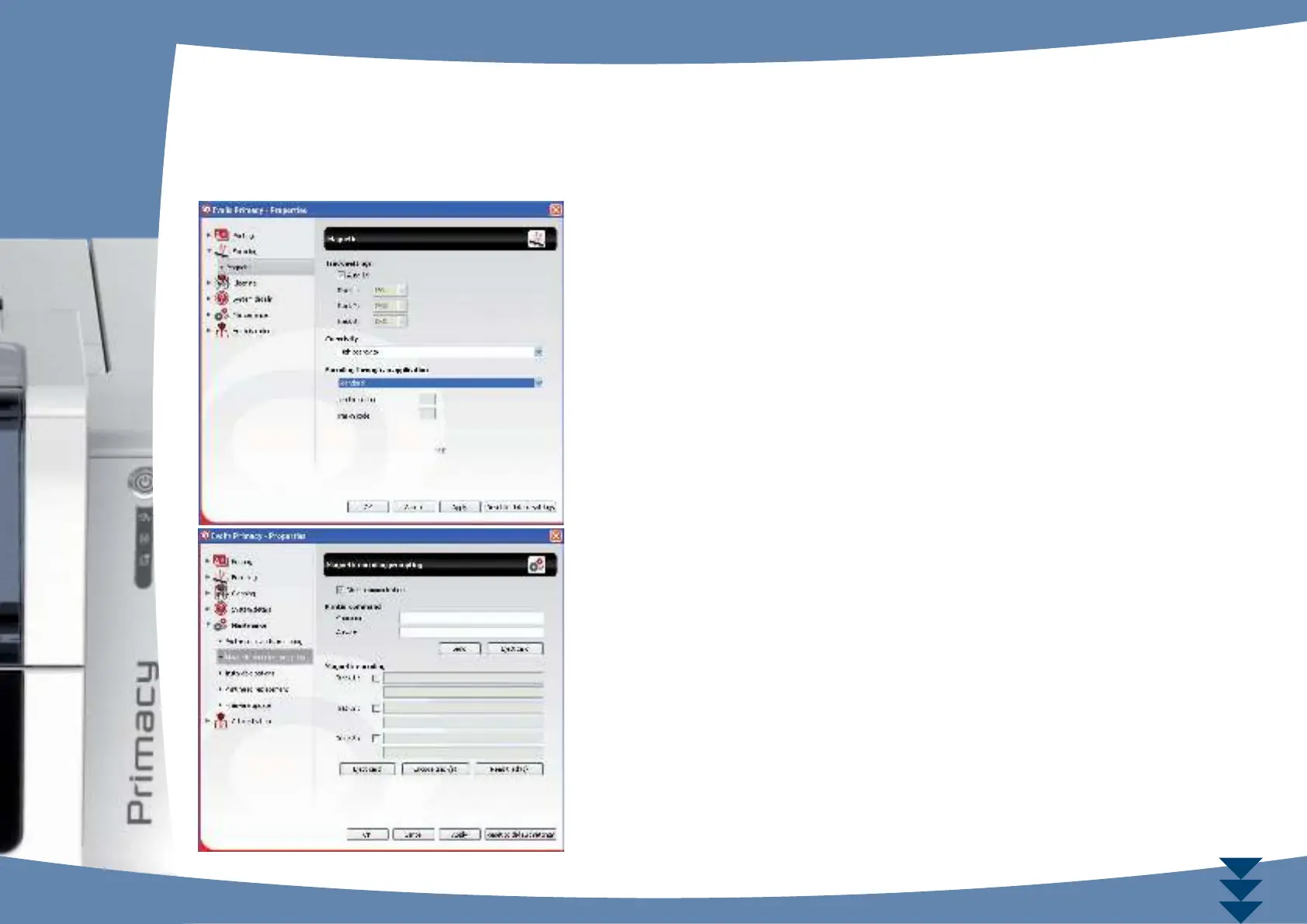
«Ma g ne tic Enc o de r» dia lo g ue b o x
The Ma g ne tic Enc o ding d ia lo g b o x is o p e ne d b y c lic king Enc o d ing fo llo we d b y
Ma g ne tic .
Congure stripes a llo ws yo u to se le c t the d e sire d fo rma t fo r e a c h strip e . Se e the ta b le
in this Ap p e nd ix fo r info rm a tio n re g a rd ing ISO 7811 sta nd a rd s.
C o e rc ivity se ts the ma g ne tic e nc o d ing to hig h (HiC o ) o r lo w (Lo C o ) c o e rc ivity.
A ma g ne tic strip e tha t is e nc o d e d with hig h c o e rc ivity is mo re re sista nt to e xte rna l
d isturb a nc e tha n a ma g ne tic strip e e nc o d e d using lo w c o e rc ivity.
Enc o ding via a n a pplic a tio n is use d to e nc o d e ma g ne tic strip e c a rd s fro m a p p lic a tio ns
under Windows (such as Word for example). A text eld enclosed within “|” and “|”
characters (or some other character which the user can dene) will be interpreted as
a n e nc o d ing c o mma nd b y p rint d rive r.
Se le c ting Ma inte na nc e the n Dia lo g with the m a g ne tic e nc o de r, Ma g ne tic e nc o d ing
a llo ws o ne o r m o re ma g ne tic strip e s to b e d ire c tly e nc o d e d fro m this wind o w simp ly
b y se le c ting the m a nd e nte ring the d a ta to b e e nc o d e d . C lic k o n the Enc o de stripe (s)
b utto n to run the e nc o d ing c yc le .
C



 To Next Page