47
[Channel Name] The channel name can be changed after the device is successfully added.
[Image editing] After successfully adding the device, you can enter the image editing interface.
[Import\Export] After successfully adding the device, you can import/export the device channel
configuration information.
[Show Password] Enter the administrator password, the camera user password will be displayed.
[Previous step] Return to the previous interface.
[Completed] The boot wizard is complete, go to the preview interface.
6. Preview
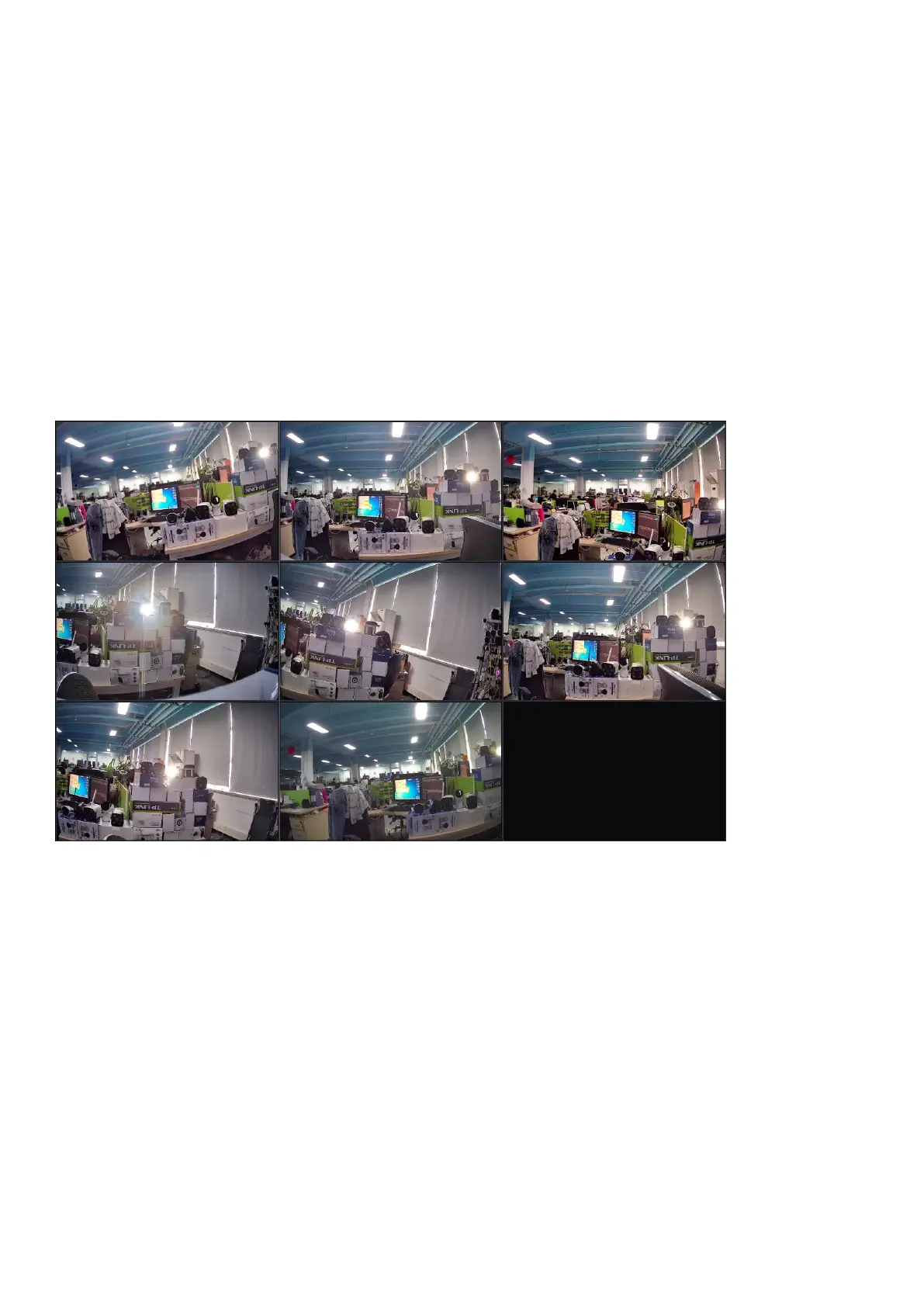
After a successful login, the device will go to the preview screen. Each preview screen shows the
date/time/channel name, and at the bottom of the screen there is a line indicating the recording and alarm
status of each channel, see figure below:.


 To Next Page