52
6. Remote connection to the Smart Life app
Remark: Before using the Smart Life remote connection, make sure the network video recorder is already
connected to the Internet.
Step 1: Download the Smart Life app
1. Android users can download the "Smart Life" app via the APP Market.
2. An iOS user can download the " Smart Life " app via the APP Store.
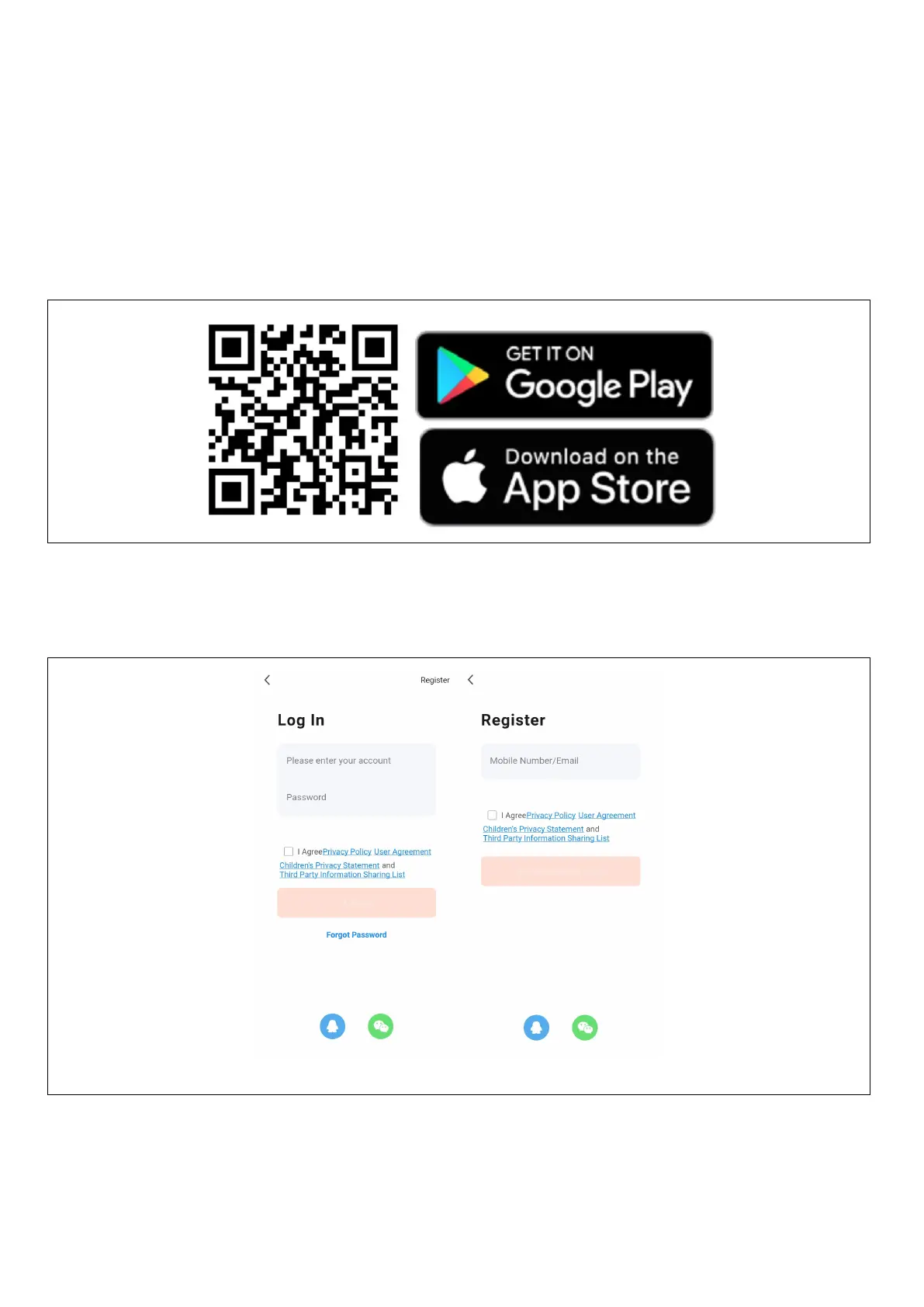
3. Android and iOS users can scan the following QR code and download the "Smart Life" app.
4. Open the " Smart Life " app and press the "Register" button to register a new account. If you have an
account, you can log in with your account and password.


 To Next Page