53
Step 2: To add a network video recorder with a hard drive to Smart Life
1. Make sure that the wireless network connection of the mobile phone and the network video recorder and
hard disk drive are on the same local network.
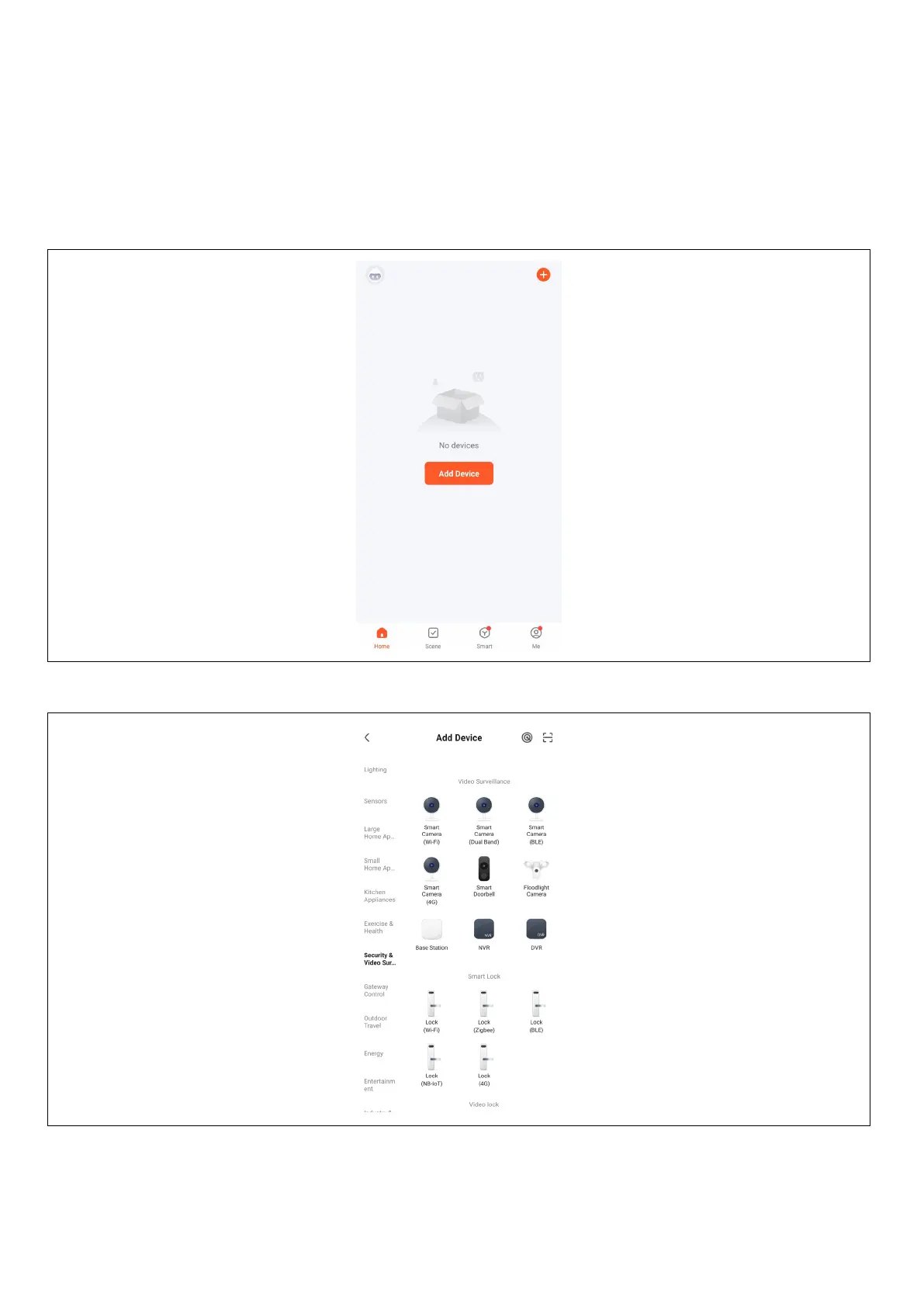
2. Open the " Smart Life " app and log in successfully, click the [Add Device] button or click the [+] button to
add a device as shown below:
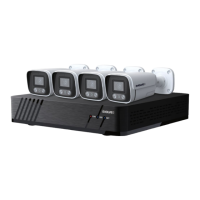
3. Access the [Manual Add] page, select [Video Surveillance], and click the NVR icon as shown below:


 To Next Page