Machine description – quick overview
Front view
099-007010-EW501
07.09.2016
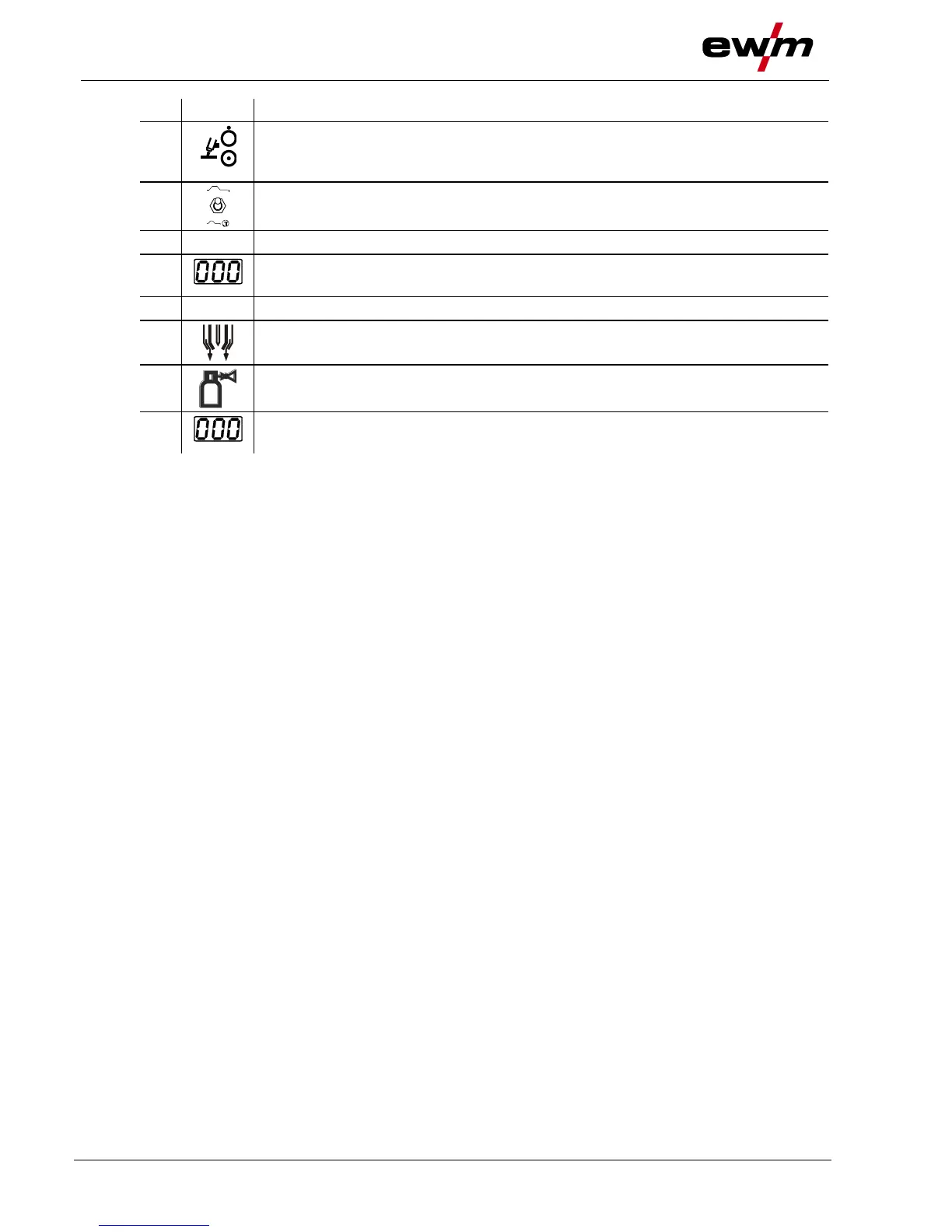
Pilot arc button with signal light
Signal light off: pilot arc off
Signal light on: pilot arc lit
Toggle switch for no-power test
Simulation option for the set parameter values without welding
Three-figure display
Display of the welding voltage
Machine control > see 3.3 chapter
Shielding gas connection (coupling type 20)
Connection to the welding torch or gas metering unit
Gas test push-button > see 4.1.7.3 chapter
Three-figure display
Display of the welding current








 To Next Page