EasyManua.ls Logo

EXFO EX10 - User Manual

EXFO EX10
65 pages
Print Icon
To Next Page IconTo Next Page
Loading...
www.EXFO.com
User Guide
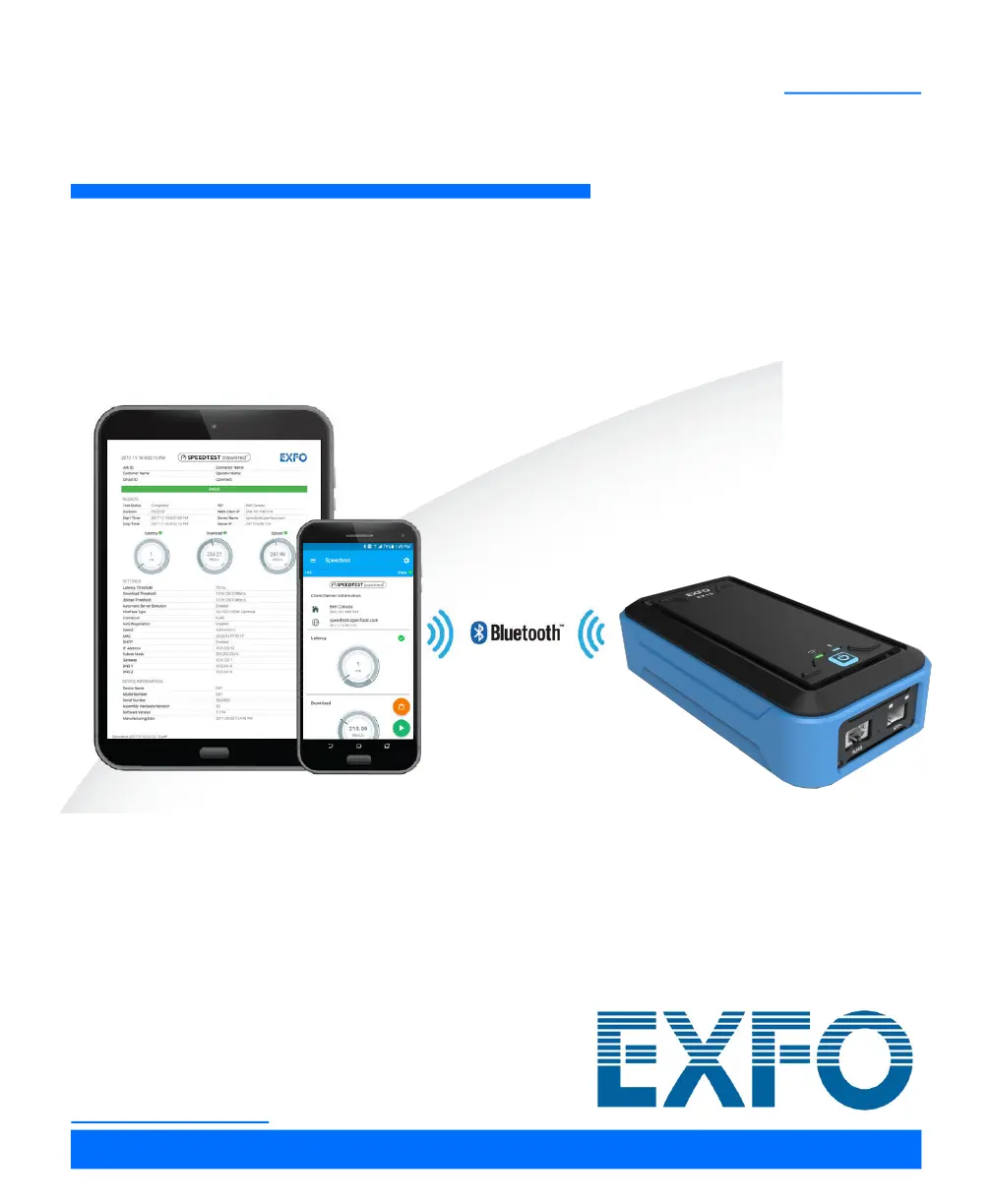
Ethernet Services Broadband Tester
EXFO EX10

Questions and Answers

  • A
    amy28Aug 6, 2025
    How to fix unable to establish the connection between the smart device and an EXFO Test Equipment EX10 device?
    • M
      Michael VillegasAug 6, 2025
      If you're unable to establish a connection between your smart device and the EX10 device, it might be due to excessive distance between the two devices; try reducing the distance. Also, ensure that both devices use compatible firmware and application versions, as the smart device hardware may not be supported by the application.
  • D
    Debbie AndersonAug 17, 2025
    What to do if EXFO Test Equipment EX10 device is not appearing in the list of available devices?
    • R
      Robert TerryAug 17, 2025
      If the EX10 device isn't showing up in the list of available devices, there could be several reasons. First, ensure that the distance between your smart device and the EX10 device is not too great; try reducing the distance. Also, verify that the EX10 device isn't already connected to another smart device and disconnect it if it is. Make sure the EX10 device is powered on. Finally, if the EX10 device is booting, wait until it has completely booted up.
  • E
    Elizabeth LittleAug 27, 2025
    Why does my EXFO Test Equipment EX10 device automatically turn off?
    • C
      colemanlisaAug 27, 2025
      The EX10 device might automatically turn off due to several reasons. The most common cause is insufficient battery power, so try recharging the battery using the supplied USB power adapter. Another reason could be that the EX10 device automatically shuts down after 3 minutes of inactivity when not charging; in this case, turn the device back on. A high-temperature environment can also cause this issue, so ensure the EX10 device is used within its operating temperature range.

Summary

Introducing the EXFO EX10

EXFO EX10 Device

Overview of the EXFO EX10 device hardware, ports, and indicators.

Safety Information

Electrical Safety Information

Guidelines for safe electrical operation and handling of the device.

Getting Started

Turning the EX10 Device On

Instructions on how to power on the EX10 device.

Starting the Speedtest for the First Time

Guide to initiating the first Speedtest measurement.

EXFO EX10 Main Menu

Connection

Manages Bluetooth pairing and connection to EX10 devices.

Speedtest

Accesses the Speedtest function to start and view test results.

Speedtest

Start;Stop

Controls for initiating and concluding Speedtest measurements.

Subtests

Explains the Latency, Download, and Upload test components.

Speedtest Settings

Test

Configuration options for test parameters like connections and server selection.

Thresholds

Enables setting pass/fail criteria for test results.

Maintenance

Recharging the Battery

Instructions and precautions for charging the EX10 device battery.

Troubleshooting

Solving Common Problems

Lists common issues encountered with the device and their solutions.

Warranty

Service and Repairs

Procedures for sending equipment for service or repair.

Specifications

Equipment Rating

Technical ratings including size, weight, and operating conditions.

Glossary

Acronym List

Definitions of acronyms used in the manual.

EXFO EX10 Specifications

General IconGeneral
TypeOTDR
Event Dead Zone0.8 m
Pulse Width3 ns to 20 μs
Loss Threshold0.01 dB
Loss Resolution0.001 dB
Reflectance Accuracy±2 dB
Operating Temperature-10 °C to 50 °C
Wavelength Range1310 nm, 1550 nm, 1625 nm
ConnectivityUSB, Ethernet

Related product manuals